Official Website
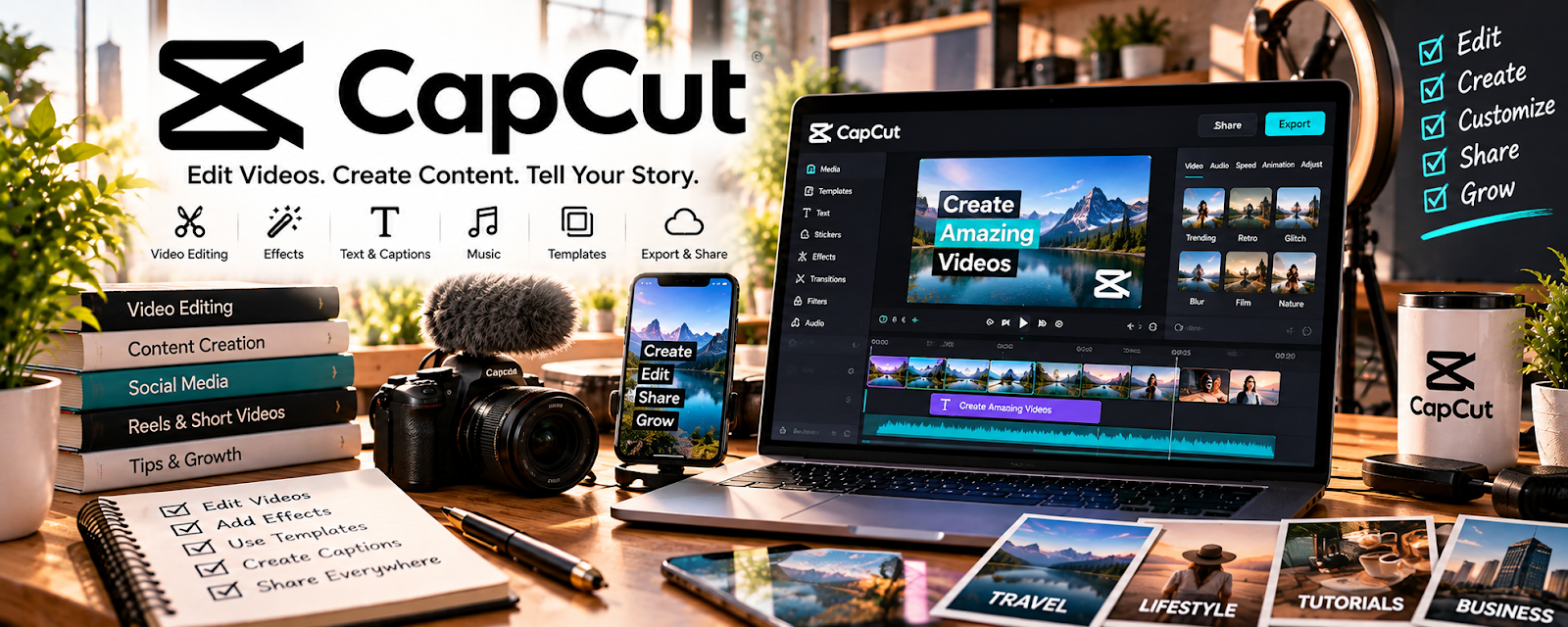
CapCut is a video editing tool for creating short-form content with captions, effects, and templates.
🔗 Visit Official Website — CapCut
Domain: www.capcut.com
What This Website Is
CapCut is a video editing tool for creating short-form content with captions, effects, and templates.
How to Apply It
Use CapCut as your “short-form production pipeline”: script → record → edit → captions → export → schedule.
Step-by-Step Implementation:
- Create a template with brand fonts/colors.
- Add auto-captions and adjust for accuracy.
- Batch-edit 10 clips at once.
- Export in platform-specific sizes.
When to Use This
- You produce Reels/TikToks/Shorts
- You want fast captioning
- You batch content weekly
Best Tasks to Use It For
- Captioned clips
- B-roll edits
- Template-based content
Getting Started Steps
- Build one template.
- Edit 5 clips.
- Post and track retention.
- Improve hook/captions each week.
Good Beginner Search Terms
- CapCut auto captions tutorial
- best hooks for short-form video
- batch content workflow social media
Monetization Angle
More consistent short-form output can increase client results and justify higher retainers.
Pros
- Fast editing + captions
- Easy templates
Cons
- Limited advanced editing
- Trend-driven effects can date content
Who Should Use This
Social media managers producing short-form edits at scale.
Who Should Skip This
Teams already using a full pro editing suite for everything.
Practical Applications
- Edit original client-authorized social clips to an agreed format.
- Review captions against the actual speech.
- Check the complete export and approval status before scheduling.
Important Considerations
- Verify current music, effect, font, template, AI, and commercial-use licenses.
- Do not distort endorsements or fabricate experiences; protect source footage and agree advertising usage, paid promotion, edits, confidentiality, and reuse separately.
Related Resources
Loom — Records walkthroughs, client feedback, and raw clips that can be edited into social content.
Canva / Canva Mockups — Creates static graphics, thumbnails, covers, and brand assets to pair with CapCut videos.
Meta Business Suite — Schedules and manages Facebook/Instagram content after CapCut edits are exported.
Related Side Hustles
 Social Media Management — CapCut creates short-form videos, captions, hooks, and branded edits for client content calendars.
 UGC Creation — UGC creators can edit product demos, testimonials, and ad-style videos quickly in CapCut.