Official Website
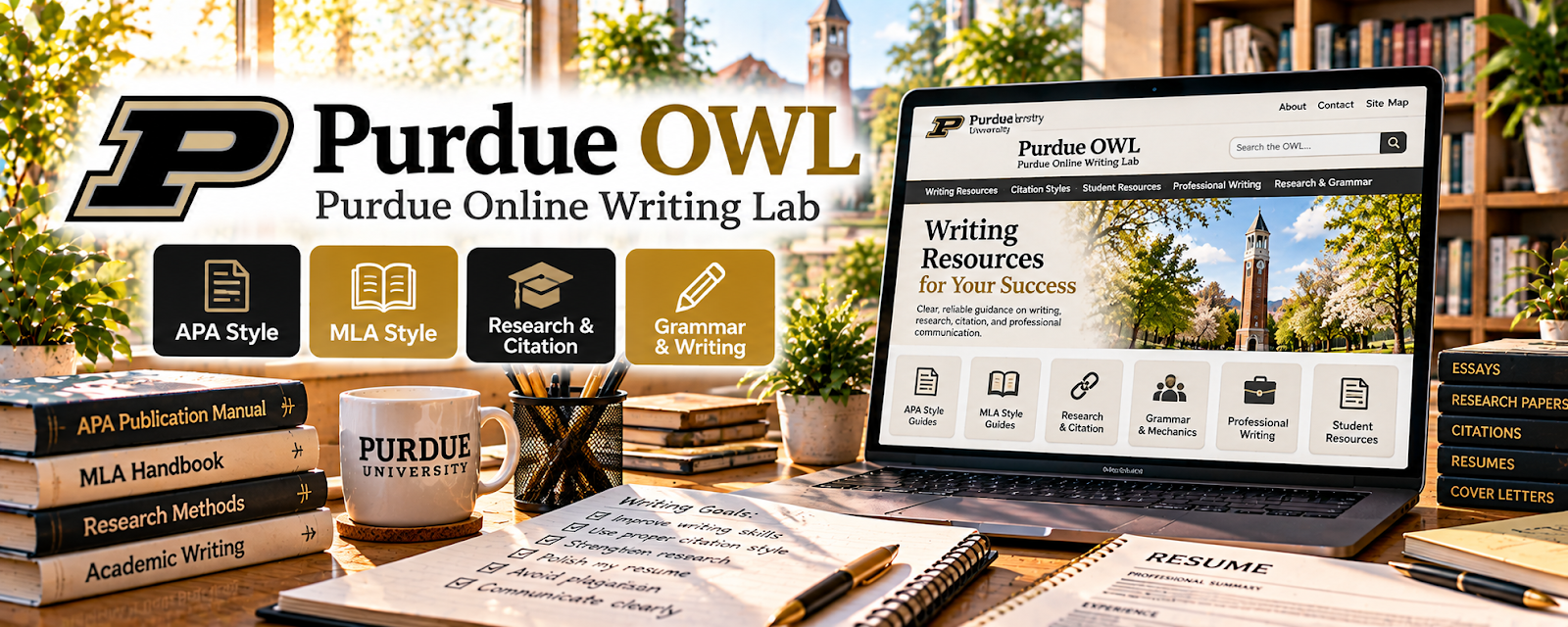
Purdue OWL is a free writing, grammar, citation, academic writing, and style resource from Purdue University.
🔗 Visit Official Website — Purdue OWL
Domain: owl.purdue.edu
What This Website Is
Purdue OWL is a free writing, grammar, citation, academic writing, and style resource from Purdue University. For 📝 Copyediting & Proofreading, it is useful for checking grammar explanations, citation formats, writing mechanics, and documentation rules.
How to Use It for Copyediting & Proofreading
Use Purdue OWL as a reference when proofreading student, academic, professional, or citation-heavy writing. Focus on grammar explanations, punctuation, sentence clarity, MLA, APA, citation structure, and writing conventions.
Step-by-Step Implementation:
- Browse grammar, punctuation, and citation sections.
- Save the rules you check most often.
- Build a proofreading checklist for grammar, clarity, citations, and formatting.
- Practice editing sample paragraphs and citation lists.
- Use Purdue OWL to verify rules before making client changes.
- Track style-guide differences separately when clients require AP, Chicago, MLA, or APA.
Best Time to Use This
- When checking grammar or punctuation rules.
- When editing academic or citation-heavy work.
- Before proofreading student papers.
- When building a beginner editing checklist.
Best Skills to Learn Here
- Grammar reference
- Citation checking
- Academic proofreading
- Punctuation rules
- Style awareness
- Editing checklists
Getting Started Steps
- Open Purdue OWL.
- Choose one grammar or citation section.
- Make a quick-reference checklist.
- Proofread one sample document using the checklist.
- Save tricky rules for future client work.
Good Beginner Search Terms
- Purdue OWL grammar
- Purdue OWL APA citation
- Purdue OWL MLA citation
- proofreading checklist
- grammar rules for editors
- academic copyediting basics
Monetization Angle
Purdue OWL can strengthen beginner proofreading services by giving you a reliable rule-checking source. Better grammar and citation confidence can support student editing, academic proofreading, and professional document cleanup.
Pros
- Free and widely used writing resource.
- Strong for grammar and citation help.
- Useful for academic editing.
- Good beginner reference for proofreaders.
Cons
- Not a full editing business course.
- Some rules depend on the required style guide.
- Academic focus may not fit every client.
- Requires careful judgment, not blind rule application.
Who Should Use This
Use this if you proofread academic, professional, or citation-heavy writing and need a reliable reference.
Who Should Skip This
Skip this if your editing work is purely brand voice, social copy, or creative writing feedback with no grammar or citation focus.
Practical Applications
- Check a grammar or citation question against the relevant guide.
- Record the style decision in a client-approved style sheet.
- Compare a correction with the author’s intended meaning.
Important Considerations
- Identify the required style edition and publication context; different guides can disagree.
- A writing resource does not verify facts or grant quotation rights; preserve confidentiality and flag uncertainty instead of imposing unsupported changes.
Related Resources
AP Stylebook — Supports journalism and PR style decisions.
Chicago Manual of Style Online — Supports manuscript and publishing style.
MLA Style Center — Adds MLA-specific citation and style guidance.
Grammarly — Helps catch grammar and clarity issues.
Related Side Hustles
 Copyediting & Proofreading: Get Paid to Polish Words — Purdue OWL supports grammar and citation checking.
Freelance Writing: Get Paid to Write Online — Writing knowledge supports better editing services.
 Self-Publishing on Amazon KDP — Manuscripts need proofreading before publishing.