Official Website
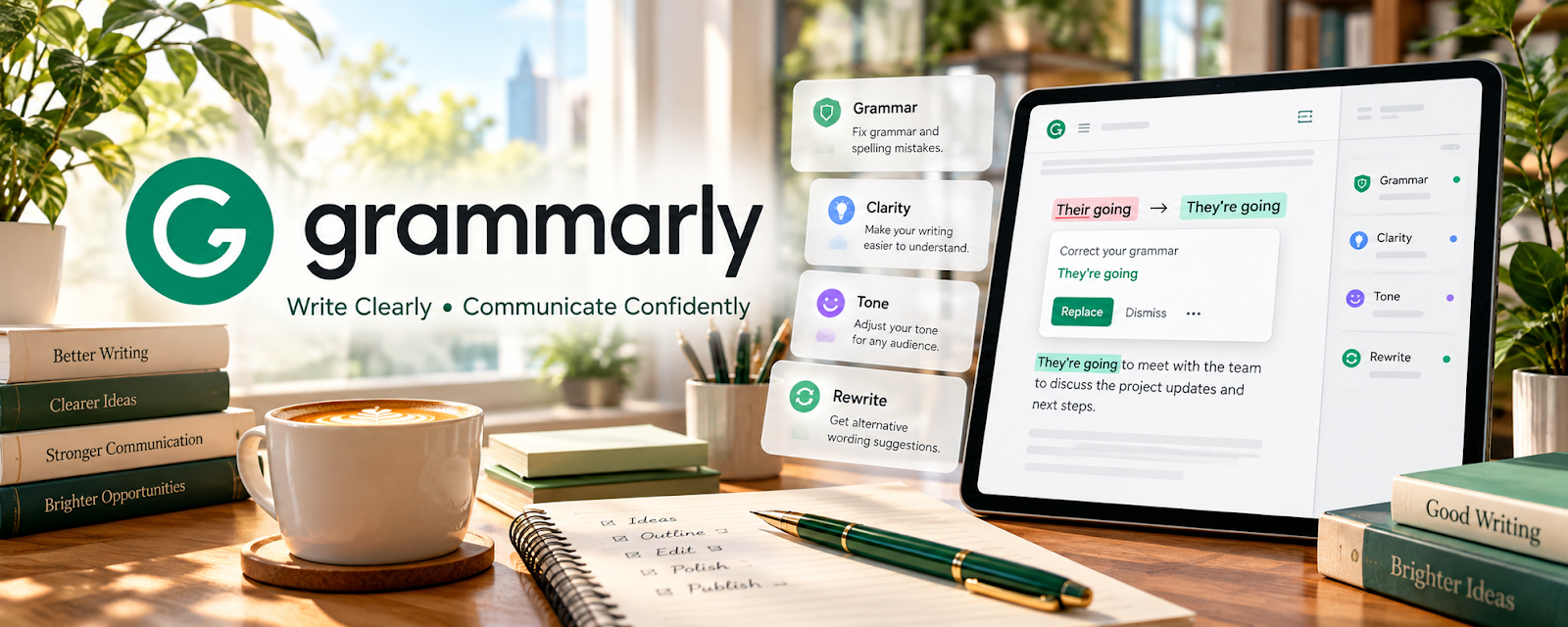
Grammarly is a writing assistant that checks grammar, clarity, and tone.
🔗 Visit Official Website — Grammarly
Domain: www.grammarly.com
What This Website Is
Grammarly is a writing assistant that checks grammar, clarity, and tone.
How to Apply It
Use Grammarly as your “proof + consistency helper”: run after your main edit to catch typos and awkward phrasing.
Step-by-Step Implementation:
- Do the full copyedit/proofread first.
- Run Grammarly and review suggestions.
- Accept only suggestions that match the client’s style guide.
- Save common issues as a personal checklist.
When to Use This
- You want fewer typos
- You edit lots of drafts quickly
- You need tone checks
Best Tasks to Use It For
- Final proofreading
- Clarity improvements
- Tone consistency
Getting Started Steps
- Run it on 5 recent edits.
- Document which suggestions you ignore.
- Use it as your final pass for 30 days.
Good Beginner Search Terms
- Grammarly for editors best practices
- proofreading checklist freelance editor
- tone guide examples
Monetization Angle
Cleaner deliverables reduce revisions and help retain clients.
Pros
- Fast QA
- Helpful clarity flags
Cons
- Suggestions aren’t always correct
- Paid tier for advanced features
Who Should Use This
Copyeditors and proofreaders doing high-volume editing.
Who Should Skip This
Editors working in highly specialized style guides that conflict with auto-suggestions.
Practical Applications
- Review a permitted draft for mechanical errors and unclear passages.
- Compare suggestions with the agreed style and author’s intended meaning.
- Use recurring issues to plan a separate final editorial review.
Important Considerations
- Automated changes can introduce errors or remove intentional style and do not verify facts.
- Confirm current privacy and processing terms and client upload permission; protect unpublished text and independently check citations, quotations, rights, and every material change.
Related Resources
Hemingway Editor — Adds readability and sentence-clarity feedback after Grammarly’s grammar checks.
PerfectIt — Handles deeper consistency, style-guide, and formatting checks.
Microsoft Word — Supports tracked changes and client review workflows for edited documents.
Related Side Hustles
 Copyediting & Proofreading: Get Paid to Polish Words — Grammarly catches grammar, clarity, tone, and typo issues during a final QA pass.
Freelance Writing: Get Paid to Write Online — Grammar and clarity checks also help polish client writing drafts.