Official Website
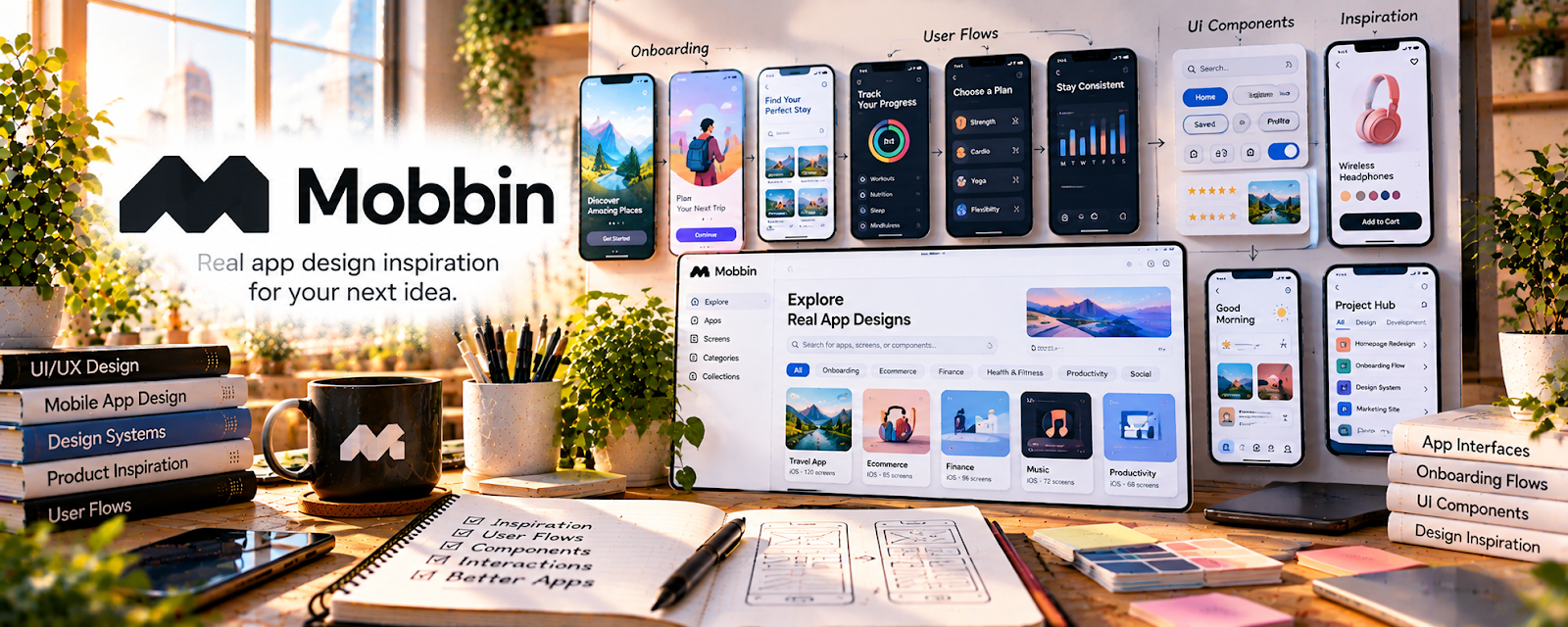
Mobbin is a product design reference library with real mobile and web app screens, flows, UI patterns, and interaction examples.
🔗 Visit Official Website — Mobbin
Domain: mobbin.com
What This Website Is
Mobbin is a product design reference library with real mobile and web app screens, flows, UI patterns, and interaction examples. For 📱 App Developer work, it helps you study how polished apps structure onboarding, navigation, checkout, profiles, settings, and other common experiences.
How to Use It for App Development
Use Mobbin as inspiration for app flow and interface decisions, not as something to copy directly. Focus on patterns, screen hierarchy, user flows, and how successful products reduce friction.
Step-by-Step Implementation:
- Choose one app feature you need to design.
- Search Mobbin for similar flows or screens.
- Save 3–5 examples and note what each does well.
- Sketch your own original flow based on the pattern, not the exact design.
- Build the screen in your app framework.
- Test whether users understand the flow.
Best Time to Use This
- Before designing app screens.
- When a user flow feels unclear.
- While building a portfolio case study.
- Before presenting app concepts to clients.
Best Skills to Learn Here
- UI pattern recognition
- Mobile flow planning
- Product design research
- Screen hierarchy
- Portfolio presentation
- UX inspiration discipline
Getting Started Steps
- Open Mobbin.
- Search for one app flow you need.
- Save examples and write design notes.
- Create an original wireframe.
- Apply the pattern to your app project.
Good Beginner Search Terms
- Mobbin app design
- mobile UI inspiration
- app onboarding examples
- checkout flow mobile app
- app settings screen design
- product design reference
Monetization Angle
Better UI and flow decisions make app work easier to sell. Mobbin can help you create more polished app portfolios, client mockups, and digital product interfaces.
Pros
- Excellent product design reference.
- Useful for app flow inspiration.
- Helps improve portfolio polish.
- Strong fit for app and UI work.
Cons
- Paid access may be needed.
- Inspiration can become copying if used carelessly.
- Not a coding tutorial.
- You still need UX judgment and testing.
Who Should Use This
Use this if you build apps and need better UI examples, flows, or portfolio references.
Who Should Skip This
Skip this if you only need backend code references or do not design user-facing screens.
Practical Applications
- Study a reference flow to identify questions about your own app’s users.
- Create an original wireframe rather than copying screens.
- Test whether a chosen pattern actually supports the intended task.
Important Considerations
- A reference library does not grant ownership of another product’s design, assets, trademarks, or code.
- Verify current access and use terms, protect client briefs, and independently validate accessibility, privacy, technical feasibility, and usability.
Related Resources
UX Design Institute Blog — Adds UX concepts behind app design.
Nielsen Norman Group UX Articles — Provides usability and research principles.
GitHub — Helps present app projects and design notes.
React Native — Helps build mobile interfaces from design ideas.
Related Side Hustles
 App developer — Mobbin supports app UI and flow planning.
 Selling Digital Products — Better product design improves templates and apps.
User Testing & Surveys — UX pattern knowledge improves usability feedback.