Official Website
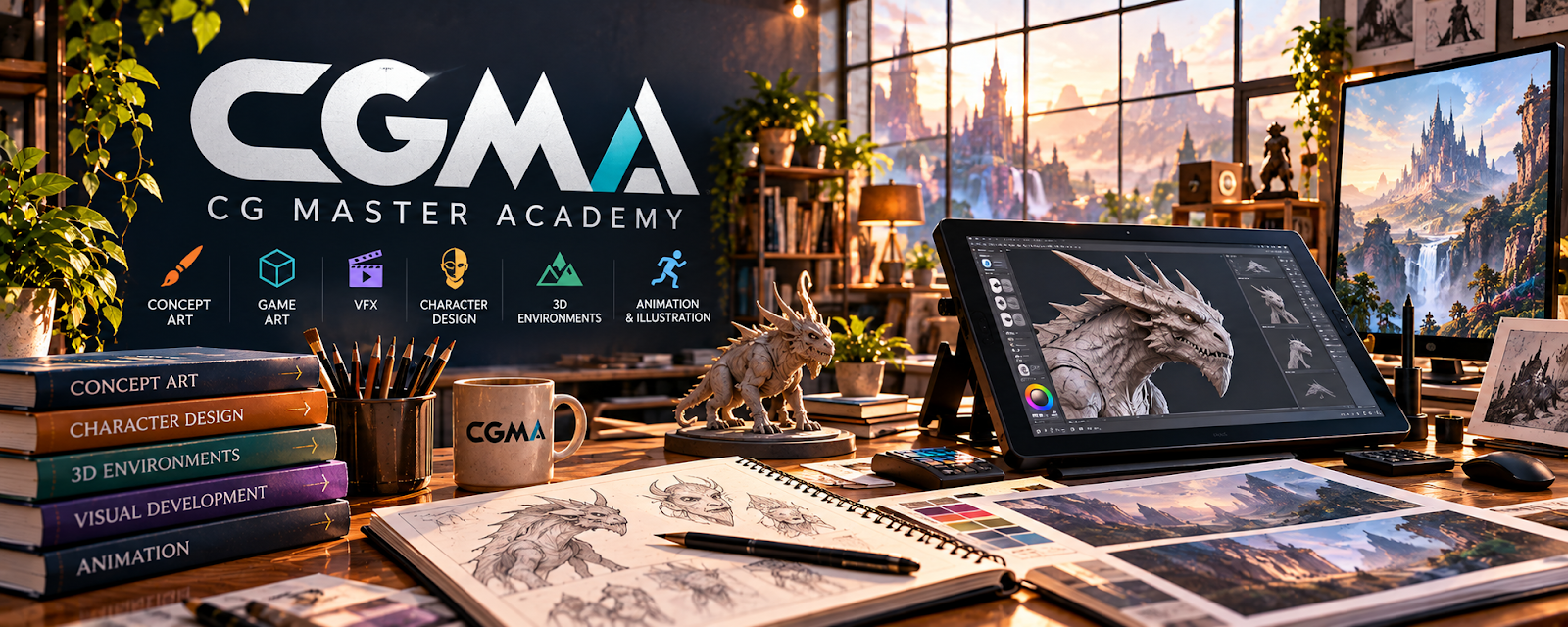
CGMA is an advanced online art school focused on concept art, illustration, entertainment design, drawing, painting, and portfolio development.
🔗 Visit Official Website — CGMA
Domain: www.cgmasteracademy.com
What This Learning Resource Is
CGMA is an advanced online art school focused on concept art, illustration, entertainment design, drawing, painting, and portfolio development. For 🎨 Art & Illustration Commissions, it is useful when you want to improve the quality and professionalism of paid art deliverables.
How to Use It for Art & Illustration Commissions
Use CGMA as serious skill training for a specific commission niche. Choose classes that improve the kind of work you want to sell: characters, environments, props, portraits, visual development, or polished illustration.
Step-by-Step Implementation:
- Pick one commission niche and portfolio goal.
- Choose a class that targets your weakest skill.
- Complete assignments as portfolio pieces, not just exercises.
- Save before/after progress.
- Update commission samples with stronger work.
- Adjust pricing only after quality and consistency improve.
Best Time to Use This
- When your art portfolio needs a serious upgrade.
- Before targeting higher-paying commissions.
- When you want structured professional art training.
Best Skills to Learn Here
- Character design
- Environment design
- Digital painting
- Composition
- Portfolio development
- Professional art workflow
Getting Started Steps
- Audit your current commission samples.
- Identify the skill holding back your portfolio.
- Choose one CGMA class that matches that gap.
- Complete assignments fully.
- Turn the best work into portfolio pieces.
- Use the improved portfolio when pitching commissions.
Good Beginner Search Terms
- CGMA illustration course
- concept art class
- digital painting course
- character design training
- art commission portfolio
- professional illustration workflow
Monetization Angle
CGMA can support higher-value commissions by improving portfolio quality, speed, and confidence. The course pays off when assignments become stronger samples, clearer service examples, and better client-ready art.
Pros
- Professional-level art instruction.
- Strong for portfolio improvement.
- Useful for serious commission artists.
- Helps build polished examples.
Cons
- Paid and advanced.
- Requires substantial practice time.
- Not a client marketplace.
- May be too intense for casual beginners.
Who Should Use This
Use this if you are serious about improving portfolio quality and selling stronger illustration or concept-art commissions.
Who Should Skip This
Skip this if you need quick beginner drawing lessons, free tutorials, or immediate client leads.
Practical Applications
- Compare current art courses with a defined portfolio or technique gap.
- Complete original practice assignments and review feedback.
- Apply a learned process to a new commission-style sample.
Important Considerations
- Confirm the current provider, course access, prerequisites, feedback, price, and refund terms at the linked destination.
- Advanced training does not guarantee commissions or employment; respect assignment, reference, and intellectual-property rights.
Related Resources
Procreate — Supports digital sketching and commission work.
Adobe Photoshop — Helps polish professional digital art.
ArtStation — Hosts portfolio pieces and professional art examples.
Fiverr — Provides a marketplace path for commission offers.
Notion — Tracks commissions, revisions, references, and client notes.
Related Side Hustles
 Art & Illustration Commissions: Get Paid for Drawing What You Love — CGMA directly supports the advanced art skills behind paid commissions.
 Selling Digital Products — Strong artwork can become prints, brushes, templates, and downloads.
Print-on-Demand — Illustration skills can become designs for merch and products.