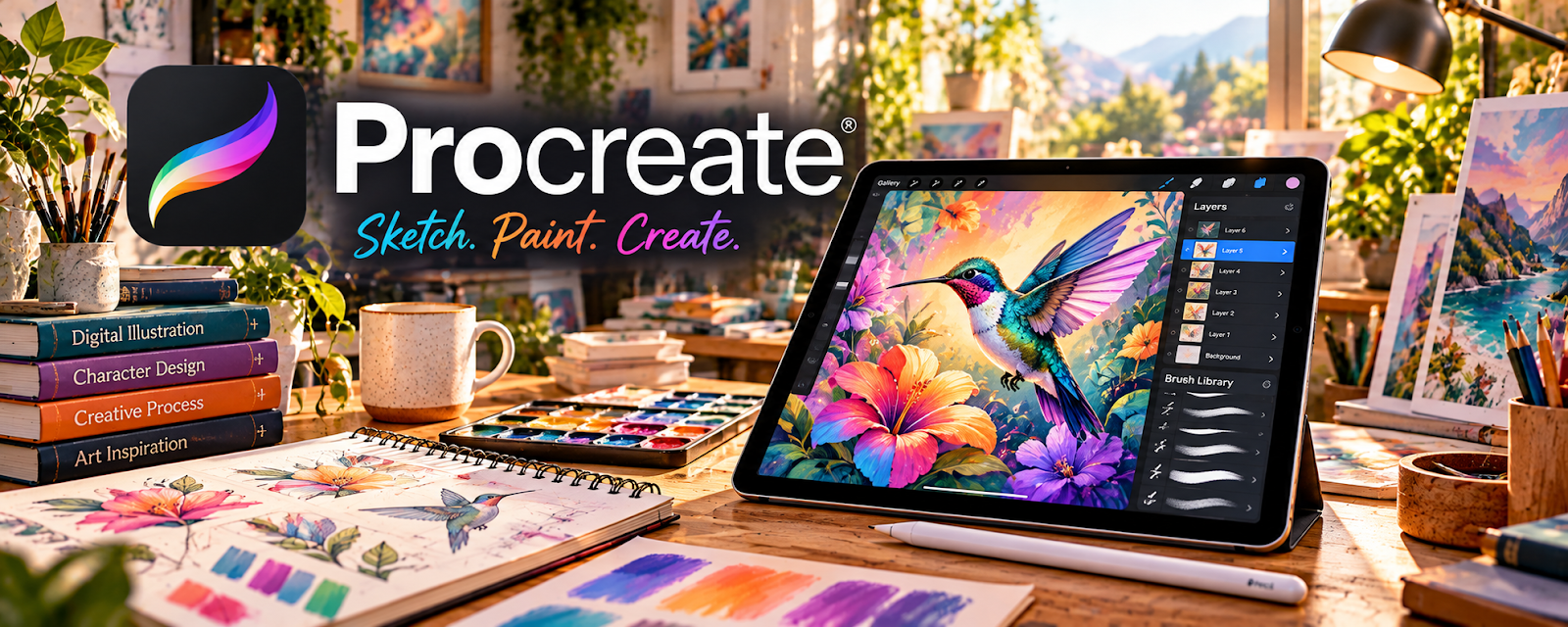
Official Website
Procreate is a paid iPad drawing app for digital illustration.
🔗 Visit Official Website — Procreate
Domain: procreate.com
What This Website Is
Procreate is a paid iPad drawing app for digital illustration. For the 🎨 Art & Illustration Commissions side hustle, it can be used to create commission artwork, export files, and build a portfolio.
How to Apply It to 🎨 Art & Illustration Commissions
Use Procreate as your “commission production studio”: sketch → refine → color → export.
Step-by-Step Implementation:
- Phase 1: Create brush sets and canvas templates.
- Phase 2: Sketch and refine with layers.
- Phase 3: Export high-resolution files and deliver.
Common Use Cases:
- Scenario A: If clients want revisions, keep layers organized.
- Scenario B: If you want faster output, reuse templates and brushes.
- Scenario C: If you sell add-ons, export multiple formats.
When to Use This
- You draw on iPad.
- You want a pro illustration workflow.
- You do commissioned art.
- You want layered edits.
Best Tasks to Use It For
- Digital illustration
- Sketching and linework
- Coloring/shading
- Layered revisions
- Exporting print-ready files
Getting Started Steps
- Set up canvas templates.
- Create a brush set.
- Build a commission workflow checklist.
- Complete one commission start-to-finish.
- Export PNG/JPG/PDF.
- Deliver and collect feedback.
- Save templates for reuse.
Good Beginner Search Terms
- Procreate commission workflow
- best Procreate brushes for illustration
- export settings Procreate print
- how to price art commissions
- commission revision policy
- build an art portfolio
Monetization Angle
A repeatable workflow increases output and reduces revision time. Better quality supports higher pricing.
Pros
- Powerful iPad drawing tool
- Great brushes and layers
- Fast iteration
Cons
- iPad-only
- Requires practice
- File management needed for backups
Who Should Use This
Illustrators who create commissions and want a pro iPad workflow.
Who Should Skip This
Skip this if you don’t use an iPad or prefer desktop illustration tools.
Practical Applications
- Create rough commission concepts before developing the selected illustration.
- Keep layered working files and export the agreed delivery formats.
- Build an authorized portfolio showing the styles you actually offer.
Important Considerations
- Confirm current device compatibility and export requirements before agreeing a project.
- Check brush, font, and reference licenses, maintain independent backups, and agree commercial usage rights separately with the client.
Related Resources
Photopea — Edits exported artwork, mockups, and promotional images after illustration.
Canva / Canva Mockups — Creates portfolio graphics, commission menus, and social promo assets.
Google Drive — Stores source files, exports, client references, and delivered artwork.
Google Docs — Keeps commission briefs, terms, revision notes, and client instructions organized.
Related Side Hustles
 Blogging: Build an Online Brand and Earn from Your Words — Art process posts can attract commission clients and fans.
 Affiliate Marketing: Get Paid to Promote What You Love — Artists can recommend brushes, tools, and supplies through content.
 Freelance Writing: Get Paid to Write Online — Strong descriptions and client communication help sell commissions clearly.