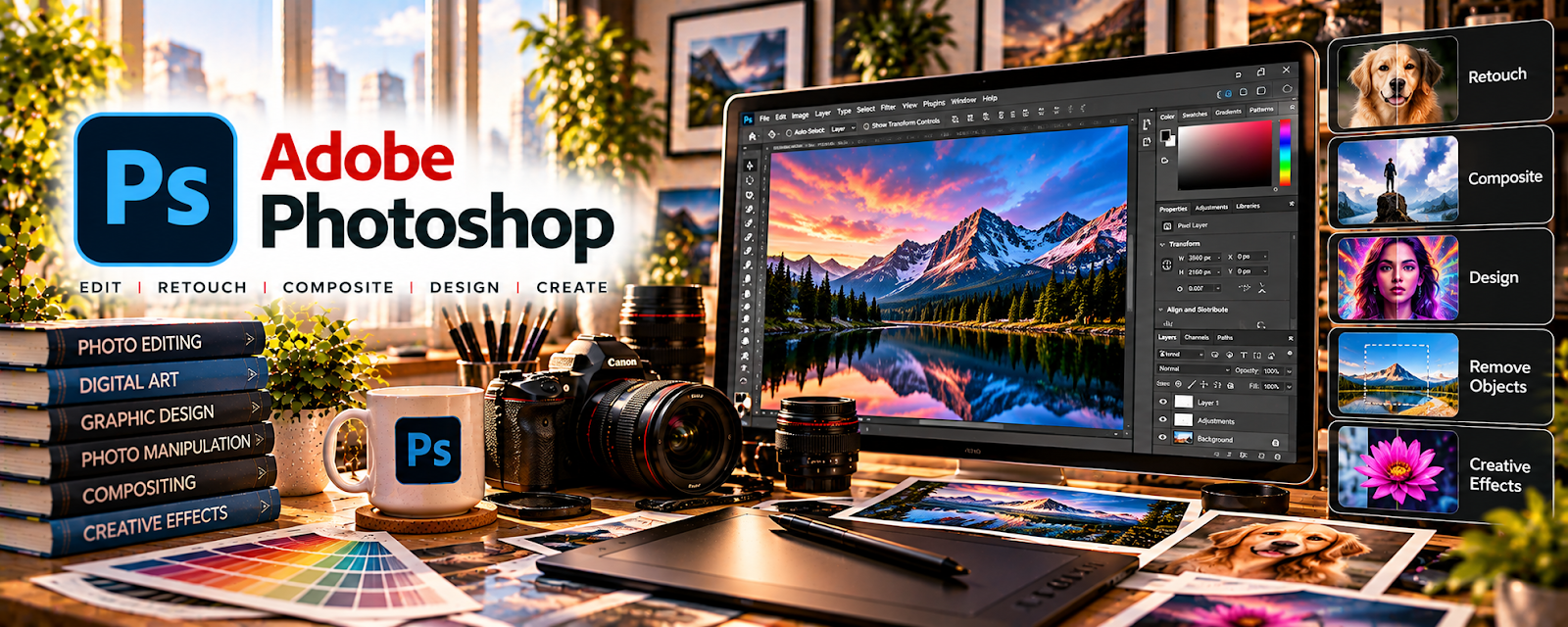
Official Website
Adobe Photoshop is a professional image editing and design tool.
🔗 Visit Official Website — Adobe Photoshop
Domain: www.adobe.com
What This Website Is
Adobe Photoshop is a professional image editing and design tool. For the 🎨 Art & Illustration Commissions side hustle, it helps you create, refine, and deliver high-quality artwork files and polished mockups.
How to Apply It to 🎨 Art & Illustration Commissions
Use Photoshop as a practical production workflow: create/edit → revise → export → deliver.
Step-by-Step Implementation:
- Phase 1: Set up standard canvas sizes, color profiles, and export presets for your commission types.
- Phase 2: Create and refine the artwork, using layers to keep revisions fast.
- Phase 3: Export multiple deliverables (web, print, transparent PNG) and create a simple mockup for presentation.
Common Use Cases for this Side Hustle:
- Scenario A: You need professional polish before delivery.
- Scenario B: You want faster revisions using layers and smart objects.
- Scenario C: You sell add-ons (print-ready files, social banners, avatar sets).
When to Use This
- You need professional image editing.
- You deliver layered/print-ready files.
- You want mockups for better presentation.
- You handle multiple file formats for clients.
Best Tasks to Use It For
- Illustration cleanup and finishing
- Layer-based revision workflows
- Color correction and polish
- Exporting print + web versions
- Creating mockups for delivery
Getting Started Steps
- Create standard templates for common sizes.
- Build a layer naming convention.
- Save export presets (PNG, JPG, PDF).
- Create one mockup template for delivery previews.
- Work in layers to keep revisions easy.
- Export deliverables in a consistent folder.
- Deliver with a clear file naming system.
Good Beginner Search Terms
- Photoshop export presets for print
- layer workflow for commissions
- create mockups in Photoshop
- color profile RGB vs CMYK
- how to deliver print-ready files
- Photoshop smart objects tutorial
Monetization Angle
Higher-quality deliverables and faster revisions improve client satisfaction, lead to referrals, and allow higher pricing or add-on packages.
Pros
- Professional-grade tools
- Strong layer and export workflows
- Great for mockups and polish
Cons
- Paid subscription
- Learning curve for beginners
- Can be overkill for simple edits
Who Should Use This
Commission artists who want professional editing, clean exports, and polished client deliverables.
Who Should Skip This
Skip this if you only need basic edits and prefer free/lightweight tools.
Practical Applications
- Develop a commission concept in a layered working file.
- Prepare agreed final formats and inspect color and dimensions.
- Create authorized portfolio or mockup images that accurately represent your work.
Important Considerations
- Verify font, brush, stock, reference, and AI-feature rights for the intended commercial use.
- Maintain backups and agree revisions, source-file delivery, and licensing separately; software does not establish originality or client approval.
Related Resources
Procreate — Supports sketching and illustration before final polish in Photoshop.
Clip Studio Paint — Provides another illustration-focused tool for comic, character, and commission work.

Related Side Hustles
 Selling Digital Products — Finished art assets can become downloads, templates, brushes, and printables.
Print-on-Demand — Photoshop artwork can be repurposed for shirts, mugs, posters, and POD listings.