Official Website
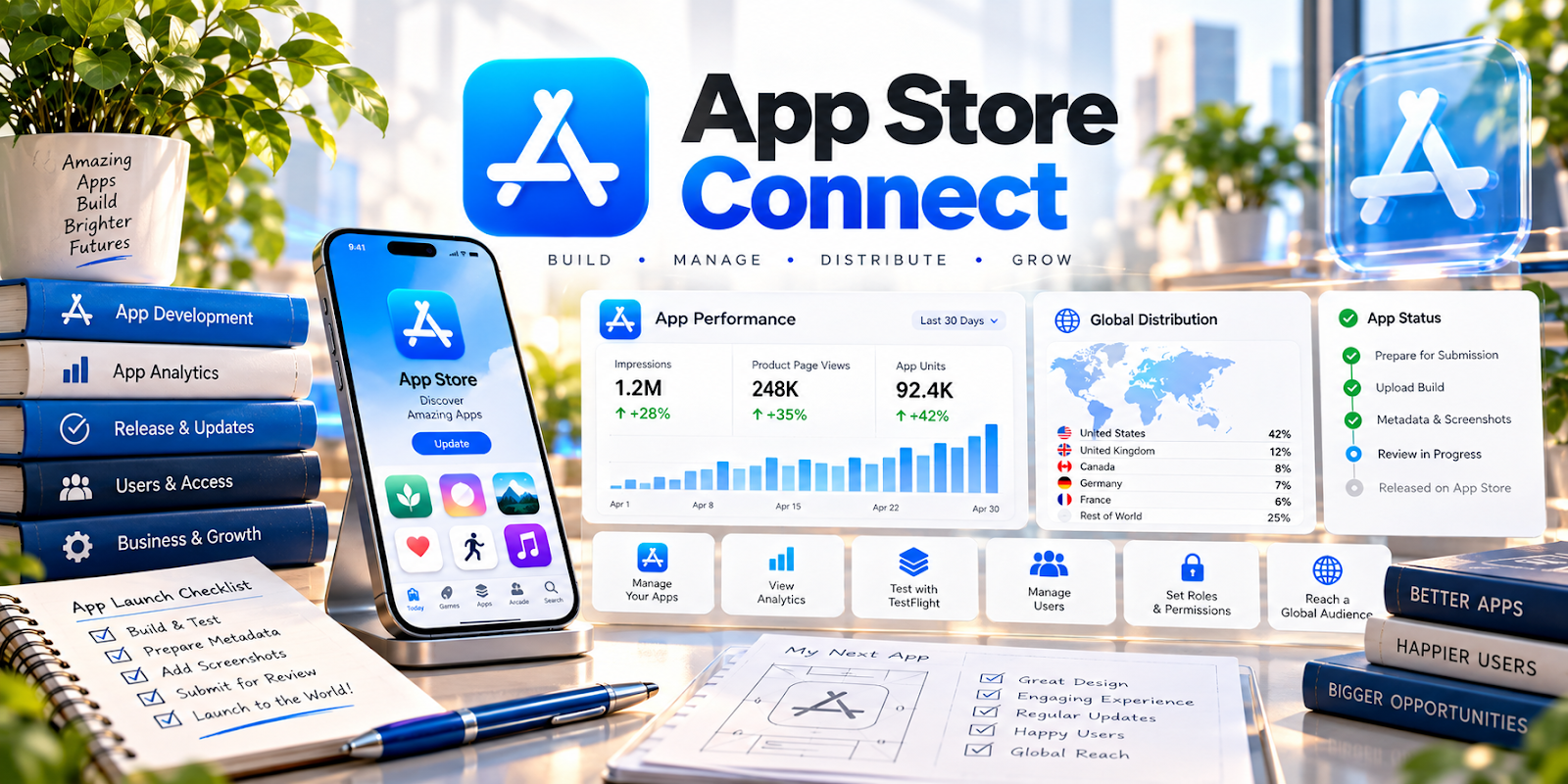
Apple App Store Connect is Apple’s portal for managing iOS app builds, TestFlight testing, App Store submissions, and analytics.
🔗 Visit Official Website — Apple App Store Connect
Domain: appstoreconnect.apple.com
What This Website Is
Apple App Store Connect is Apple’s portal for managing iOS app builds, TestFlight testing, App Store submissions, and analytics. For 📱 App Developer work, it’s required to ship and maintain iOS apps.
How to Apply It to App Developer
Use App Store Connect as your “release pipeline”: upload builds, run TestFlight, manage metadata, and submit releases with a repeatable checklist.
Step-by-Step Implementation:
- Confirm appropriate developer-account access, roles, and current submission requirements.
- Prepare a tested build and protect signing credentials, app secrets, and tester information.
- Use the applicable testing process to review stability, accessibility, permissions, and privacy behavior.
- Prepare accurate metadata, screenshots, disclosures, and rights information that match the app.
- Submit through the approved workflow and review feedback and post-release issues without assuming approval is guaranteed.
When to Use This
- You’re testing iOS builds with users
- You’re preparing an App Store release
- You need to monitor crashes/ratings
Best Tasks to Use It For
- TestFlight beta testing
- App submissions and releases
- Managing app metadata
- Sales/download analytics
Getting Started Steps
- Set up App Store Connect access for your team.
- Create the app record and bundle ID.
- Upload a build (via Xcode/CI).
- Configure TestFlight testers.
- Prepare metadata (screenshots, description).
- Submit for review.
- Monitor post-release crashes/ratings.
Good Beginner Search Terms
- testflight internal vs external testing
- app store connect submission checklist
- app store review common rejection reasons
Monetization Angle
A smoother release process reduces delays and bugs, helping you ship faster and keep ratings higher—supporting revenue and retention.
Pros
- Required official release pipeline
- Built-in testing and analytics
- Centralized app management
Cons
- Apple review can slow releases
- Complex permissions/process
Who Should Use This
iOS app developers shipping to the App Store.
Who Should Skip This
Anyone not building iOS apps.
Practical Applications
- Set up app records and authorized team access for an iOS release.
- Distribute an appropriate test build through the current TestFlight workflow.
- Prepare accurate privacy, pricing, and listing information before submission.
Important Considerations
- Check current developer enrollment, review requirements, agreements, and supported roles.
- Protect signing and account credentials; uploading a build does not guarantee approval or remove privacy and content responsibilities.
Related Resources
Git — Tracks code changes and releases before app builds are uploaded.
Android Studio — Provides the Android-side build and release workflow to compare with iOS publishing.
Postman — Tests APIs and backend endpoints before app releases are submitted.
Related Side Hustles
 App developer — Apple App Store Connect manages TestFlight, submissions, metadata, releases, analytics, and iOS app maintenance.
 Selling Digital Products — Paid apps, templates, and mobile tools can be packaged and sold as digital products.
User Testing & Surveys — TestFlight feedback and user testing help improve app quality before public launch.