Official Website
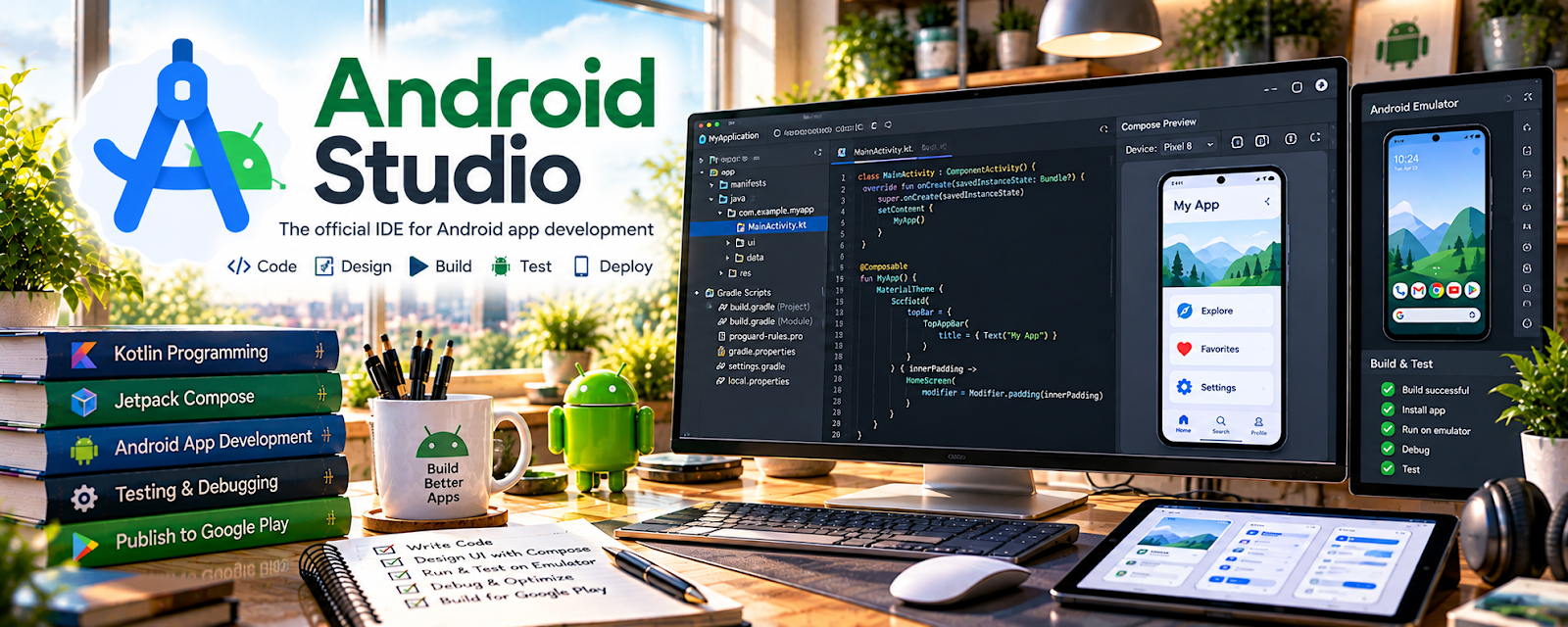
Android Studio is Google’s official IDE for building Android apps.
🔗 Visit Official Website — Android Studio
Domain: developer.android.com
What This Website Is
Android Studio is Google’s official IDE for building Android apps. For 📱 App Developer work, it provides the tools to code, test, debug, and package Android applications.
How to Apply It to App Developer
Use Android Studio as your “build environment”: set up a repeatable project template, test on real devices/emulators, and ship stable releases.
Step-by-Step Implementation:
- Define a small app feature and check current supported tooling and project requirements.
- Set up a controlled development environment and keep secrets out of shared source files.
- Build the feature and test expected behavior, errors, accessibility, and relevant device conditions.
- Review permissions, dependencies, privacy, and security before preparing a signed release.
- Test the release build against current distribution requirements and document fixes before publishing.
When to Use This
- You’re building Android apps professionally
- You need emulator + device testing
- You want first-party tooling and docs
Best Tasks to Use It For
- App development and debugging
- UI building and previews
- Emulator/device testing
- Release packaging (APK/AAB)
Getting Started Steps
- Install Android Studio and the Android SDKs.
- Create a starter project template.
- Set up an emulator and connect a physical test device.
- Run and debug the app locally.
- Add basic analytics/crash reporting.
- Build a release bundle (AAB) and sign it.
- Test release builds before publishing.
Good Beginner Search Terms
- android studio setup sdk
- android emulator vs physical device testing
- how to build signed aab android studio
Monetization Angle
A stable build and repeatable release process reduces bugs and speeds up delivery, letting you take on more projects or ship faster.
Pros
- Official, fully supported tooling
- Strong debugging and profiling
- Integrates with Android ecosystem
Cons
- Resource-heavy
- Can be slow on older machines
Who Should Use This
Android developers building, testing, and shipping apps.
Who Should Skip This
People not targeting Android or doing no-code app work.
Practical Applications
- Build a small Android app that solves one clearly defined user problem.
- Use emulators and suitable physical devices to test different configurations.
- Review debugging output and prepare a release checklist before distribution.
Important Considerations
- Keep tools and dependencies current and review security, permissions, and accessibility.
- An IDE does not guarantee Play Store approval; protect signing credentials and verify current publishing requirements separately.
Related Resources
Git — Tracks Android code changes, branches, releases, and collaboration history.
Postman — Tests APIs and backend endpoints used by Android apps.
Apple App Store Connect — Provides the iOS-side release workflow to compare with Android publishing.
Related Side Hustles
 App developer — Android Studio is the core IDE for building, debugging, testing, and packaging Android apps.
 Selling Digital Products — Android apps, templates, and mobile tools can become sellable digital products.
User Testing & Surveys — App testing feedback helps improve Android app quality before release.