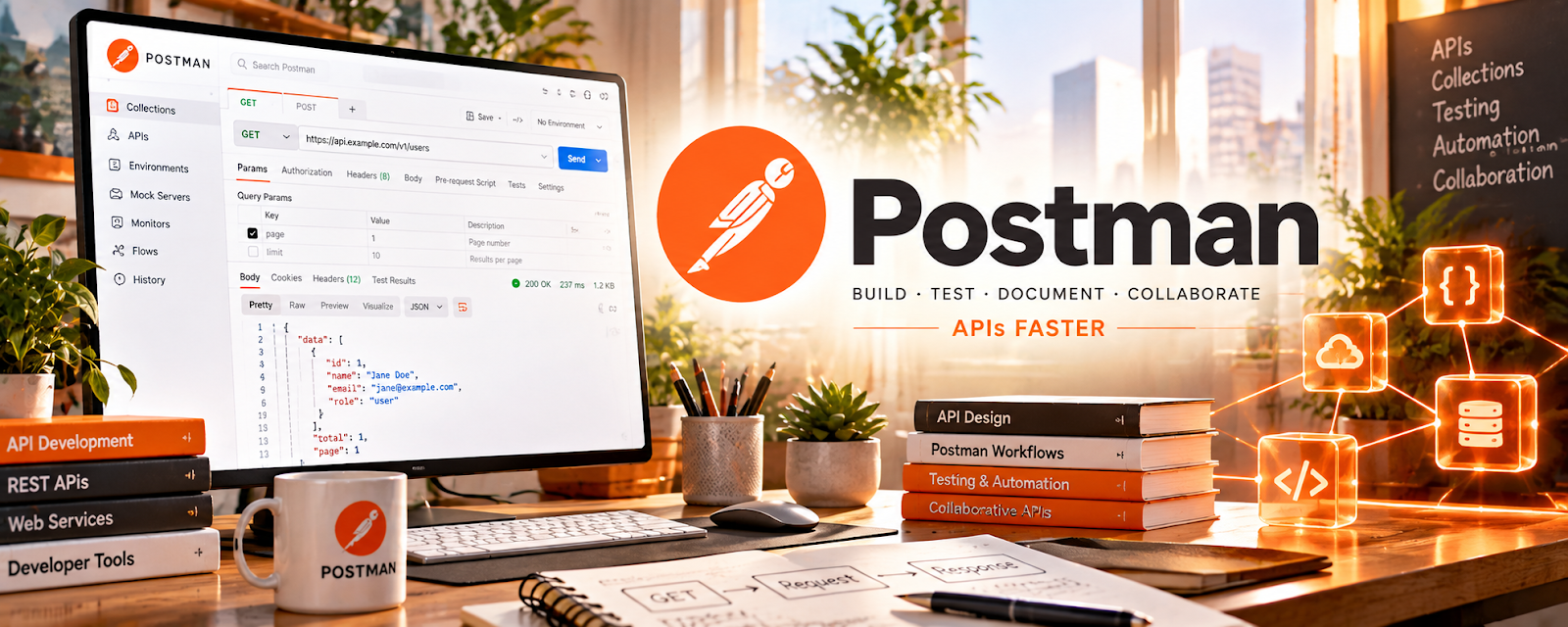
Official Website
Postman is an API development tool for testing endpoints, debugging requests, and documenting APIs.
🔗 Visit Official Website — Postman
Domain: www.postman.com
What This Website Is
Postman is an API development tool for testing endpoints, debugging requests, and documenting APIs. For 📱 App Developer work, it helps you build and test integrations faster.
How to Apply It to 📱 App Developer
Use Postman as your “API testing cockpit”: build requests → test auth → save collections → share docs.
Step-by-Step Implementation:
- Create a collection for your app’s API calls.
- Set up environment variables (base URL, tokens).
- Test key flows and save example responses for debugging.
Common Use Cases for this Side Hustle:
- Scenario A: You’re integrating third-party APIs and need repeatable tests.
When to Use This
- You work with APIs regularly
- You need repeatable request testing
- You debug auth and webhooks
Best Tasks to Use It For
- API testing and debugging
- Saving request collections
- Basic API documentation
Getting Started Steps
- Install Postman.
- Create one request to a public API.
- Save it as a collection.
- Add an environment and test auth.
Good Beginner Search Terms
- Postman collections tutorial
- how to test REST API with Postman
- Postman environment variables
Monetization Angle
Faster debugging reduces dev time, improving your effective hourly rate and helping you deliver client projects faster.
Pros
- Great for repeatable API tests
- Helpful for debugging and collaboration
Cons
- Learning curve for advanced workflows
- Some features require paid plan
Who Should Use This
App developers building integrations and working with APIs.
Who Should Skip This
No-code builders who never touch APIs.
Practical Applications
- Test an authorized API endpoint with appropriate sample data.
- Check error handling and expected authentication behavior.
- Document requests and results for a clear developer handoff.
Important Considerations
- Verify current workspace visibility, synchronization, integration, plan, and data-processing conditions.
- Never expose tokens, production secrets, or personal records in shared collections; test only with permission and independently assess security, rate limits, privacy, and production impact.
Related Resources
Visual Studio Code — Implements and debugs the app code that Postman tests through APIs.
Replit — Prototypes backend or API examples that can be tested in Postman.
BrowserStack App Testing — Tests app behavior across devices after API flows are verified.
Related Side Hustles
 App developer — Postman tests APIs, authentication, webhooks, request collections, and integrations for app projects.
 Selling Digital Products — API templates, docs, or starter kits can become developer-focused digital products.