Official Website
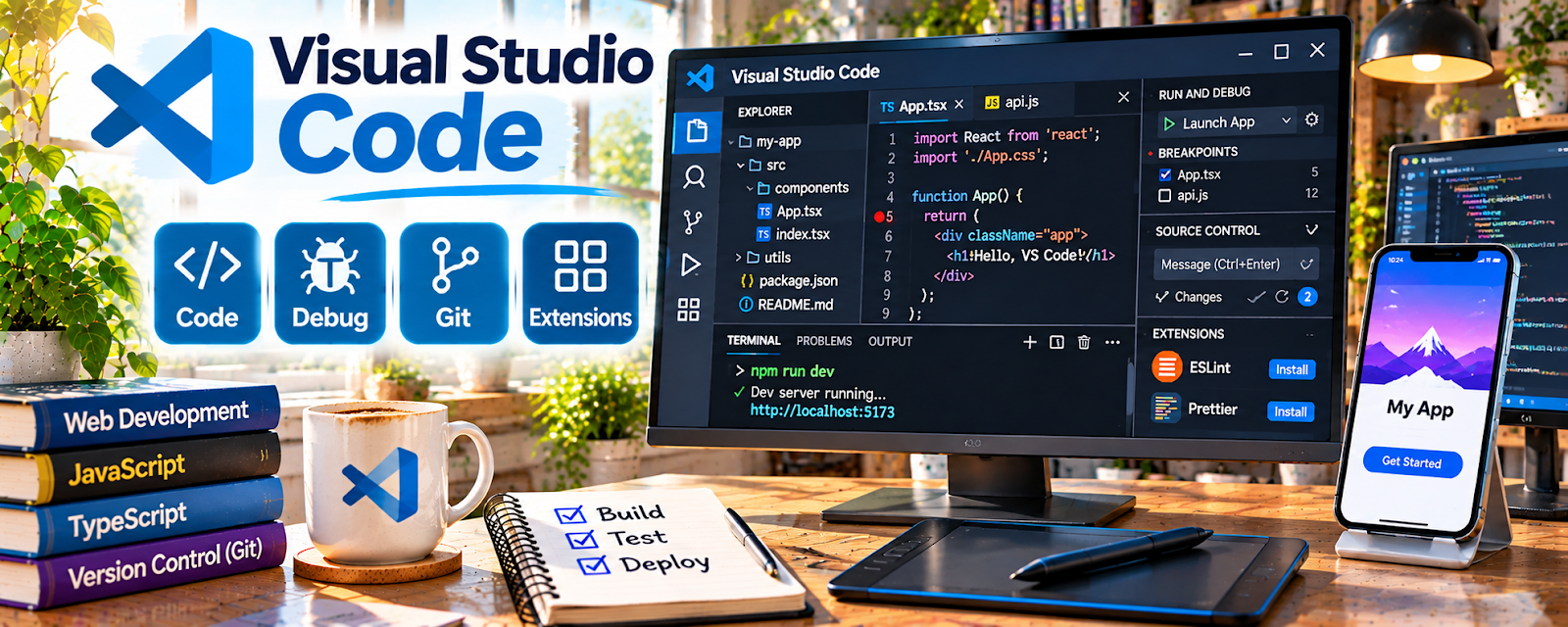
Visual Studio Code (VS Code) is a free code editor with extensions for many languages.
🔗 Visit Official Website — Visual Studio Code
Domain: code.visualstudio.com
What This Website Is
Visual Studio Code (VS Code) is a free code editor with extensions for many languages. For 📱 App Developer work, it’s a core tool for writing and debugging code efficiently.
How to Apply It to 📱 App Developer
Use VS Code as your “build + debug” environment: project setup → extensions → run/debug → iterate.
Step-by-Step Implementation:
- Install language extensions (Flutter, React, Python, etc.).
- Set up formatting and linting.
- Use the debugger to fix issues quickly.
Common Use Cases for this Side Hustle:
- Scenario A: You want a stable development environment for client projects.
When to Use This
- You build apps or scripts
- You want a modern editor with extensions
- You need debugging tools
Best Tasks to Use It For
- Writing code
- Debugging and testing
- Managing project files
Getting Started Steps
- Install VS Code.
- Install extensions for your tech stack.
- Open one project and run the formatter.
- Set up debugging for one feature.
Good Beginner Search Terms
- VS Code extensions for app development
- VS Code debugging tutorial
- best settings VS Code productivity
Monetization Angle
Faster debugging and better tooling reduces development time, improving your effective hourly rate.
Pros
- Free and powerful
- Huge extension ecosystem
Cons
- Requires configuration for best experience
- Can get heavy with too many extensions
Who Should Use This
App developers and coders building projects regularly.
Who Should Skip This
People who don’t code and only need no-code tools.
Practical Applications
- Build and debug a small original app feature in an appropriate project.
- Use version control and document relevant dependencies.
- Test the project with the actual target tools before client handoff.
Important Considerations
- Verify extension trust, permissions, licenses, updates, and toolchain compatibility.
- An editor does not secure or deploy an app automatically; protect secrets and client code and independently review testing, accessibility, security, and production requirements.
Related Resources
Replit — Offers a browser-based coding environment for quick experiments and demos.
BrowserStack App Testing — Tests apps and sites built from VS Code across browsers and devices.
CodePen — Prototypes front-end components before moving them into a full codebase.
Related Side Hustles
 App developer — Visual Studio Code is a core editor for building, debugging, and maintaining app projects.
 Selling Digital Products — Code templates, scripts, and starter kits can become sellable digital products.