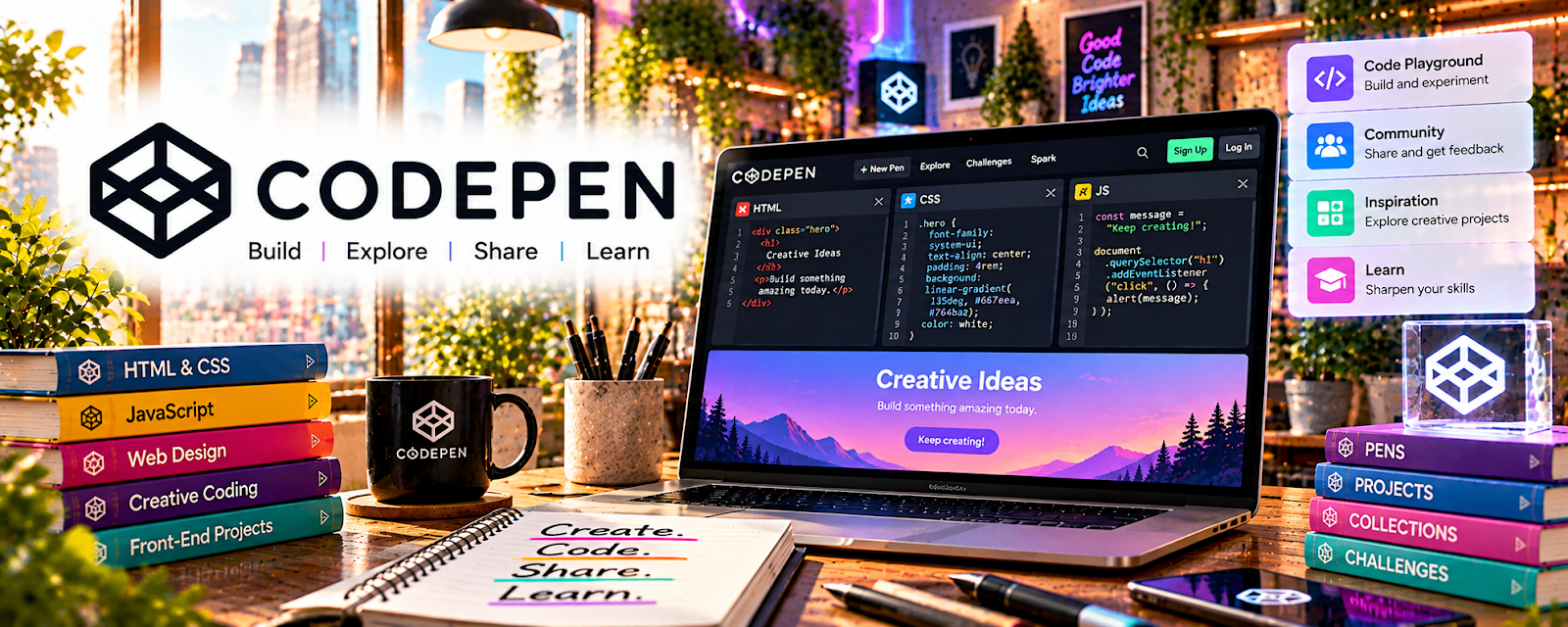
Official Website
CodePen is a browser-based code playground for HTML/CSS/JavaScript demos and quick prototypes.
🔗 Visit Official Website — CodePen
Domain: codepen.io
What This Website Is
CodePen is a browser-based code playground for HTML/CSS/JavaScript demos and quick prototypes.
How to Apply It
Use CodePen as your “rapid prototyping sandbox”: build UI snippets → test interactions → share examples.
Step-by-Step Implementation:
- Create a pen for each component (button, card, modal).
- Save reusable snippets for future projects.
- Use pens to debug CSS/layout issues quickly.
When to Use This
- You need quick front-end prototypes
- You want to share examples with clients
- You test small UI ideas
Best Tasks to Use It For
- UI experiments
- HTML/CSS debugging
- Demo links/portfolios
Getting Started Steps
- Recreate one UI component from a real app.
- Save it as a template.
- Build 5 variations.
- Use the best version in your next project.
Good Beginner Search Terms
- CodePen responsive layout examples
- CSS grid vs flexbox demos
- JavaScript UI components CodePen
Monetization Angle
Faster prototyping reduces dev time and helps close clients with clearer demos.
Pros
- Instant setup
- Easy sharing
Cons
- Not ideal for full apps
- Complex builds need local tooling
Who Should Use This
Developers building web UI and prototypes.
Who Should Skip This
Anyone who doesn’t work with front-end code.
Practical Applications
- Prototype an original HTML, CSS, or JavaScript interface idea.
- Test a small interaction and document its intended behavior.
- Share an authorized demo with clear limitations and source context.
Important Considerations
- Check current public and private visibility, asset hosting, dependencies, licenses, and plan features.
- A browser playground is not production deployment or security assurance; never expose credentials, private client code, or personal data and test accessibility separately.
Related Resources
Visual Studio Code — Provides a full coding environment once CodePen prototypes become real projects.
Postman — Tests APIs that front-end prototypes may connect to.
Appwrite — Adds backend services for prototypes that need authentication, storage, or databases.
Related Side Hustles
 App developer — CodePen supports rapid UI experiments, shareable demos, and front-end prototypes for app work.
 Selling Digital Products — Reusable code snippets and UI components can become templates or starter kits.