Official Website
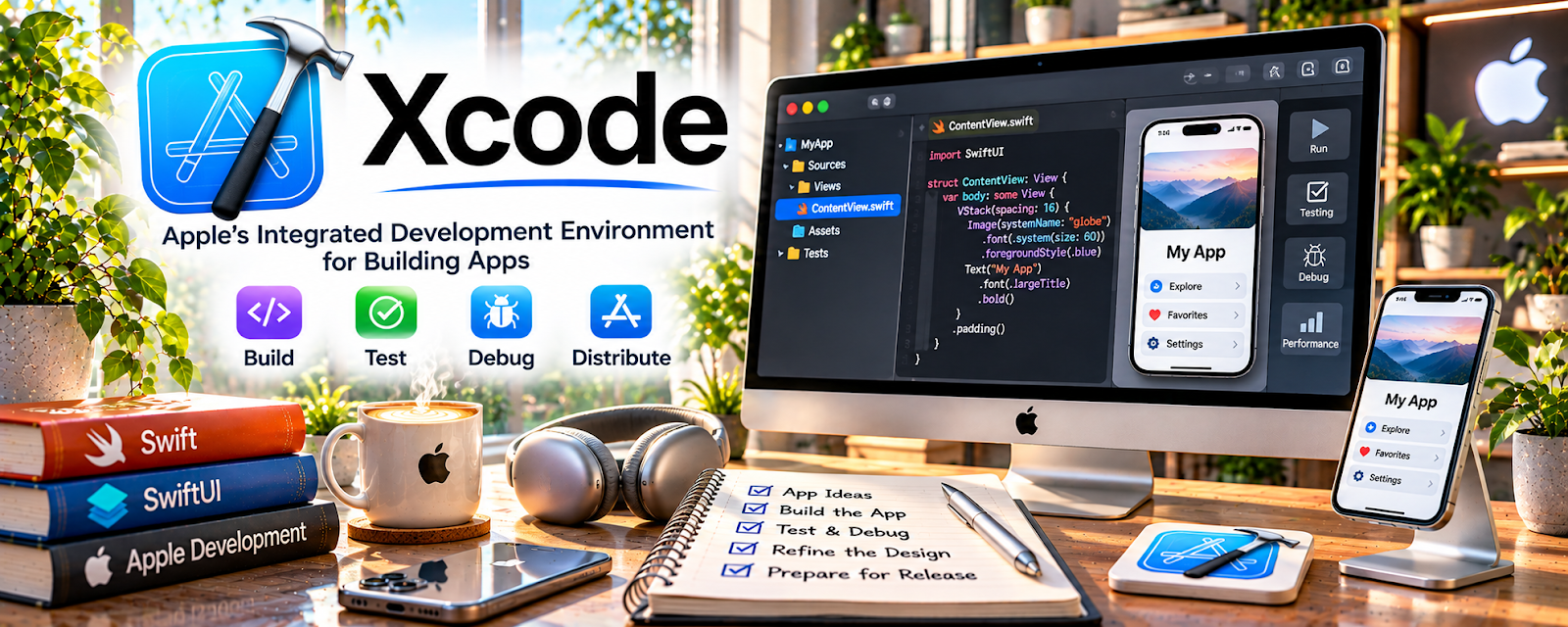
Xcode is Apple’s IDE for building iOS/macOS apps, including coding, debugging, and running simulators.
🔗 Visit Official Website — Xcode
Domain: developer.apple.com
What This Website Is
Xcode is Apple’s IDE for building iOS/macOS apps, including coding, debugging, and running simulators.
How to Apply It to App Developer
Use Xcode as your “iOS build workflow”: project setup → code → run simulator → debug → archive.
Step-by-Step Implementation:
- Install Xcode and required command line tools.
- Create a new app project.
- Build one feature end-to-end.
- Use the simulator + device testing.
When to Use This
- You are building iOS/macOS apps
- You need Apple’s native tooling
- You test on simulators/devices
Best Tasks to Use It For
- iOS development
- Debugging
- Building and archiving releases
Getting Started Steps
- Create your first project.
- Run it in the simulator.
- Connect Git for version control.
- Build and test one simple feature.
Good Beginner Search Terms
- Xcode SwiftUI beginner tutorial
- how to debug in Xcode
- iOS simulator testing workflow
Monetization Angle
Efficient Xcode workflows reduce build time and increase delivery speed for paid app projects.
Pros
- Required for iOS development
- Powerful debugging tools
Cons
- Mac required
- Large install and updates
Who Should Use This
App developers building Apple platform apps.
Who Should Skip This
Developers not targeting Apple platforms.
Practical Applications
- Build a small app using the appropriate current project tools.
- Test supported devices and simulated configurations and review debugging output.
- Prepare a release checklist covering signing, accessibility, privacy, and submission materials.
Important Considerations
- Verify current macOS, hardware, SDK, and developer-program requirements.
- An IDE does not guarantee App Store approval; protect signing credentials, review dependencies, and test on relevant physical devices where appropriate.
Related Resources
Apple App Store Connect — Publishes and manages iOS apps after they are built and archived in Xcode.
TestFlight — Distributes beta builds from Xcode so testers can find issues before release.
Git — Tracks code changes, branches, and release history throughout the Xcode development workflow.
Related Side Hustles
 App developer — Xcode is the core Apple-platform IDE for coding, debugging, testing, archiving, and shipping iOS/macOS apps.
 Selling Digital Products — Paid apps, templates, and mobile tools can be packaged as digital products after development.
User Testing & Surveys — App developers need tester feedback and usability insights before public release.