Official Website
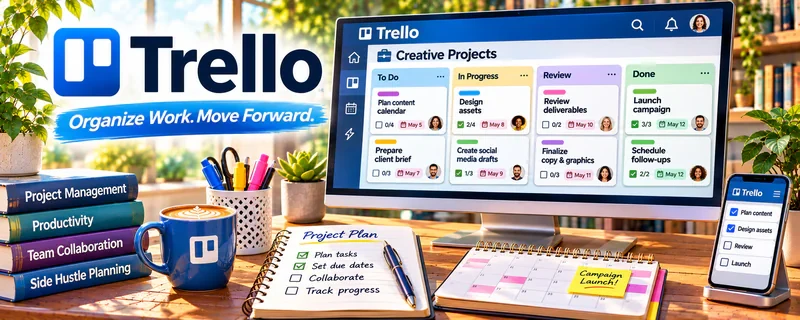
Trello is a simple project management tool using boards, lists, and cards.
🔗 Visit Official Website — Trello
Domain: trello.com
What This Website Is
Trello is a simple project management tool using boards, lists, and cards. For ✍️ Blogging, it can help you track ideas, drafts, publishing, and promotion in a lightweight system.
How to Apply It to ✍️ Blogging
Use Trello as your “content pipeline”: ideas → outline → draft → edit → publish → promote.
Step-by-Step Implementation:
- Create lists for Ideas, Drafting, Editing, Scheduled, Published.
- Add cards for each post and attach notes/links.
- Add a checklist for each post (SEO, images, internal links, promotion).
Common Use Cases for this Side Hustle:
- Scenario A: You want a simple Kanban board for posts.
- Scenario B: You want to batch-write and schedule content.
When to Use This
- You want a simple blog workflow board
- You’re batching posts and need visibility
- You want a lightweight project tracker
Best Tasks to Use It For
- Content pipeline tracking
- Checklists per post
- Calendar-style planning with due dates
Getting Started Steps
- Create a board called “Blog Pipeline.”
- Add the 5 lists (Ideas → Published).
- Add 10 post ideas as cards.
- Write one post using the checklist.
- Review weekly and keep cards moving.
Good Beginner Search Terms
- Trello content calendar board setup
- Trello blogging workflow template
- how to manage editorial calendar Trello
- blog post checklist SEO
Monetization Angle
A consistent publishing workflow helps you produce more content, which supports more affiliate clicks, ad revenue, and product sales over time.
Pros
- Simple and easy to adopt
- Great for pipeline visibility
Cons
- Can get cluttered with lots of cards
- Limited compared to full project suites
Who Should Use This
Solo bloggers who want a simple editorial pipeline.
Who Should Skip This
Teams needing advanced approvals and deep reporting.
Practical Applications
- Track blog ideas through research, drafting, review, and publication.
- Assign factual, rights, and link checks before release.
- Schedule updates for articles containing time-sensitive information.
Important Considerations
- A completed card does not prove accuracy, publication, or audience demand.
- Review access and automation limits, protect client drafts and credentials, and retain independent copies of important writing and source records.
Related Resources
Adobe Express — Creates featured images and social graphics for posts moving through Trello.
WordPress.org — Publishes the finished blog posts after Trello tracks drafts and approvals.
TextExpander — Speeds repetitive snippets, outlines, and promotion text during content production.
Related Side Hustles
 Blogging: Build an Online Brand and Earn from Your Words — Trello keeps the editorial pipeline, post checklists, due dates, and promotion tasks organized.
 Newsletter Monetization: Get Paid to Write About What You Love — The same editorial calendar can support newsletter issues, sponsorships, and promotions.