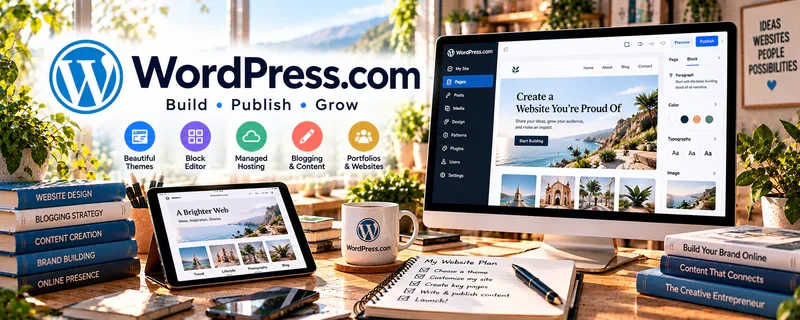
Official Website
WordPress.com is a hosted website builder for publishing content.
🔗 Visit Official Website — WordPress.com
Domain: wordpress.com
What This Website Is
WordPress.com is a hosted website builder for publishing content. For ✍️ Blogging, it can help you launch quickly without managing hosting and maintenance.
How to Apply It to Blogging
Use WordPress.com as your “publishing engine”: build categories, publish SEO posts, and add CTAs to drive subscribers and monetization.
Step-by-Step Implementation:
- Choose a reader and original topic focus and review current plan, domain, and monetization conditions.
- Create clear navigation, essential site information, and accessible pages using authorized assets.
- Publish original, checked articles with appropriate attributions and disclosures for relevant offers.
- Test links, forms, privacy settings, and mobile layout, then maintain content using real reader feedback rather than assuming publication guarantees traffic or income.
When to Use This
- You want a hosted blog without managing hosting
- You need to publish quickly
- You want a beginner-friendly website and blog system
Best Tasks to Use It For
- Blog publishing
- Category and archive organization
- Simple pages and CTAs
- Low-maintenance content sites
Getting Started Steps
- Choose a WordPress.com theme that fits your niche.
- Create core pages like Home, About, Blog, and Contact.
- Set categories for your main topics.
- Publish three pillar posts.
- Add newsletter or affiliate CTAs where relevant.
- Review analytics monthly.
- Improve internal links and update older posts.
Good Beginner Search Terms
- WordPress.com blog setup
- blogging categories for beginners
- WordPress.com SEO basics
Monetization Angle
A consistent blog can attract search traffic that supports affiliate revenue, newsletter signups, and digital product sales.
Pros
- Hosted and beginner-friendly
- Good for quick publishing
- Easier maintenance than self-hosting
Cons
- Less flexible than WordPress.org
- Some features require paid plans
Who Should Use This
Bloggers who want a low-maintenance hosted platform to publish consistently.
Who Should Skip This
Bloggers who need full plugin control, custom hosting, or advanced technical flexibility.
Practical Applications
- Create a readable blog structure and publish original sample posts.
- Set up essential navigation, contact information, and disclosures.
- Review mobile presentation and maintain an appropriate content backup.
Important Considerations
- Check current plan limits, domain terms, export options, and monetization policies.
- A hosted blog does not guarantee traffic or income; manage content rights, privacy, accessibility, and any affiliate disclosures.
Related Resources
WordPress.org — Provides more control, plugins, and customization when WordPress.com becomes limiting.
Kit — Captures subscribers from blog traffic and sends newsletters.
Notion — Organizes content calendars, outlines, keywords, and publishing checklists.
Related Side Hustles
 Blogging: Build an Online Brand and Earn from Your Words — WordPress.com hosts posts, pages, categories, CTAs, and simple monetized content sites.
 Affiliate Marketing: Get Paid to Promote What You Love — Affiliate marketers can publish reviews, comparisons, and resource pages on a blog.
 Newsletter Monetization: Get Paid to Write About What You Love — Blog traffic can be converted into subscribers and monetized through email.