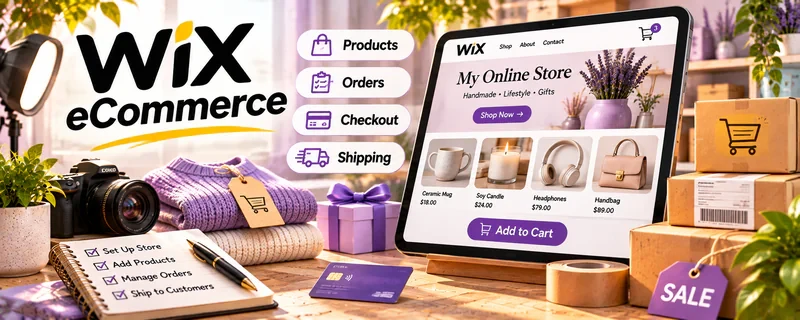
Official Website
Wix eCommerce is a website builder with ecommerce features for creating an online store, product pages, and checkout.
🔗 Visit Official Website — Wix eCommerce
Domain: www.wix.com
What This Website Is
Wix eCommerce is a website builder with ecommerce features for creating an online store, product pages, and checkout. For 📦 Dropshipping, it helps you launch a storefront quickly without custom development.
How to Apply It to Dropshipping
Use Wix eCommerce as your “storefront build” workflow: create product pages, set up checkout/shipping, and build a simple funnel (landing page → product → checkout).
Step-by-Step Implementation:
- Define the product offer and verify rights, safety obligations, supplier performance, and fulfillment costs.
- Review current platform, payment, shipping, integration, and regional requirements before selecting a plan.
- Build accurate product pages with clear delivery, return, support, and appropriate privacy information.
- Use an appropriate test process to check checkout and fulfillment and review actual net results before increasing promotion.
When to Use This
- You want a fast store build with minimal tech
- You sell a small-to-medium product catalog
- You prefer an all-in-one builder
Best Tasks to Use It For
- Storefront setup
- Product pages and collections
- Checkout configuration
- Basic landing pages
Getting Started Steps
- Choose a Wix ecommerce template.
- Add products (titles, images, pricing).
- Configure payments and taxes.
- Set shipping rules and policies.
- Create a homepage and product collection pages.
- Add basic email capture.
- Test checkout end-to-end before running ads.
Good Beginner Search Terms
- wix ecommerce setup checklist
- dropshipping store policies shipping returns
- product page copywriting ecommerce
Monetization Angle
A clean storefront improves conversion, and faster setup lets you test products sooner—reducing time to first sale.
Pros
- Fast setup
- All-in-one builder
- Good templates
Cons
- Less flexible than custom stacks
- Ongoing subscription costs
Who Should Use This
Dropshippers who want a quick, simple ecommerce site without development.
Who Should Skip This
Sellers who need deep custom ecommerce features or complex backend workflows.
Practical Applications
- Build a small storefront with accurate product and delivery information.
- Test the actual supplier integration, checkout, and refund workflow.
- Review store margins using all platform, payment, fulfillment, and advertising costs.
Important Considerations
- Confirm current ecommerce-plan requirements, integrations, fees, and supported regions.
- The site builder does not vet suppliers or make you exempt from product-safety, consumer-rights, and shipping obligations.
Related Resources
Adobe Commerce — Provides a more advanced ecommerce platform comparison for larger dropshipping operations.
Meta Ads Manager — Drives paid traffic to Wix product pages and tests product angles.
Udemy — Dropshipping Courses — Teaches product research, store setup, and operations that inform the Wix storefront.
Related Side Hustles
 Dropshipping: Start an Online Store Without Holding Inventory — Wix eCommerce builds storefronts, product pages, checkout flows, policies, and basic sales funnels.
 Affiliate Marketing: Get Paid to Promote What You Love — Affiliate sites can use similar landing pages, product reviews, and conversion-focused content.
Selling Digital Products — Digital sellers also need product pages, checkout, and simple ecommerce infrastructure.