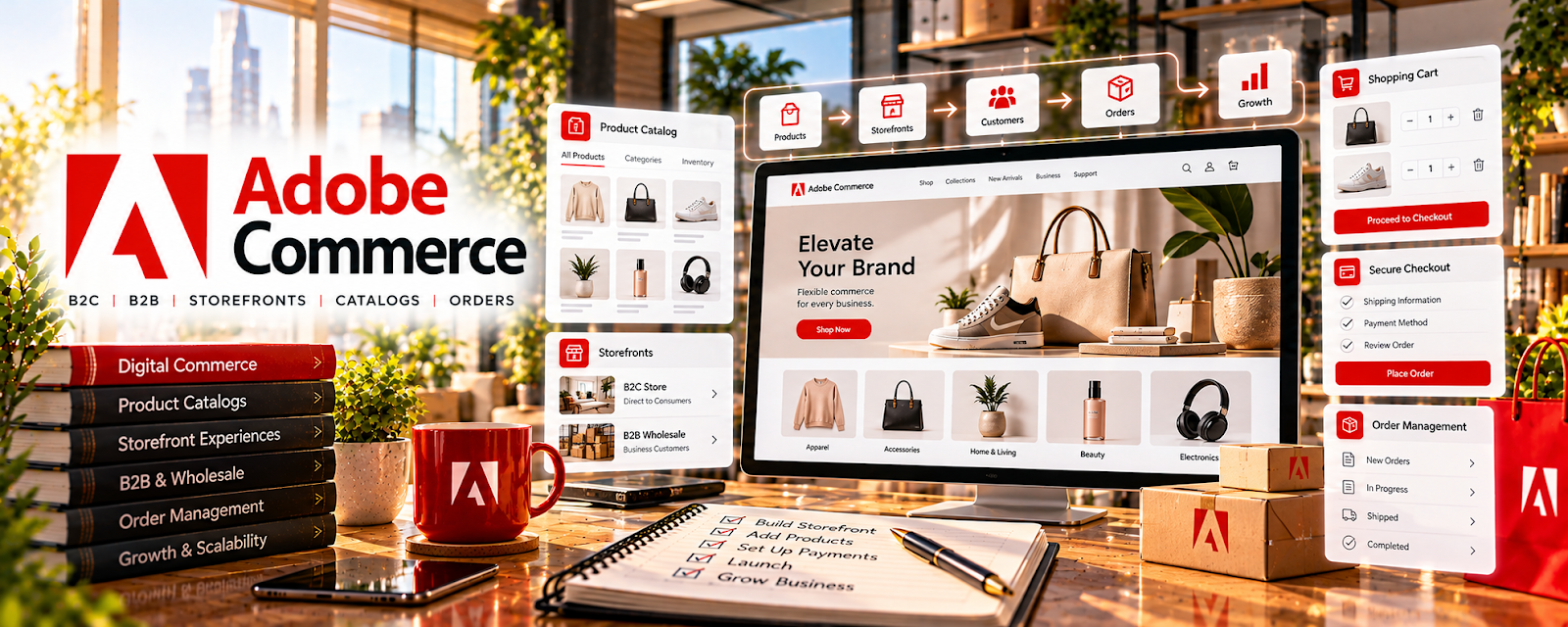
Official Website
Adobe Commerce is a paid eCommerce platform and storefront builder with product catalogs, checkout, inventory, and backend customization related to running online stores.
🔗 Visit Official Website — Adobe Commerce
Domain: business.adobe.com
What This Website Is
Adobe Commerce is a paid eCommerce platform and storefront builder with product catalogs, checkout, inventory, and backend customization related to running online stores. For a 📦 Dropshipping side hustle, it can be used to build a scalable storefront, manage products, and create a more “brand-like” shopping experience as you grow beyond basic templates.
How to Apply It to Dropshipping
Use Adobe Commerce when you’re moving from “testing products” to building a serious store operation. The tactical application is setting up a conversion-focused storefront, integrating product and order workflows, and optimizing the checkout experience so you can scale paid traffic without your site breaking or feeling untrustworthy.
Step-by-Step Implementation:
- Phase 1: Define your store structure (niche, collections, navigation) and plan required integrations (payments, shipping, support)
- Phase 2: Build the storefront (theme/layout, product pages, collections) and configure checkout, taxes, and shipping rules
- Phase 3: Optimize and scale: improve speed/UX, add upsells, tighten analytics, and expand product lines based on winners
Common Use Cases for this Side Hustle:
- Scenario A: If your current store feels “generic” and conversion is low, use Adobe Commerce to build a more branded and trustworthy buying experience
- Scenario B: If you’re scaling ads and need better operations, use Adobe Commerce features and integrations to handle larger catalogs and smoother checkout
When to Use This
- You want a more scalable storefront than basic builders
- You are ready to optimize product pages and checkout for conversion
- You plan to run consistent paid traffic and need stability
- You need better catalog/collection organization as you expand
- You want a long-term “brand store” foundation for ecommerce
Best Tasks to Use It For
- Storefront building and customization
- Product catalog and collection management
- Checkout optimization and upsells
- Integration setup (payments/shipping/support)
- Scaling ecommerce operations
Getting Started Steps
- Visit Adobe Commerce.
- Map your niche and store structure (collections, navigation, top products).
- Set up core integrations (payments, shipping, support, analytics).
- Build product page templates (images, trust signals, FAQs, offers).
- Configure checkout, taxes, and shipping rules.
- Test the full purchase flow end-to-end and fix friction points.
- Launch campaigns and iterate based on conversion + customer feedback.
Good Beginner Search Terms
- Adobe Commerce dropshipping setup
- Adobe Commerce product page best practices
- ecommerce checkout optimization tips
- Adobe Commerce integrations payments shipping
- Shopify vs Adobe Commerce for ecommerce
- scaling an ecommerce catalog
Monetization Angle
A better storefront can increase conversion rate, average order value, and repeat purchases—meaning more profit from the same traffic. If you’re serious about scaling dropshipping, investing in a stronger store foundation can improve long-term brand value and make your store feel more legitimate to customers and suppliers.
Pros
- Powerful ecommerce customization for scaling
- Strong foundation for a long-term brand store
- Supports complex catalogs and workflows
Cons
- Paid and more complex than beginner platforms
- Setup can require technical help or learning time
- Overkill if you’re still testing your first products
Who Should Use This
This is best for dropshippers who are scaling beyond beginner store builders and want more control over storefront experience and operations. It works well if you’re building a brand and can handle more advanced setup.
Who Should Skip This
Skip this if you are still testing your first products or you want the simplest possible store setup. It may not be ideal if you don’t have time for a more complex platform or can’t budget for setup/support.
Practical Applications
- Map catalog, checkout, and supplier-integration requirements before evaluating the platform.
- Estimate implementation and maintenance needs with a qualified developer.
- Test product data, order routing, and returns in a controlled environment.
Important Considerations
- Confirm the current Adobe Commerce offering, hosting responsibilities, licensing, and total operating costs.
- A configurable commerce platform does not provide vetted suppliers or automatic compliance; complex implementations may be unsuitable for a small unvalidated store.
Related Resources
WooCommerce — Provides a more common ecommerce platform comparison for custom store builds.
Wix eCommerce — Offers a simpler store-builder alternative when Adobe Commerce is too advanced.
Udemy — Dropshipping Courses — Teaches dropshipping workflows that can inform store setup, product pages, and operations.
Related Side Hustles
 Dropshipping: Start an Online Store Without Holding Inventory — Adobe Commerce can power a scalable branded storefront, product catalog, checkout, and ecommerce operations.
Print-on-Demand — POD stores also need product pages, checkout, order workflows, and scalable ecommerce infrastructure.
Selling Digital Products — Digital sellers can use similar storefront, checkout, and catalog systems for downloadable offers.