Official Website
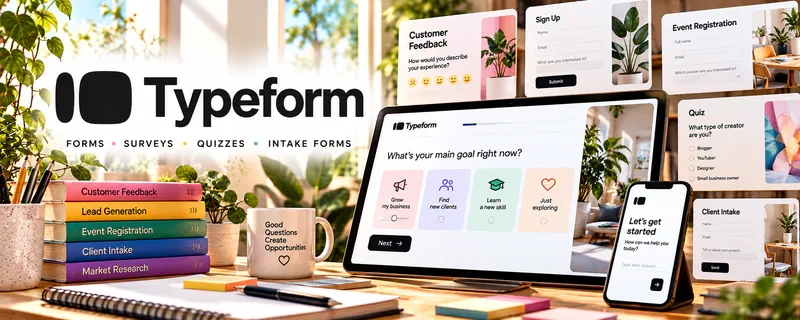
Typeform is a freemium form and survey tool known for clean, interactive forms.
🔗 Visit Official Website — Typeform
Domain: www.typeform.com
What This Website Is
Typeform is a freemium form and survey tool known for clean, interactive forms. For the 🎓 Online Course Creation side hustle, it can be used to validate ideas, collect feedback, run applications, and improve your offer based on responses.
How to Apply It to 🎓 Online Course Creation
Use Typeform to gather high-quality feedback that improves your course topic and marketing.
Step-by-Step Implementation:
- Phase 1: Create a validation survey for your target audience (pain points, goals, budget).
- Phase 2: Share it in communities and to your list; collect 25–100 responses.
- Phase 3: Use results to refine your course promise, outline, and pricing.
Common Use Cases for this Side Hustle:
- Scenario A: If you don’t know what to teach, survey your audience.
- Scenario B: If you want better conversions, test messaging and objections.
- Scenario C: If you need applications, create an intake form for cohorts.
When to Use This
- You need feedback before building.
- You want course idea validation.
- You need applications or intake forms.
- You want cleaner forms than basic tools.
Best Tasks to Use It For
- Idea validation surveys
- Waitlist and application forms
- Student onboarding questionnaires
- Post-course feedback surveys
- Market research interviews scheduling
Getting Started Steps
- Create a Typeform account.
- Choose a validation survey template.
- Keep it short (5–10 questions).
- Share it with your target audience.
- Export responses and summarize insights.
- Update your course outline based on patterns.
- Re-run a smaller survey if you change direction.
Good Beginner Search Terms
- course idea validation survey
- Typeform best questions
- market research questions template
- student onboarding questionnaire
- post-course survey questions
- how to analyze survey results
Monetization Angle
Better validation reduces wasted build time and improves conversions. Typeform helps you build the right course for the right audience.
Pros
- Great user experience for respondents
- Strong templates and logic
- Useful for validation and applications
Cons
- Some features require paid plan
- Can be overkill for simple forms
- Needs distribution to get responses
Who Should Use This
Course creators who want better audience insights and cleaner application/feedback flows.
Who Should Skip This
Skip this if you only need simple internal forms and Google Forms works fine.
Practical Applications
- Collect learner questions before choosing a course curriculum.
- Create a concise pilot-feedback form focused on clarity and usefulness.
- Organize responses into specific course revisions rather than adding features indiscriminately.
Important Considerations
- Check response limits, integrations, access controls, and any paid features your workflow needs.
- Collect only necessary data with appropriate consent, especially for minors or sensitive topics. A form is not a full learner-management system or proof of willingness to pay.
Related Resources
Google Forms — simpler free alternative for basic course surveys and student intake
Airtable — organizes survey responses, course ideas, production tasks, and validation data
Notion — turns feedback into outlines, launch plans, and student onboarding workflows
Google Drive — stores survey exports, student files, worksheets, and course assets
Related Side Hustles
 Blogging: Build an Online Brand and Earn from Your Words — use surveys to pick topics, validate pain points, and improve conversions
 Affiliate Marketing: Get Paid to Promote What You Love — survey readers to learn which tools/products they’re most likely to buy
 Freelance Writing: Get Paid to Write Online — collect briefs and client intake via Typeform to reduce back-and-forth