Official Website
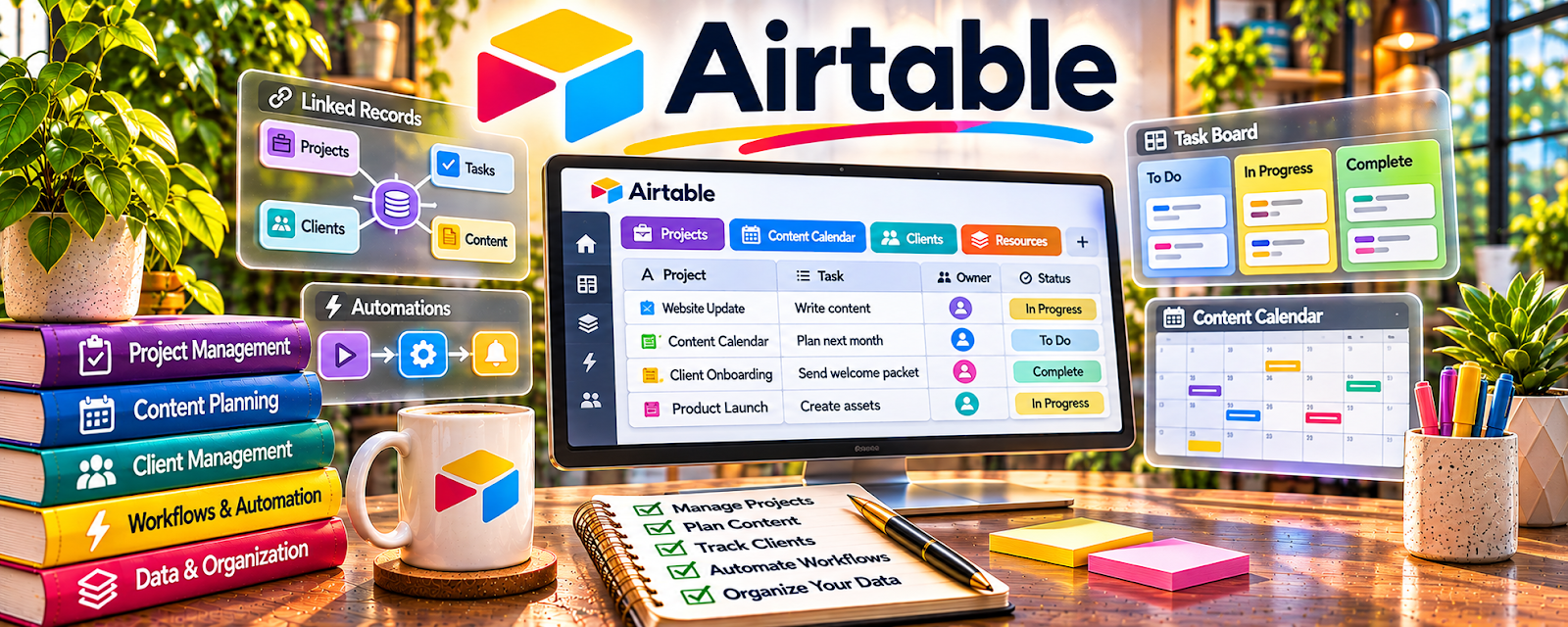
Airtable is a freemium database + spreadsheet-style tool for organizing projects, content, and workflows.
🔗 Visit Official Website — Airtable
Domain: www.airtable.com
What This Website Is
Airtable is a freemium database + spreadsheet-style tool for organizing projects, content, and workflows. For the 🎓 Online Course Creation side hustle, it can be used to plan curriculum, track lesson assets, manage production, and keep your launch checklist in one place.
How to Apply It to 🎓 Online Course Creation
Use Airtable as your “course ops” tracker: lessons, scripts, recordings, edits, thumbnails, uploads, and launch tasks.
Step-by-Step Implementation:
- Phase 1: Create a base with tables for lessons, assets, and tasks.
- Phase 2: Define a simple production workflow (idea → script → record → edit → upload).
- Phase 3: Use views/filters to track status and ship consistently (weekly milestones).
Common Use Cases for this Side Hustle:
- Scenario A: If you’re losing track of assets, track files and links per lesson.
- Scenario B: If you procrastinate, use status + deadlines to force momentum.
- Scenario C: If you want to scale, templatize your course production process.
When to Use This
- You have many moving parts (videos, PDFs, quizzes).
- You want a clearer production pipeline.
- You need one place to track assets and statuses.
- You want templates you can reuse for future courses.
Best Tasks to Use It For
- Curriculum planning
- Lesson and asset tracking
- Production workflow management
- Launch checklists
- Collaboration with editors/designers
Getting Started Steps
- Create an Airtable base for your course.
- Add a Lessons table (title, status, deliverables).
- Add an Assets table (links to Drive folders, files).
- Create a status field for the production workflow.
- Build views: “To Script,” “To Record,” “To Edit,” “Ready to Upload.”
- Enter your first module and lessons.
- Update statuses weekly and ship on schedule.
Good Beginner Search Terms
- Airtable course production template
- course curriculum planning tracker
- content production workflow
- Airtable views and filters
- launch checklist template
- organize course assets
Monetization Angle
Better tracking = faster shipping. Airtable helps you publish the course sooner and iterate, which increases the chances of reaching revenue faster.
Pros
- Flexible tracker for lessons and assets
- Views make progress easy to see
- Great for repeatable templates
Cons
- Setup time required
- Can get complex if overbuilt
- Some features require paid tiers
Who Should Use This
Course creators who want a structured system for planning, producing, and launching lessons and assets.
Who Should Skip This
Skip this if you only need a simple checklist and don’t want to maintain a tracker.
Practical Applications
- Build a lesson tracker with an outcome, owner, production stage, and deadline for each lesson.
- Connect lesson records to the scripts, slides, and recordings you need to finish.
- Create a launch checklist that makes dependencies and unfinished assets visible.
- Track pilot feedback and prioritize revisions without mixing it into unrelated production notes.
Important Considerations
- Keep the base simple enough to maintain and check current record, attachment, automation, and sharing limits.
- Minimize learner or customer data and apply permissions appropriate to the information you store.
- A planning database is not automatically a course host, checkout system, or secure learner portal; use separate services where needed.
Related Resources
Google Drive — stores lesson videos, slide decks, worksheets, and course asset folders
Notion — outlines curriculum, task lists, production workflows, and launch planning
Loom — records quick lessons, walkthroughs, and feedback videos for course production
Google Docs — drafts scripts, lesson notes, worksheets, and course copy before production
Related Side Hustles
 Freelance Writing: Get Paid to Write Online — writing skills help with scripts, lesson notes, and marketing copy
 Virtual Assistance — similar process tracking: tasks, deadlines, assets, and client/stakeholder comms
Copyediting & Proofreading: Get Paid to Polish Words — tighten lesson scripts and materials for clarity and quality