Official Website
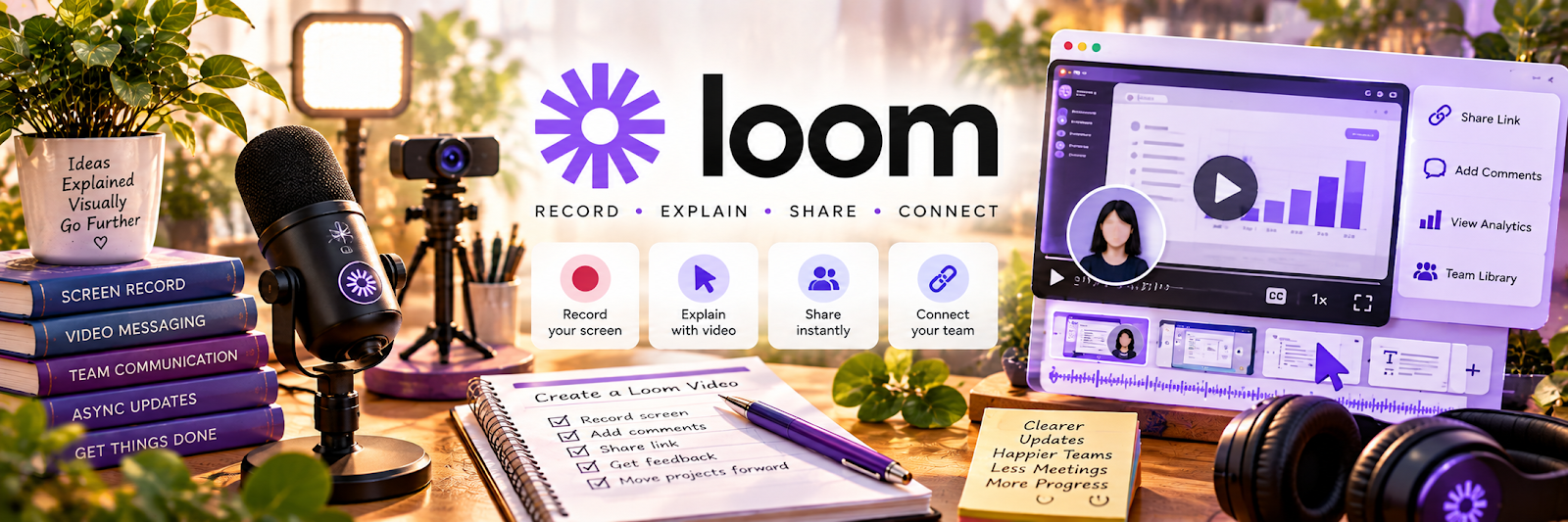
Loom is a screen recording tool for quick videos (screen + camera + voice).
🔗 Visit Official Website — Loom
Domain: www.loom.com
What This Website Is
Loom is a screen recording tool for quick videos (screen + camera + voice). For 🎓 Online Course Creation, it helps you record lessons, demos, and feedback videos fast.
How to Apply It to Online Course Creation
Use Loom as your “fast recording workflow”: record short lessons in modules, keep them concise, and reuse recordings for support and marketing.
Step-by-Step Implementation:
- Choose one learning objective and outline a concise original demonstration.
- Check current plan limits, privacy terms, sharing controls, and any consent requirements before recording.
- Prepare authorized materials and remove notifications, credentials, or private client and student data from view.
- Record and review the lesson for factual accuracy, clear sound, readable visuals, and captions where available.
- Share through the agreed course process and maintain access, updates, and appropriate retention controls.
When to Use This
- You need quick lesson recordings
- You want to explain a concept visually
- You’re creating demos or walkthroughs
Best Tasks to Use It For
- Screen-share lessons
- Software demos
- Student feedback videos
- Course module drafts
Getting Started Steps
- Install Loom and set recording defaults.
- Create a folder per course.
- Outline modules (5–10 minutes each).
- Record lessons with clear titles.
- Re-record only the section that changed.
- Export/share links in your course platform.
- Create a repeatable recording checklist.
Good Beginner Search Terms
- how to script online course lessons
- screen recording audio setup
- course module structure best practices
Monetization Angle
Faster recording reduces production time so you can ship courses sooner and iterate more often.
Pros
- Very fast to record and share
- Great for walkthrough-style lessons
- Easy retakes
Cons
- Not a full video editor
- Audio quality depends on your setup
Who Should Use This
Course creators teaching software, processes, or anything best shown on-screen.
Who Should Skip This
Creators who need heavy editing, motion graphics, or studio-level production.
Practical Applications
- Record a short screen demonstration for one course learning objective.
- Use a clear script and a test recording to check sound and readability.
- Provide a lesson summary and appropriate captions alongside the recording.
Important Considerations
- Check current recording, storage, privacy, and export limits.
- Hide sensitive tabs and notifications, obtain permission for other people’s content or likenesses, and review accessibility before publishing.
Related Resources
OBS Studio — Records more advanced screen or camera lessons when Loom is too simple.
Descript — Edits recordings, removes filler, creates transcripts, and polishes course modules.
Thinkific — Hosts and sells the course lessons recorded in Loom.
Related Side Hustles
 Online Course Creation: Turn Your Knowledge Into Income — Loom records quick screen lessons, demos, walkthroughs, and feedback videos for course modules.
Online Tutoring: Get Paid to Teach What You Know — Tutors can record recap videos, homework walkthroughs, and asynchronous explanations.
 UGC Creation — UGC creators can record quick process videos, pitches, and client walkthroughs.