Official Website
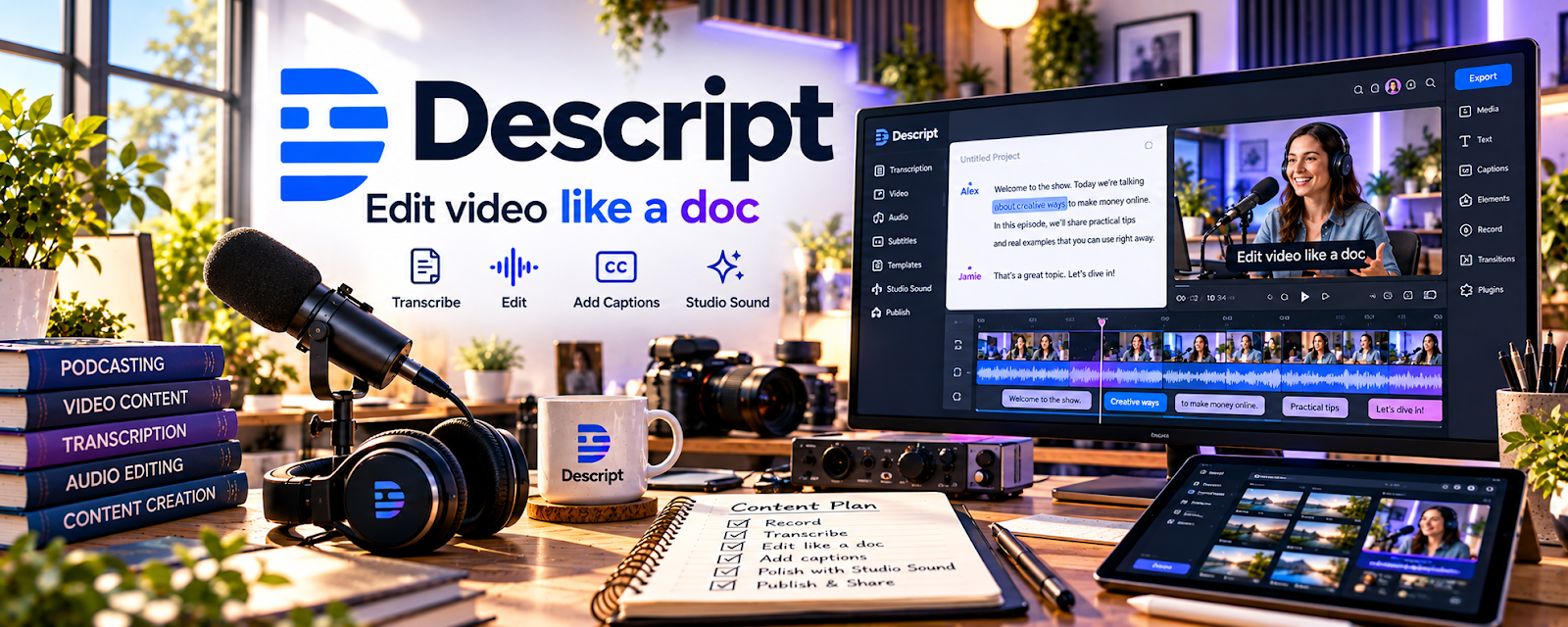
Descript is an audio/video editor that lets you edit media like a document (text-based editing), plus captions and screen recording.
🔗 Visit Official Website — Descript
Domain: www.descript.com
What This Website Is
Descript is an audio/video editor that lets you edit media like a document (text-based editing), plus captions and screen recording. For the 🎓 Online Course Creation side hustle, it helps you edit lessons faster and produce cleaner content.
How to Apply It to 🎓 Online Course Creation
Use Descript as a practical “course production workflow”: record → transcribe → edit by text → polish → export.
Step-by-Step Implementation:
- Phase 1: Record lesson videos (talking head, screen share, or voiceover).
- Phase 2: Use transcription to cut filler words and tighten pacing.
- Phase 3: Export clean videos, captions, and audio versions for better accessibility.
Common Use Cases for this Side Hustle:
- Scenario A: Faster edits for screen-recorded lessons.
- Scenario B: Turning long recordings into tighter modules.
- Scenario C: Creating captions for accessibility and retention.
When to Use This
- You want faster editing than timeline-only tools.
- You record screen share tutorials.
- You want captions and transcripts.
- You need a repeatable editing workflow.
Best Tasks to Use It For
- Editing course videos by text
- Caption generation
- Audio cleanup basics
- Cutting filler and tightening pacing
- Repurposing clips for marketing
Getting Started Steps
- Create a Descript project for your course.
- Record or import one lesson.
- Use transcript editing to cut filler.
- Add captions.
- Export the final lesson video.
- Repeat with a consistent module structure.
- Save templates/presets for reuse.
Good Beginner Search Terms
- Descript course editing workflow
- edit video by transcript Descript
- Descript captions tutorial
- screen recording course production
- how to remove filler words in Descript
- course video editing checklist
Monetization Angle
Faster editing reduces production time so you can ship courses sooner, launch more often, and increase revenue.
Pros
- Text-based editing is fast
- Great captions/transcripts
- Good for tutorials and screen recordings
Cons
- Learning curve
- Can struggle with messy audio
- Some features require paid plan
Who Should Use This
Course creators who want a faster editing workflow and clean captions/transcripts for lessons.
Who Should Skip This
Skip this if you already have a pro editor workflow and don’t need text-based editing or transcripts.
Practical Applications
- Edit a short pilot lesson using a reviewed transcript.
- Correct captions and technical terminology before exporting.
- Compare the final audio and video with the intended lesson content.
Important Considerations
- Transcript-based edits and automated cleanup can change meaning or introduce artifacts; inspect the actual media.
- Check current limits, privacy, and AI or voice-feature terms, and obtain rights and consent before uploading or transforming recordings.
Related Resources
Canva / Canva Mockups — Creates course thumbnails, worksheets, and promo graphics around edited lessons.
Adobe Premiere Pro — Provides a more advanced video editing workflow for complex course production.
Podia — Hosts and sells finished lessons after Descript is used for editing.
Related Side Hustles
 Selling Digital Products — Courses can be packaged with templates, worksheets, and downloadable products.
 Blogging: Build an Online Brand and Earn from Your Words — Blog content can promote courses and repurpose lesson transcripts into articles.