Official Website
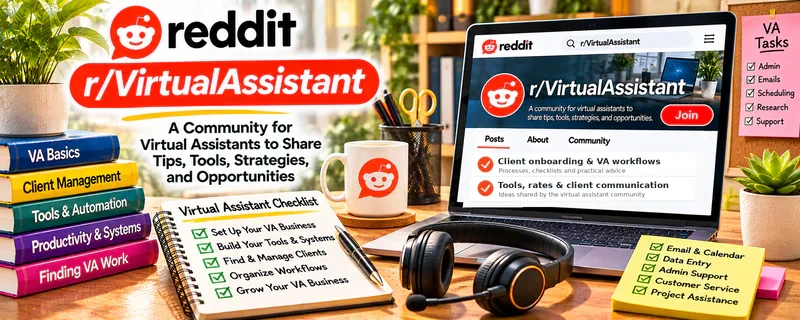
r/VirtualAssistant is a Reddit community where people discuss VA skills, client work, tools, rates, and workflows.
🔗 Visit Official Website — r/VirtualAssistant
Domain: www.reddit.com
What This Website Is
r/VirtualAssistant is a Reddit community where people discuss VA skills, client work, tools, rates, and workflows. For 🗂️ Virtual Assistance, it’s useful for practical service ideas, rate discussions, and troubleshooting client situations.
How to Apply It to 🗂️ Virtual Assistance
Use it as a “service + workflow” community: learn what clients ask for, then build a small set of repeatable SOP-driven services.
Step-by-Step Implementation:
- Phase 1: Choose your services — inbox, calendar, research, CRM, scheduling, admin.
- Phase 2: Build SOPs — checklists for each service so delivery is consistent.
- Phase 3: Improve client ops — onboarding questions, boundaries, and reporting.
Common Use Cases for this Side Hustle:
- Scenario A: You want to learn which services sell and how to package them.
- Scenario B: You want rate guidance and boundary scripts.
- Scenario C: You want tool recommendations for VA work.
When to Use This
- You’re learning VA workflows and service options.
- You want to package services and set boundaries.
- You want tool and SOP ideas.
- You want peer troubleshooting on client situations.
Best Tasks to Use It For
- Identifying high-demand VA services
- Improving SOPs and checklists
- Learning rate ranges and packages
- Finding client onboarding and boundary scripts
- Troubleshooting tool stacks
Getting Started Steps
- Read top posts and list the most common VA tasks mentioned.
- Pick 2–3 services and write SOPs for each.
- Create a simple package (hours or outcomes) and a minimum rate.
- Build a client intake form (tools, access, expectations, deadlines).
- Track tasks weekly and send clients a brief summary report.
- Refine your niche based on what you enjoy and what pays.
Good Beginner Search Terms
- virtual assistant hourly rate 2026
- VA onboarding checklist
- inbox management SOP
- calendar management best practices
- how to set boundaries as a VA
- tools for virtual assistants
Monetization Angle
Indirect: better packaging and boundaries protects your hourly rate; better SOPs reduce mistakes and increase retention and referrals.
Pros
- Practical peer advice on services and workflows
- Useful boundary and rate discussions
- Helps you build SOP-driven delivery
Cons
- Advice varies widely; test and adapt
- Not a guaranteed client source
- Easy to consume without implementing
Who Should Use This
New VAs who want service ideas, workflow improvements, and community troubleshooting while building a consistent client process.
Who Should Skip This
Skip this if it distracts you from execution. Use it for targeted questions and SOP ideas only.
Practical Applications
- Research a specific VA workflow question across dated discussions.
- Compare several perspectives before changing your service process.
- Use a practical suggestion on fictional or authorized sample work.
Important Considerations
- Community rates and income reports may not reflect your niche, location, or experience.
- Verify clients and technical claims independently and never reveal confidential client information, account access, or private messages.
Related Resources
Google Sheets — Tracks tasks, client hours, leads, and admin workflows for VA services.
Google Workspace Learning Center — Builds practical skills in Docs, Sheets, Gmail, and Calendar that clients expect.
Zoom — Supports client calls, onboarding, and weekly check-ins.
Monday.com — Provides a project-management option for client task tracking and operations workflows.
Related Side Hustles
 Social Media Management — Many VA packages include scheduling, inbox moderation, and content coordination.
 Blogging: Build an Online Brand and Earn from Your Words — VA research, formatting, and publishing support can expand into blog operations work.