Official Website
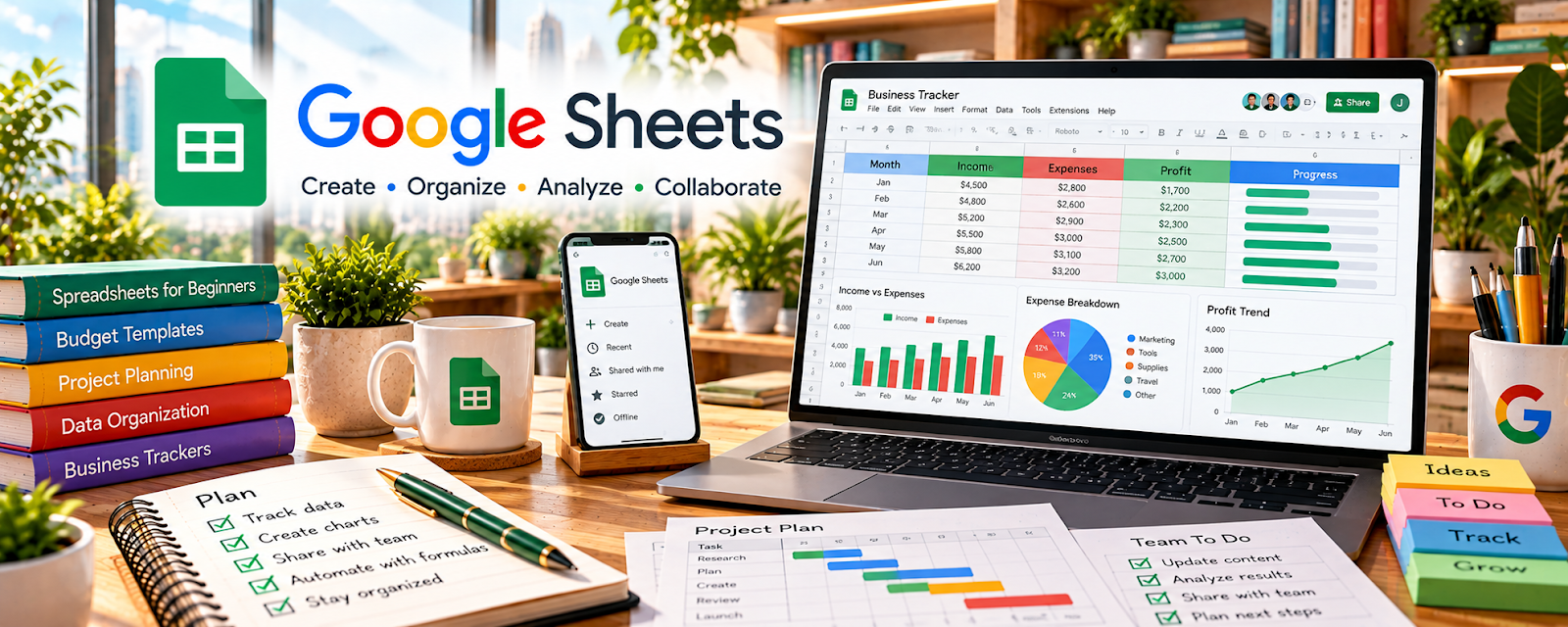
Google Sheets is a spreadsheet tool for tracking data, tasks, and simple reports.
🔗 Visit Official Website — Google Sheets
Domain: www.google.com
What This Website Is
Google Sheets is a spreadsheet tool for tracking data, tasks, and simple reports. For 🗂️ Virtual Assistance, it’s useful for client trackers (tasks, budgets, contacts) and lightweight reporting.
How to Apply It to Virtual Assistance
Use Sheets as your “structured tracking” system: build simple templates (tasks, KPIs, budgets) and update them on a consistent cadence.
Step-by-Step Implementation:
- Agree on the tracking goal, source data, update frequency, and responsible reviewer.
- Build a minimal sheet with clear definitions, appropriate validation, and formulas checked against known examples.
- Set access permissions and keep credentials and unnecessary sensitive client information out of shared trackers.
- Update consistently, reconcile outputs with source records, and preserve appropriate versions and backups.
When to Use This
- A client lives in spreadsheets
- You need shared, editable trackers
- You want lightweight reporting
Best Tasks to Use It For
- Task/KPI trackers
- Budget and expense logs
- Contact lists
- Weekly status reporting
Getting Started Steps
- Create a template sheet per client.
- Add dropdown statuses via data validation.
- Add basic formulas (SUM, COUNTIF).
- Create filtered views for “Today/This week”.
- Share with the client with the right permissions.
- Update daily/weekly.
- Archive monthly snapshots.
Good Beginner Search Terms
- google sheets data validation dropdown
- countif sumif examples
- simple dashboard in google sheets
Monetization Angle
Clean tracking improves client confidence and retention, supporting higher rates and longer retainers.
Pros
- Free and collaborative
- Flexible templates
- Easy sharing
Cons
- Easy to create errors
- Can get messy without structure
Who Should Use This
Virtual assistants supporting clients who want spreadsheet-based tracking.
Who Should Skip This
Workflows that need a database/automation system more than a spreadsheet.
Practical Applications
- Build a client task, contact, or expense tracker with consistent fields.
- Use validation and tested formulas to reduce routine errors.
- Create a clear recurring summary from approved client data.
Important Considerations
- Verify calculations against known examples and distinguish estimates from confirmed records.
- Control sharing and edit permissions, avoid unnecessary personal data, and keep appropriate backups and version history.
Related Resources
Microsoft Excel — Provides a more advanced spreadsheet option for clients using Microsoft workflows.
Notion — Stores SOPs and client dashboards alongside spreadsheet trackers.
Google Calendar — Coordinates deadlines and recurring routines tied to spreadsheet updates.
Related Side Hustles
 Virtual Assistance — Google Sheets supports client trackers, reports, lists, budgets, dashboards, and shared admin workflows.
 Online Bookkeeping: Earn Steady Income by Helping Businesses Stay Organized — Bookkeepers use Sheets for reconciliations, imports, budgets, and lightweight reporting.
Consulting: Get Paid for What You Know — Consultants use spreadsheets for analysis, models, status reports, and recommendations.