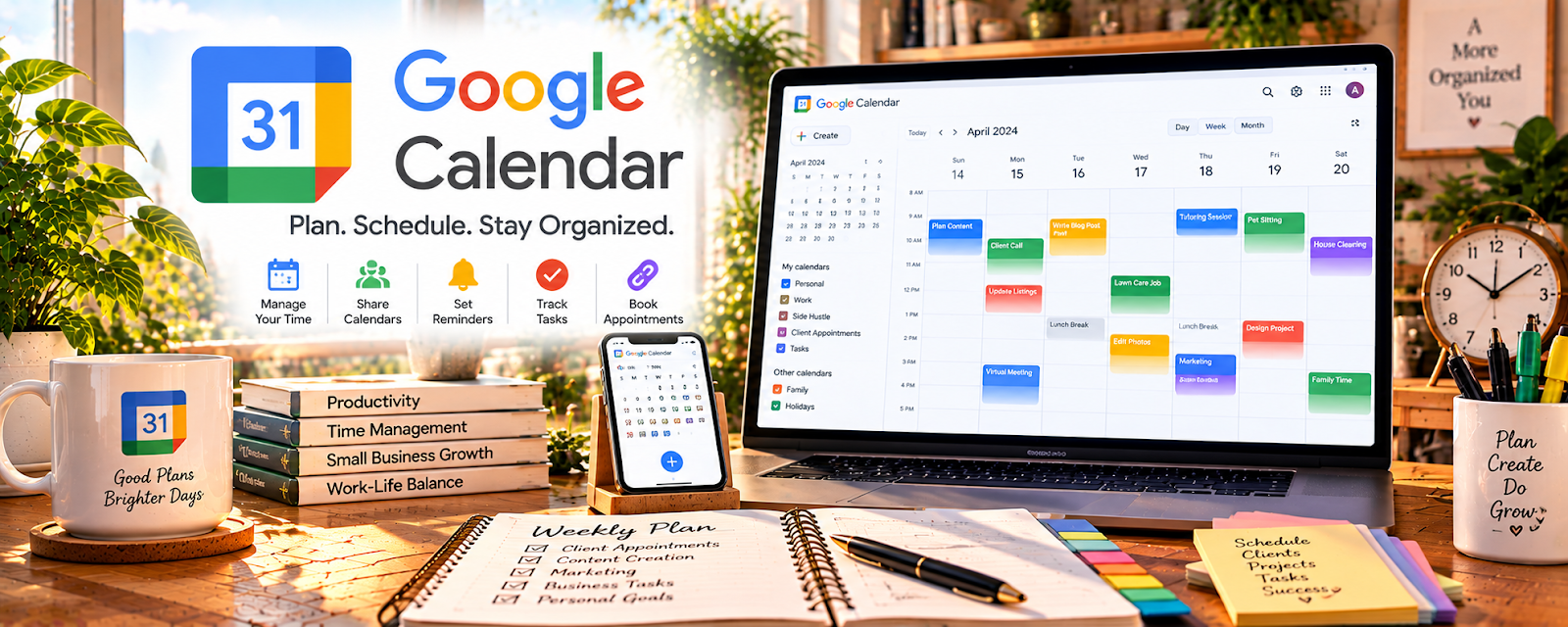
Official Website
Google Calendar is a calendar and scheduling tool for managing events, reminders, and availability.
🔗 Visit Official Website — Google Calendar
Domain: calendar.google.com
What This Website Is
Google Calendar is a calendar and scheduling tool for managing events, reminders, and availability. For 🧸 Babysitting & Caregiver work, it helps you stay organized on bookings, availability, and repeat clients.
How to Apply It to Babysitting & Caregiver Work
Use Google Calendar as your “booking + availability system”: block your available hours, confirm bookings, and set reminders so you don’t double-book.
Step-by-Step Implementation:
- Agree on booking, cancellation, availability, and communication expectations with each family.
- Create a controlled scheduling system and store only necessary booking details.
- Confirm dates, time zones where relevant, and any changes before treating a booking as final.
- Use appropriate reminders and check for conflicts while keeping child and household details private.
- Review upcoming bookings and remove or archive records according to appropriate retention and access practices.
When to Use This
- You have multiple families/clients
- You juggle school/work with babysitting
- You need reminders and routines
Best Tasks to Use It For
- Availability planning
- Booking confirmations
- Recurring jobs
- Reminder alerts
Getting Started Steps
- Create a Babysitting calendar.
- Block your standard availability windows.
- Add each booking with address + notes.
- Set reminders (day before + 1 hour before).
- Color-code by family/client.
- Do a weekly schedule review.
- Track repeat clients and preferred times.
Good Beginner Search Terms
- google calendar availability system
- scheduling system for babysitters
- how to avoid double booking clients
Monetization Angle
Better scheduling reduces missed jobs and increases reliability, which drives repeat bookings and higher rates.
Pros
- Free and simple
- Strong reminders
- Easy recurring events
Cons
- Can get cluttered
- Doesn’t handle payments/contracts
Who Should Use This
Babysitters and caregivers managing multiple bookings and availability.
Who Should Skip This
Anyone whose bookings are fully managed by a platform that already enforces scheduling.
Practical Applications
- Block confirmed care sessions and allow travel time between households.
- Add reminders for parent check-ins and agreed pickup arrangements.
- Maintain a separate availability calendar to prevent double bookings.
Important Considerations
- Limit shared event details so children’s names, addresses, and routines are not unnecessarily exposed.
- Confirm time zones, recurring dates, and changes directly with parents; a calendar entry is not a care agreement.
Related Resources
Google Forms — Collects parent intake details, emergency contacts, routines, and care preferences.
Canva / Canva Mockups — Creates parent-facing flyers, one-pagers, and rate sheets that drive bookings.
Notion — Stores client notes, care routines, checklists, references, and repeat booking details.
Related Side Hustles
 Babysitting & Childcare: Flexible Side Hustle Caring for Kids — Google Calendar tracks availability, bookings, recurring care times, reminders, and client schedules.
Pet Sitting & Dog Walking: Earn Money Caring for Pets — Pet sitting also relies on recurring visits, reminders, and availability management.
 Virtual Assistance — Calendar coordination and reminder systems overlap with VA scheduling work.