Official Website
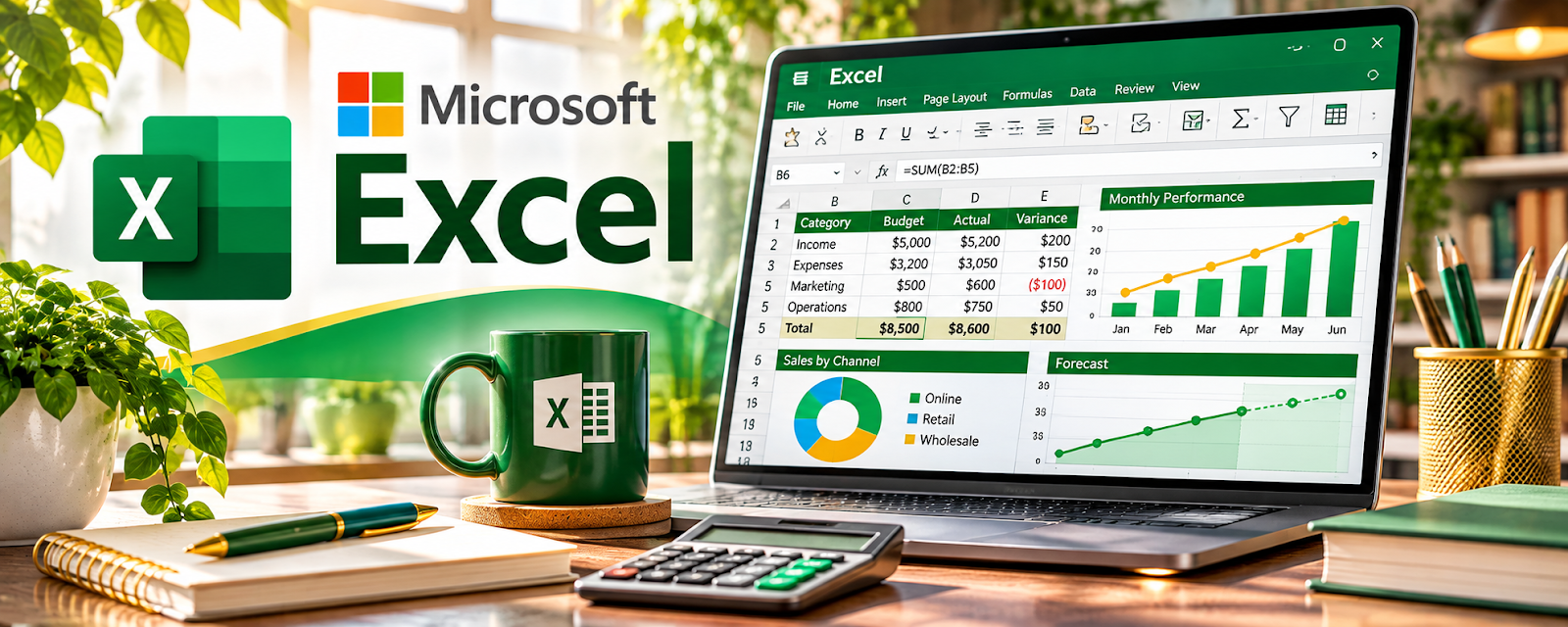
Microsoft Excel is a spreadsheet tool for organizing data, calculations, and reports.
🔗 Visit Official Website — Microsoft Excel
Domain: www.microsoft.com
What This Website Is
Microsoft Excel is a spreadsheet tool for organizing data, calculations, and reports. For 🗂️ Virtual Assistance, it helps you track tasks, budgets, inventory, and simple reporting for clients.
How to Apply It to Virtual Assistance
Use Excel as your “structured tracking” tool: build simple trackers (tasks, expenses, leads) and keep them updated on a repeatable cadence.
Step-by-Step Implementation:
- Agree on the client’s tracking goal, source data, update schedule, and access permissions.
- Build a small workbook with clear labels and only the fields needed for the task.
- Check formulas and validation against known examples before entering live work.
- Protect sensitive information and document assumptions, exceptions, and review responsibilities.
- Update consistently and reconcile outputs with source records, retaining appropriate backups and versions.
When to Use This
- A client needs spreadsheets (common)
- You’re tracking recurring data
- You need basic reporting and summaries
Best Tasks to Use It For
- Task and KPI trackers
- Budgeting and expense logs
- Contact lists and simple CRMs
- Weekly/monthly reporting
Getting Started Steps
- Create a template workbook per client.
- Add sheets for the core tracker(s).
- Use data validation (dropdowns) for statuses.
- Add basic formulas (SUM, AVERAGE).
- Create a simple dashboard sheet.
- Update on a daily/weekly schedule.
- Version/save backups monthly.
Good Beginner Search Terms
- excel data validation dropdown
- excel dashboard basics
- excel formulas for beginners
Monetization Angle
Better tracking and reporting increases client trust and retention, supporting higher rates and longer contracts.
Pros
- Widely used and expected
- Powerful formulas
- Flexible for many trackers
Cons
- Easy to make errors without structure
- Collaboration can be messy vs web tools
Who Should Use This
Virtual assistants supporting operations, reporting, or any client who “lives in spreadsheets.”
Who Should Skip This
Anyone who needs a database/workflow tool more than a spreadsheet (Airtable/Notion may fit better).
Practical Applications
- Build a client task or inventory tracker with consistent input fields.
- Use formulas and validation to flag missing data and upcoming deadlines.
- Create a concise recurring report from approved client records.
Important Considerations
- Test calculations against known examples before sending reports.
- Use authorized storage and access, protect personal data, and do not mistake password protection for a complete security strategy.
Related Resources
Google Sheets — Provides a collaborative spreadsheet alternative for clients using Google Workspace.
Notion — Stores SOPs and client dashboards alongside spreadsheet-based trackers.
Google Calendar — Coordinates deadlines and routines connected to Excel reporting cycles.
Related Side Hustles
 Virtual Assistance — Excel supports client trackers, budgets, contact lists, KPIs, and recurring reports.
 Online Bookkeeping: Earn Steady Income by Helping Businesses Stay Organized — Spreadsheet skills support reconciliations, budgets, and financial summaries.
Consulting: Get Paid for What You Know — Consultants often use Excel for analysis, models, dashboards, and client reporting.