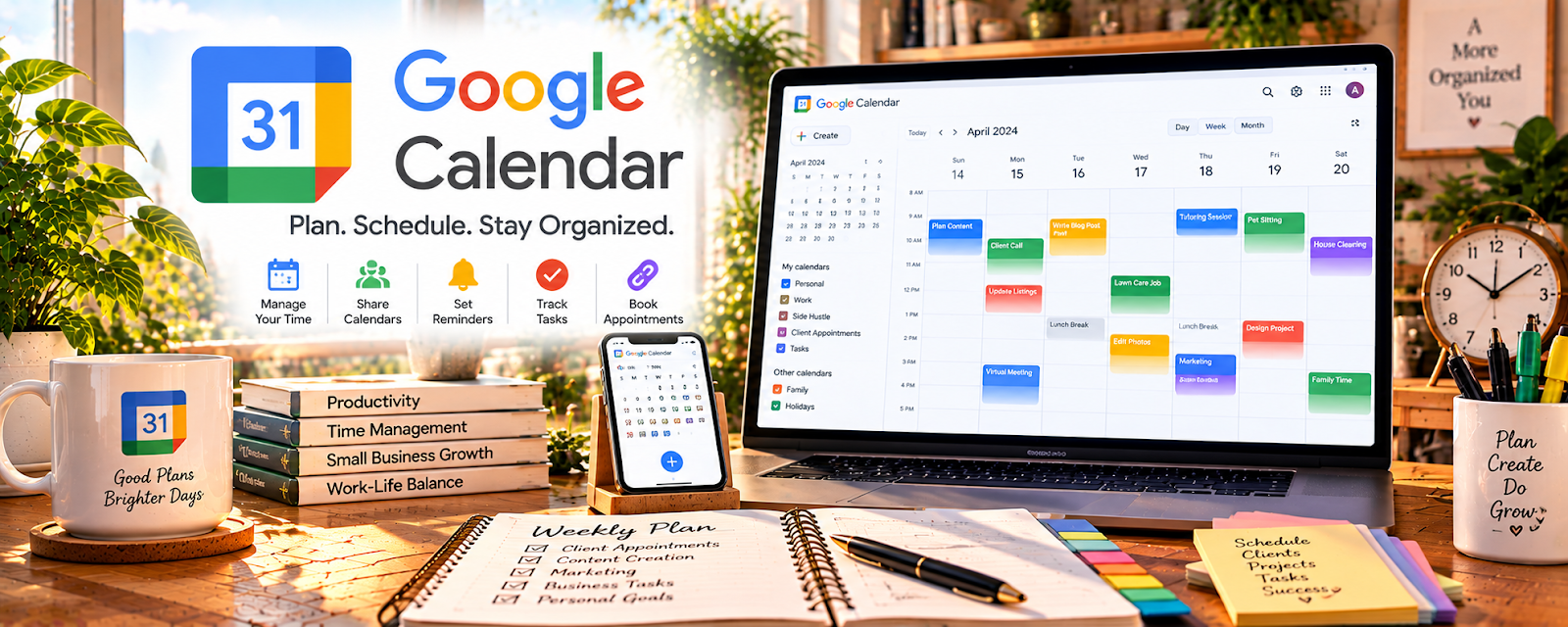
Official Website
Google Calendar is a calendar and scheduling tool for managing events, tasks, and reminders.
🔗 Visit Official Website — Google Calendar
Domain: calendar.google.com
What This Website Is
Google Calendar is a calendar and scheduling tool for managing events, tasks, and reminders. For 🗂️ Virtual Assistance, it helps you coordinate meetings, deadlines, and recurring tasks reliably.
How to Apply It to Virtual Assistance
Use Google Calendar as your “time coordination hub”: block focus time, schedule client calls, and set reminders so nothing slips.
Step-by-Step Implementation:
- Clarify which calendars and scheduling actions the client has authorized you to manage.
- Use appropriate account access and separate private commitments from shareable availability.
- Add agreed deadlines, meetings, buffers, and reminders with correct time zones.
- Check invitations and sharing permissions before sending or exposing event details.
- Review upcoming work regularly and confirm significant scheduling changes with the client.
When to Use This
- You’re managing multiple clients and deadlines
- You need recurring reminders and routines
- You coordinate meetings across time zones
Best Tasks to Use It For
- Scheduling meetings and calls
- Deadline reminders
- Recurring routines and check-ins
- Time blocking for deep work
Getting Started Steps
- Create separate calendars (Work, Personal, Clients).
- Set up recurring blocks for routine tasks.
- Add deadlines with 1–3 reminders.
- Use color-coding for fast scanning.
- Share calendars with clients (if needed).
- Review tomorrow’s schedule daily.
- Do a weekly planning reset every week.
Good Beginner Search Terms
- google calendar time blocking
- recurring reminders workflow
- calendar system for virtual assistants
Monetization Angle
Better scheduling reduces missed deadlines and increases reliability, which drives retention and higher-value client work.
Pros
- Free and widely used
- Strong reminders and sharing
- Easy recurring events
Cons
- Can get cluttered without a system
- Limited task management vs dedicated tools
Who Should Use This
Virtual assistants coordinating schedules, deadlines, and recurring routines for clients.
Who Should Skip This
Anyone needing a full project management tool instead of a calendar.
Practical Applications
- Create separate calendars for client appointments and your own availability.
- Add recurring administrative deadlines and preparation reminders.
- Check time zones and attendee permissions before sending meeting invitations.
Important Considerations
- Use authorized delegation rather than sharing account passwords.
- Avoid sensitive client details in event titles and confirm visibility, time zones, and invitation behavior before coordinating schedules.
Related Resources
Related Side Hustles
 Virtual Assistance — Google Calendar manages client schedules, deadlines, recurring routines, meetings, and reminders.
Consulting: Get Paid for What You Know — Consultants also need calendar blocks, discovery calls, and follow-up reminders.
 Remote Customer Service Jobs — Remote support roles may use calendar routines for shifts, training, and check-ins.