Official Website
Gmail is Google’s email service for sending, receiving, organizing, and searching messages.
🔗 Visit Official Website — Gmail
Domain: mail.google.com
What This Website Is
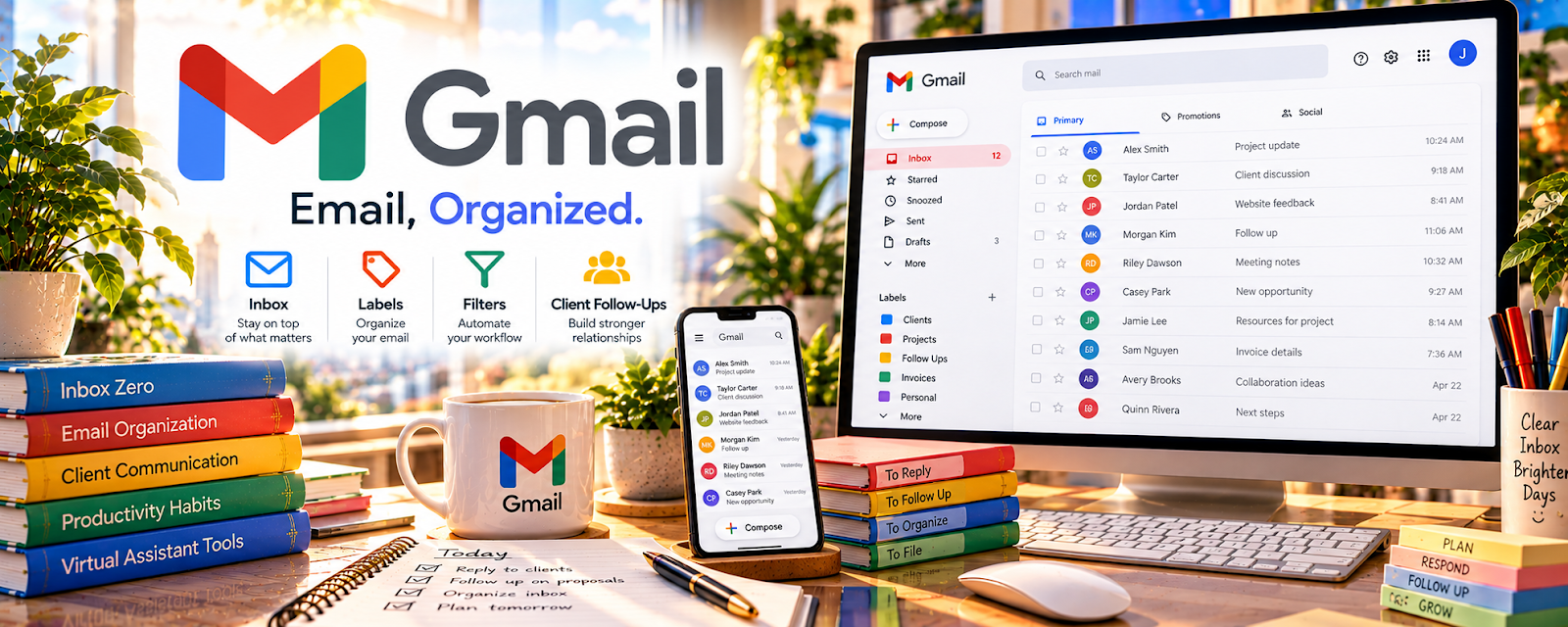
Gmail is Google’s email service for sending, receiving, organizing, and searching messages. For 🗂️ Virtual Assistance, it can be used to manage client inboxes, create filters and labels, write replies, and keep follow-ups moving.
How to Apply It to 🗂️ Virtual Assistance
Use Gmail as your “inbox operations” system: filters/labels → canned responses → follow-up reminders → inbox review.
Step-by-Step Implementation:
- Set up labels for priorities, clients, follow-ups, and waiting items.
- Create templates for common replies.
- Use search and filters to reduce manual sorting.
- Review follow-ups daily and escalate important messages.
When to Use This
- You manage client email
- You need labels, filters, and templates
- You handle follow-ups or customer communication
Best Tasks to Use It For
- Inbox management
- Client follow-ups
- Email templates and filtering
Getting Started Steps
- Audit the inbox and create core labels.
- Build 5 common response templates.
- Set filters for recurring senders and tasks.
- Run a daily inbox review checklist.
Good Beginner Search Terms
- Gmail labels and filters for virtual assistants
- Gmail canned response templates
- inbox management workflow VA
Monetization Angle
Efficient inbox management is a clear VA deliverable that can be packaged into monthly retainers or admin support offers.
Pros
- Free and widely used
- Strong search and filtering
- Easy to combine with Google Workspace
Cons
- Client permissions must be handled carefully
- Can become messy without rules
- Not a full project management system
Who Should Use This
Virtual assistants who manage client communication, inbox cleanup, scheduling follow-ups, or basic customer replies.
Who Should Skip This
VAs whose clients already require a different helpdesk or shared inbox platform.
Practical Applications
- Organize an authorized inbox using agreed labels and follow-up rules.
- Draft responses for client review before sending independently.
- Test a filter on sample messages and check for unintended behavior.
Important Considerations
- Use approved delegation and security rather than casually sharing passwords.
- Confirm privacy, retention, sending authority, and organizational policies; automation can hide or misroute important messages and requires oversight.
Related Resources
No access — Turns email requests into appointments, reminders, and follow-up blocks.
Google Docs — Drafts SOPs, client notes, and longer responses linked from email work.
Google Sheets — Tracks inbox metrics, leads, tasks, or recurring admin workflows.
Related Side Hustles
 Virtual Assistance — Gmail is a core tool for inbox management and client communication.
 Blogging: Build an Online Brand and Earn from Your Words — Email organization and reply workflows also support outreach, guest posts, and content partnerships.