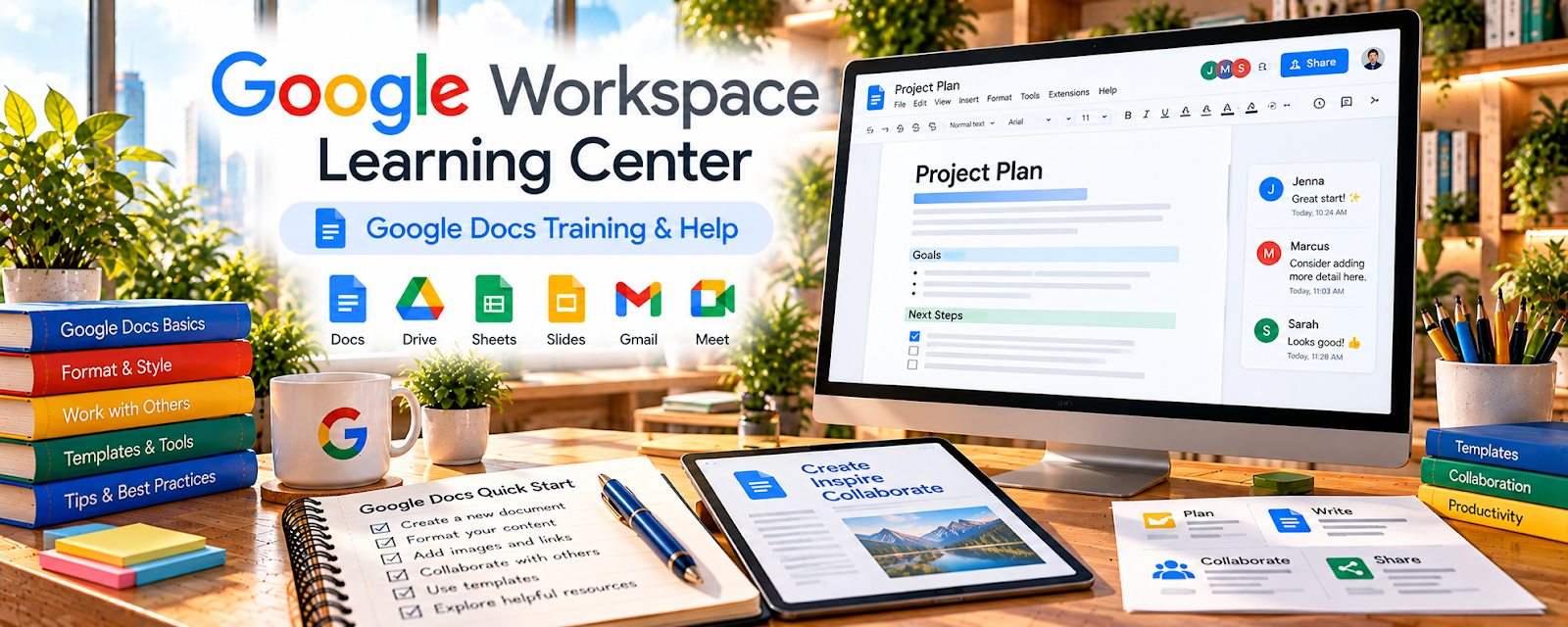
Official Website
Google Workspace Learning Center is Google’s official training hub for Gmail, Calendar, Drive, Docs, Sheets, Slides, Meet, and related productivity tools.
🔗 Visit Official Website — Google Workspace Learning Center
Domain: support.google.com
What This Learning Resource Is
Google Workspace Learning Center is Google’s official training hub for Gmail, Calendar, Drive, Docs, Sheets, Slides, Meet, and related productivity tools. For 🗂️ Virtual Assistance, it helps build the software fluency needed for administrative support.
How to Use It for Virtual Assistance
Use the Learning Center to practice the exact tools many clients already use. Focus on scheduling, inbox organization, file management, document formatting, spreadsheets, meetings, and collaboration habits.
Step-by-Step Implementation:
- Pick one Google Workspace tool each week.
- Complete beginner tutorials for the tool.
- Create a practice client workflow.
- Save shortcuts and best practices in a VA checklist.
- Build portfolio examples like a calendar setup, shared folder, or tracker.
- Mention specific tool skills in your service description.
Best Time to Use This
- Before offering VA services.
- When a client uses Google Workspace.
- Before creating admin workflows.
- When improving productivity tool confidence.
Best Skills to Learn Here
- Gmail organization
- Calendar scheduling
- Drive file systems
- Docs formatting
- Sheets tracking
- Meet collaboration
Getting Started Steps
- Open Google Workspace Learning Center.
- Start with Gmail, Calendar, Drive, and Sheets.
- Build a sample client admin system.
- Practice sharing permissions and file naming.
- Add Workspace skills to your VA profile.
Good Beginner Search Terms
- Google Workspace Learning Center
- Gmail organization tips
- Google Calendar scheduling
- Google Drive file organization
- Google Sheets tracker
- virtual assistant Google Workspace
Monetization Angle
Google Workspace skills can support calendar management, inbox support, document cleanup, client onboarding, spreadsheet trackers, and recurring admin retainers.
Pros
- Official Google training.
- Strong fit for VA work.
- Free and practical.
- Covers commonly used business tools.
Cons
- Tool knowledge still needs client context.
- Advanced automation requires extra learning.
- Not a client-finding resource.
- Permissions must be handled carefully.
Who Should Use This
Use this if you want to support clients with email, scheduling, documents, files, meetings, or spreadsheets.
Who Should Skip This
Skip this if your VA services use a completely different software stack and you do not plan to support Google tools.
Practical Applications
- Learn an official workflow for a Workspace task you plan to offer.
- Practice with sample files before accessing a client’s environment.
- Create a short, accurate SOP for scheduling, sharing, or document collaboration.
Important Considerations
- Features vary by account type, administrator settings, and product updates.
- Training access does not authorize work in client accounts; use appropriate permissions and avoid sharing passwords or confidential examples.
Related Resources
Google Workspace Learning Center — Adds another Google Workspace learning entry.
Xero Central — Supports bookkeeping-adjacent admin workflows.
Indeed Career Guide — Customer Service — Supports professional communication skills.
Related Side Hustles
 Virtual Assistance — Google Workspace skills support core admin services.
 Remote Customer Service Jobs — Communication and organization skills overlap.
Consulting: Get Paid for What You Know — Process documentation can grow into operations consulting.