Official Website
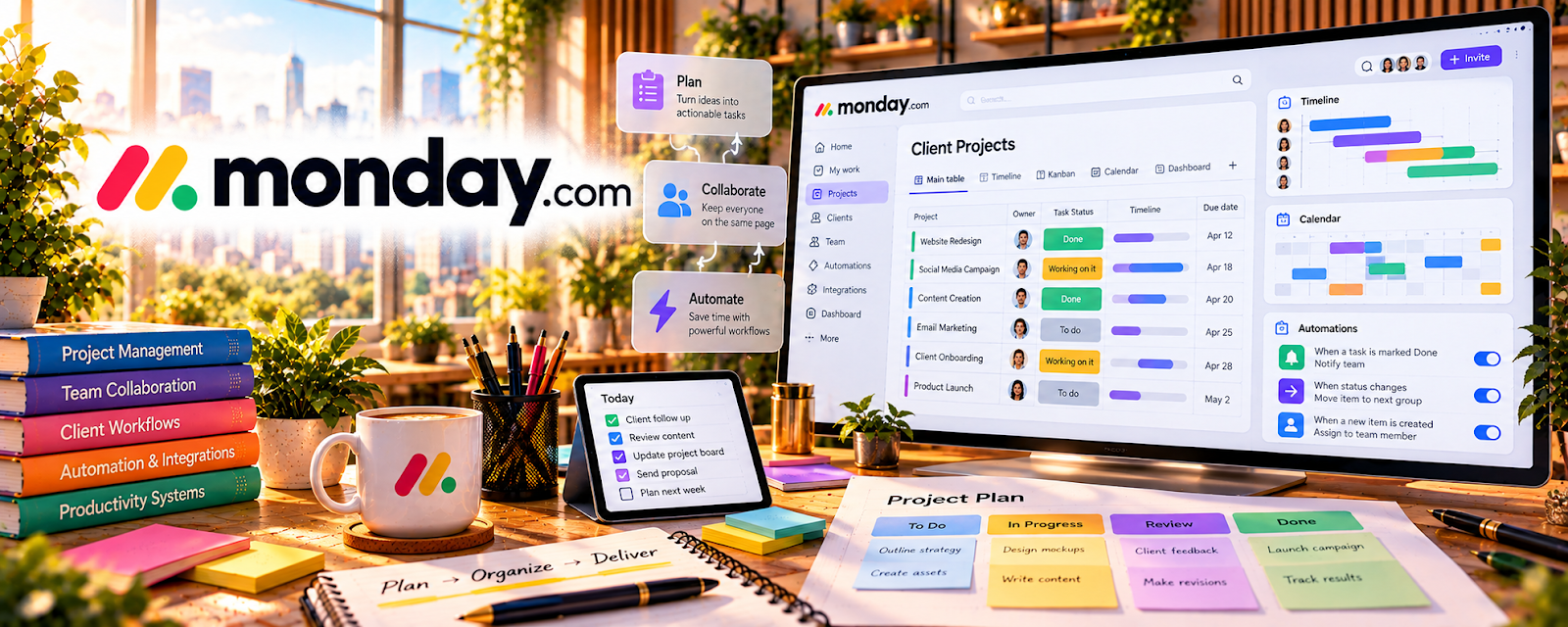
Monday.com is a project management platform for tracking tasks, timelines, and workflows.
🔗 Visit Official Website — Monday.com
Domain: monday.com
What This Website Is
Monday.com is a project management platform for tracking tasks, timelines, and workflows. For 🗂️ Virtual Assistance, it helps you run client operations with clear boards, owners, and due dates.
How to Apply It to Virtual Assistance
Use Monday as your “client workflow board”: track tasks by status, assign owners, set due dates, and run a weekly review so deliverables don’t slip.
Step-by-Step Implementation:
- Confirm the client workflow, deliverables, review responsibilities, and authorized team members.
- Build a minimal board with clear status meanings, owners, dates, and approval checkpoints.
- Set appropriate permissions and link only authorized documents or assets.
- Review blocked work and verify completion rather than treating a status change as client acceptance.
- Update recurring templates and access using documented feedback and agreed retention practices.
When to Use This
- You coordinate multiple projects for a client
- You need clear ownership and deadlines
- You want dashboard-style visibility
Best Tasks to Use It For
- Task boards and pipelines
- Due dates and reminders
- Simple dashboards
- Client status reporting
Getting Started Steps
- Create a board per client or function (Content, Ops, Admin).
- Define status columns (To do, Doing, Blocked, Done).
- Add owners and due dates.
- Create templates for recurring workflows.
- Review boards daily and update status.
- Run a weekly planning call with the client.
- Archive completed items monthly.
Good Beginner Search Terms
- monday.com board setup tutorial
- project status dashboard monday
- recurring task templates monday
Monetization Angle
Clear workflows reduce missed tasks and rework, improving retention and enabling higher retainers.
Pros
- Strong visual boards and dashboards
- Clear ownership and deadlines
- Scales for teams
Cons
- Paid tool
- Can be heavy for simple workflows
Who Should Use This
Virtual assistants managing client projects that need clear visibility and accountability.
Who Should Skip This
Solo VAs with one simple checklist who don’t want a paid PM tool.
Practical Applications
- Build a client task board with clear owners, deadlines, and status definitions.
- Create recurring administrative checklists for routine work.
- Prepare a concise report highlighting overdue tasks and decisions needed.
Important Considerations
- Confirm current plan limits, automations, and guest-access permissions.
- Do not place passwords or unnecessary sensitive records in task descriptions; status updates need verification rather than assumption.
Related Resources
ClickUp — Provides a more customizable project-management alternative for complex client operations.
Trello — Offers a simpler kanban workflow when Monday.com is too heavy.
Notion — Stores SOPs, notes, and client documentation alongside Monday.com task boards.
Related Side Hustles
 Virtual Assistance — Monday.com helps VAs manage client tasks, owners, due dates, dashboards, and recurring workflows.
Consulting: Get Paid for What You Know — Consultants use similar project boards, dashboards, and delivery timelines for client engagements.
 Remote Customer Service Jobs — Support operations can use boards to track escalations, tasks, and process improvements.