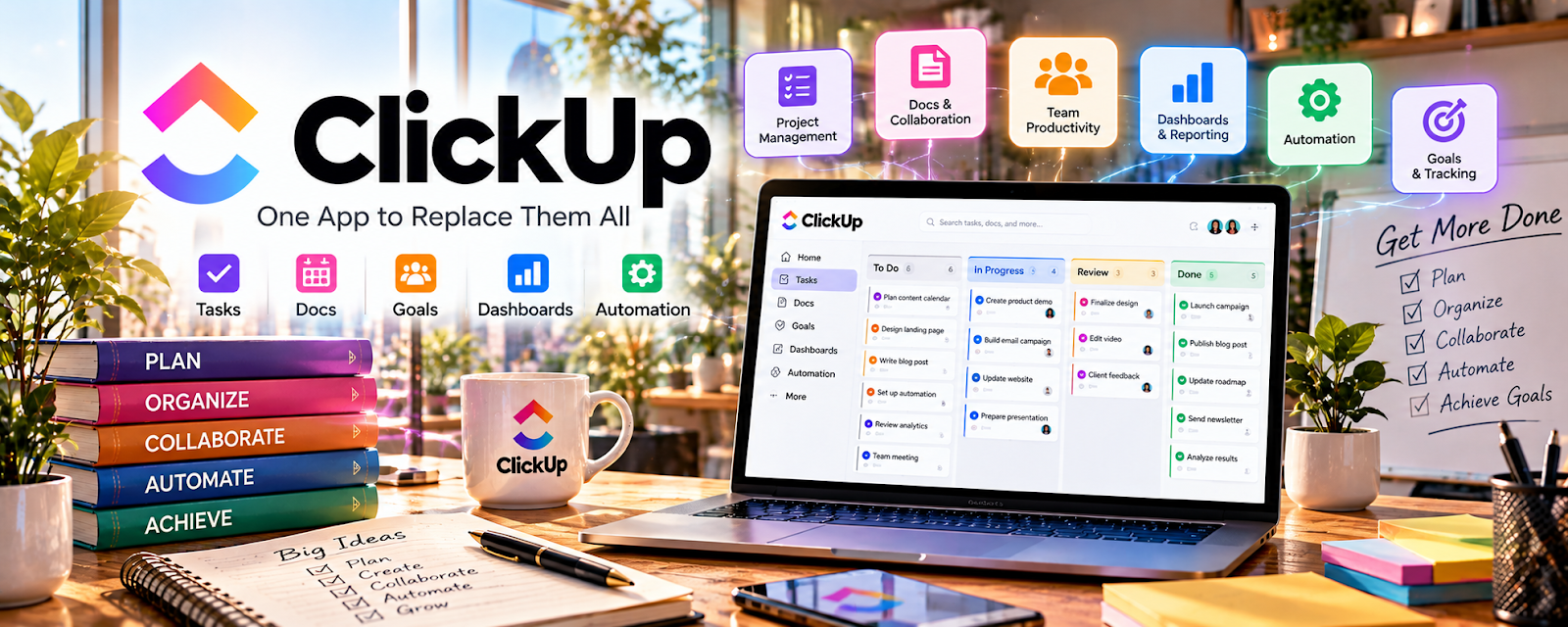
Official Website
ClickUp is a project management platform for tasks, docs, dashboards, and workflows.
🔗 Visit Official Website — ClickUp
Domain: clickup.com
What This Website Is
ClickUp is a project management platform for tasks, docs, dashboards, and workflows. For the 🗂️ Virtual Assistance side hustle, it can be used to manage client tasks, recurring SOPs, and team collaboration in one system.
How to Apply It to 🗂️ Virtual Assistance
Use ClickUp as your “client ops system”: intake → prioritize → execute → report.
Step-by-Step Implementation:
- Phase 1: Build a standard space/folder template for clients.
- Phase 2: Create recurring tasks and SOP docs.
- Phase 3: Use dashboards to report progress and workload.
Common Use Cases for this Side Hustle:
- Scenario A: If tasks get lost, use statuses and due dates.
- Scenario B: If you manage multiple clients, use templates.
- Scenario C: If clients want visibility, share dashboards.
When to Use This
- You want an all-in-one task system.
- You manage complex workflows.
- You want dashboards and automation.
- Clients want visibility.
Best Tasks to Use It For
- Client task management
- Recurring SOP workflows
- Dashboards and reporting
- Docs + task linking
- Simple automations
Getting Started Steps
- Create a ClickUp workspace.
- Build a client template structure.
- Add statuses and priorities.
- Add recurring tasks.
- Create a dashboard.
- Review daily.
- Duplicate for new clients.
Good Beginner Search Terms
- ClickUp virtual assistant setup
- ClickUp client template
- recurring tasks ClickUp
- ClickUp dashboards for clients
- task management SOP template
- ClickUp vs Trello
Monetization Angle
Better systems let you manage more clients without missed tasks, improving retention and rates.
Pros
- Powerful all-in-one platform
- Strong templates and dashboards
- Scales with complexity
Cons
- Can be overwhelming
- Setup takes time
- Easy to overbuild
Who Should Use This
Virtual assistants managing complex client operations who want dashboards and repeatable workflows.
Who Should Skip This
Skip this if you want the simplest possible system and a basic board is enough.
Practical Applications
- Create a client-approved task board with owners and due dates.
- Document a recurring administrative procedure as a checklist.
- Use a review stage to separate completed work from items awaiting approval.
Important Considerations
- Confirm current plan, permissions, automation, and integration limits before relying on a workflow.
- Obtain authorization for client connections and keep credentials and unnecessary personal data out of broadly shared tasks.
Related Resources
Trello — Provides a simpler board-based option for lighter client task tracking.
Calendly — Handles client booking while ClickUp manages tasks and delivery.
Google Calendar — Keeps meetings, deadlines, and reminders tied to client work.
Notion — Stores SOPs, knowledge bases, and client documentation alongside task workflows.
Related Side Hustles
 Virtual Assistance — This is the direct client operations workflow ClickUp supports.
Consulting: Get Paid for What You Know — Consulting projects also need task management, reporting, and deliverable tracking.
 Freelance Writing: Get Paid to Write Online — Writers can use similar systems for assignments, editorial calendars, and revisions.