Official Website
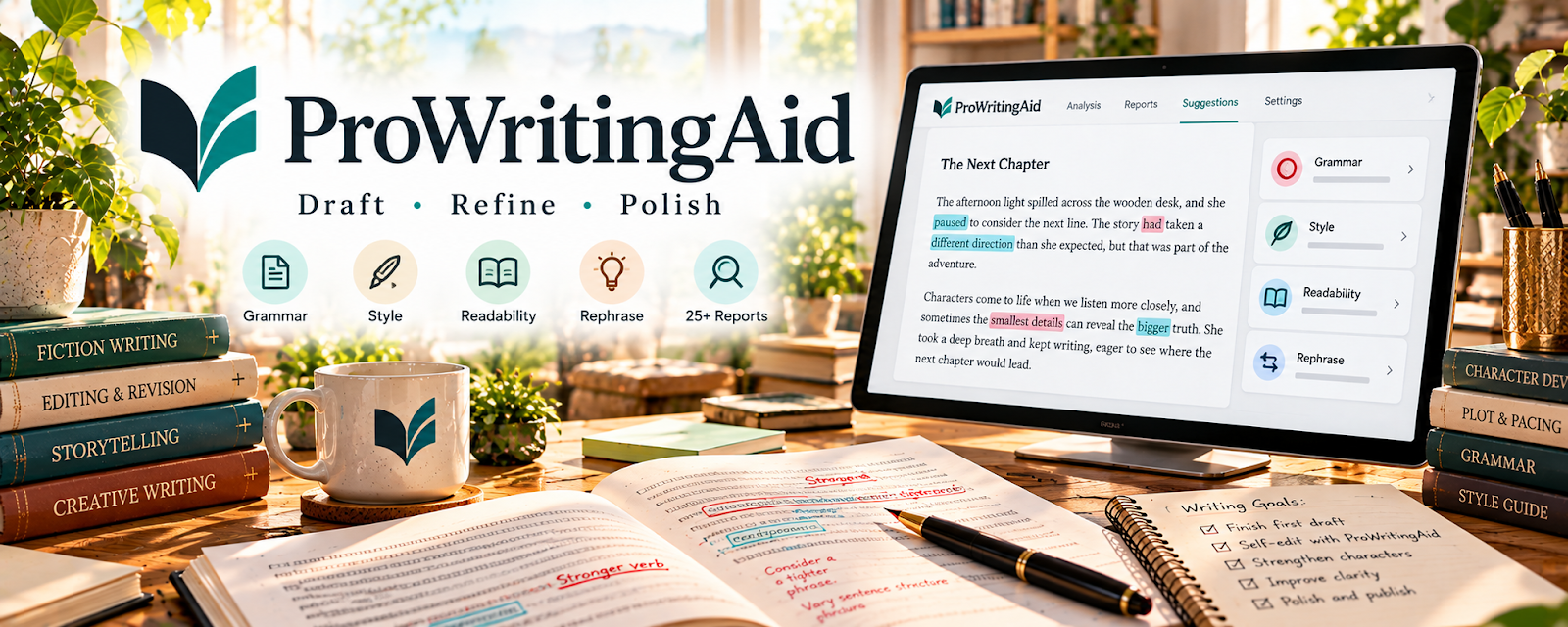
ProWritingAid is a writing and editing assistant focused on style, readability, and consistency.
🔗 Visit Official Website — ProWritingAid
Domain: prowritingaid.com
What This Website Is
ProWritingAid is a writing and editing assistant focused on style, readability, and consistency. For the ✒️ Freelance Writing side hustle, it helps you polish drafts faster and deliver cleaner client work.
How to Apply It to ✒️ Freelance Writing
Use ProWritingAid as a practical “editing pass”: draft → run checks → fix issues → deliver.
Step-by-Step Implementation:
- Phase 1: Write the draft first (focus on ideas and structure).
- Phase 2: Run ProWritingAid reports (style, readability, repetition).
- Phase 3: Apply fixes and do a final human read for tone and client requirements.
Common Use Cases for this Side Hustle:
- Scenario A: Client drafts that need clarity and fewer repetitive phrases.
- Scenario B: Long-form blog posts where readability matters.
- Scenario C: Building a consistent writing style across projects.
When to Use This
- You write long-form content.
- You want better readability and style consistency.
- You need faster editing turnaround.
- You want fewer client revisions.
Best Tasks to Use It For
- Readability improvements
- Style and repetition checks
- Consistency edits
- Draft polish before delivery
- Self-editing checklists
Getting Started Steps
- Draft the piece fully.
- Run a readability/style report.
- Fix the biggest issues first.
- Remove repeated phrases.
- Tighten intros and conclusions.
- Do a final tone check.
- Deliver and save notes for future pieces.
Good Beginner Search Terms
- ProWritingAid vs Grammarly for writers
- how to edit blog posts for readability
- writing style consistency checklist
- reduce repetition in writing
- freelance writing editing workflow
- client-ready draft proofreading
Monetization Angle
Faster editing and cleaner drafts reduce revision cycles, letting you take more clients or charge more for “edited + polished” deliverables.
Pros
- Strong style/readability tools
- Good for long-form writing
- Helps reduce repetitive phrasing
Cons
- Can over-edit if used blindly
- Some features require paid plan
- Not a replacement for subject-matter knowledge
Who Should Use This
Freelance writers who want a repeatable editing process and cleaner client-ready drafts.
Who Should Skip This
Skip this if you already have a strong editor workflow and only need light proofreading.
Practical Applications
- Run a style review on an authorized writing draft.
- Compare suggestions with the client’s brief and intended voice.
- Use recurring findings to build a final editorial checklist.
Important Considerations
- Automated suggestions can alter meaning or remove intentional style; review each change.
- Check current features, language coverage, and data-handling terms before uploading confidential drafts; tool scores do not prove quality or accuracy.
Related Resources
Hemingway Editor — Adds a readability-focused pass after ProWritingAid style checks.
Grammarly — Provides grammar and punctuation checks alongside style editing.
Google Docs — Drafts, comments, and collaborates on client writing before final polish.
Related Side Hustles
 Blogging: Build an Online Brand and Earn from Your Words — Freelance writing skills transfer directly into blog content and SEO articles.
 Copyediting & Proofreading: Get Paid to Polish Words — ProWritingAid supports the editing and proofreading services adjacent to writing.