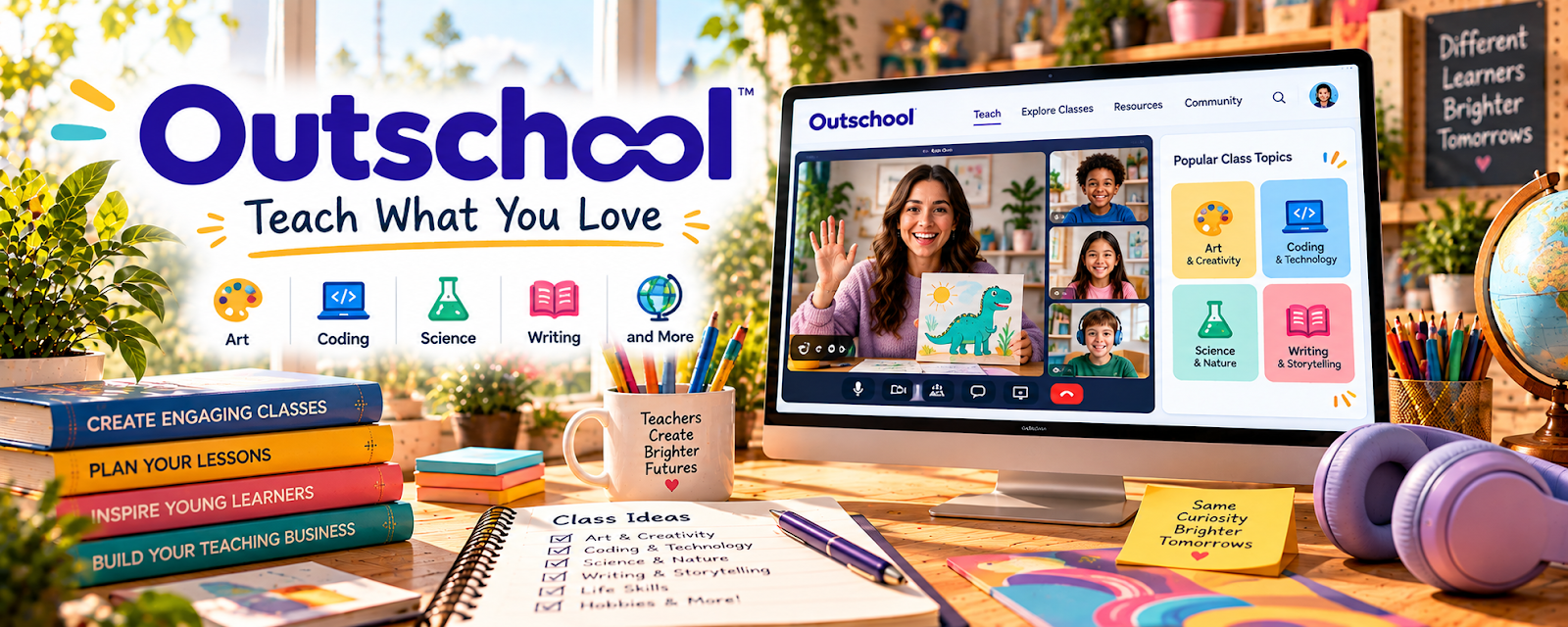
Official Website
Outschool is a teaching marketplace where independent educators can create live online classes for kids and teens.
🔗 Visit Official Website — Outschool
Domain: outschool.com
What This Learning Resource Is
Outschool is a teaching marketplace where independent educators can create live online classes for kids and teens. For 🧑🏫 Online Tutoring, it is both a learning resource and an execution platform because it shows how to package a subject into a class students can actually book.
How to Use It for Online Tutoring
Use Outschool to turn tutoring knowledge into a clear class offer. Study successful class titles, age ranges, schedules, and learning outcomes before creating your own listing.
Step-by-Step Implementation:
- Pick one subject, grade band, or enrichment topic.
- Research existing Outschool classes in that area.
- Write a specific class outcome.
- Build a short lesson plan with activities and discussion prompts.
- Create a teacher profile that explains your experience clearly.
- Start with one small class before expanding into a series.
Best Time to Use This
- When you want online teaching opportunities beyond one-on-one tutoring.
- When you can package a subject into a live group class.
- When you need practice writing class descriptions and outcomes.
Best Skills to Learn Here
- Class positioning
- Lesson planning
- Student engagement
- Online teaching setup
- Parent-facing descriptions
- Group-class management
Getting Started Steps
- Browse current classes in your subject area.
- Note titles, ages, class length, and pricing.
- Draft one class listing.
- Create a simple lesson outline.
- Review Outschool’s teacher requirements before applying.
Good Beginner Search Terms
- Outschool teach
- Outschool class ideas
- online tutoring classes
- live online teaching for kids
- tutor class listing
- online teacher marketplace
Monetization Angle
Outschool can help tutors earn by turning expertise into bookable live classes. The strongest offers are specific, age-appropriate, easy for parents to understand, and built around a clear learning result.
Pros
- Connects educators with families.
- Useful for group classes and enrichment topics.
- Helps tutors package subjects into clear offers.
- Can support repeat classes or class series.
Cons
- Requires platform approval and compliance.
- Not every topic will attract students.
- Teaching kids online takes preparation.
- Marketplace competition can be high.
Who Should Use This
Use this if you can teach a kid-friendly academic, creative, language, STEM, or enrichment topic online.
Who Should Skip This
Skip this if you only want adult tutoring, asynchronous courses, or local in-person tutoring.
Practical Applications
- Review current educator eligibility and class requirements.
- Create an original age-appropriate lesson with clear learning goals.
- Test the permitted classroom workflow and prepare learner-support instructions.
Important Considerations
- Verify current locations, screening, fees, payment, scheduling, privacy, and class-content rules.
- Marketplace acceptance does not replace safeguarding, accessibility, subject competence, or local obligations; protect learner information and do not guarantee enrollments or outcomes.
Related Resources
Desmos — Supports interactive math tutoring.
Khan Academy — Provides practice explanations and lesson support.
IXL — Helps identify grade-level skill practice.
Google Slides — Builds simple class visuals.
Zoom — Supports live online teaching sessions.
Related Side Hustles
 Online Tutoring: Get Paid to Teach What You Know — Outschool directly supports packaging tutoring into live online classes.
Online Course Creation: Turn Your Knowledge Into Income — Repeat lessons can become course modules or class series.
 Selling Digital Products — Worksheets and class resources can become downloadable learning products.