Official Website
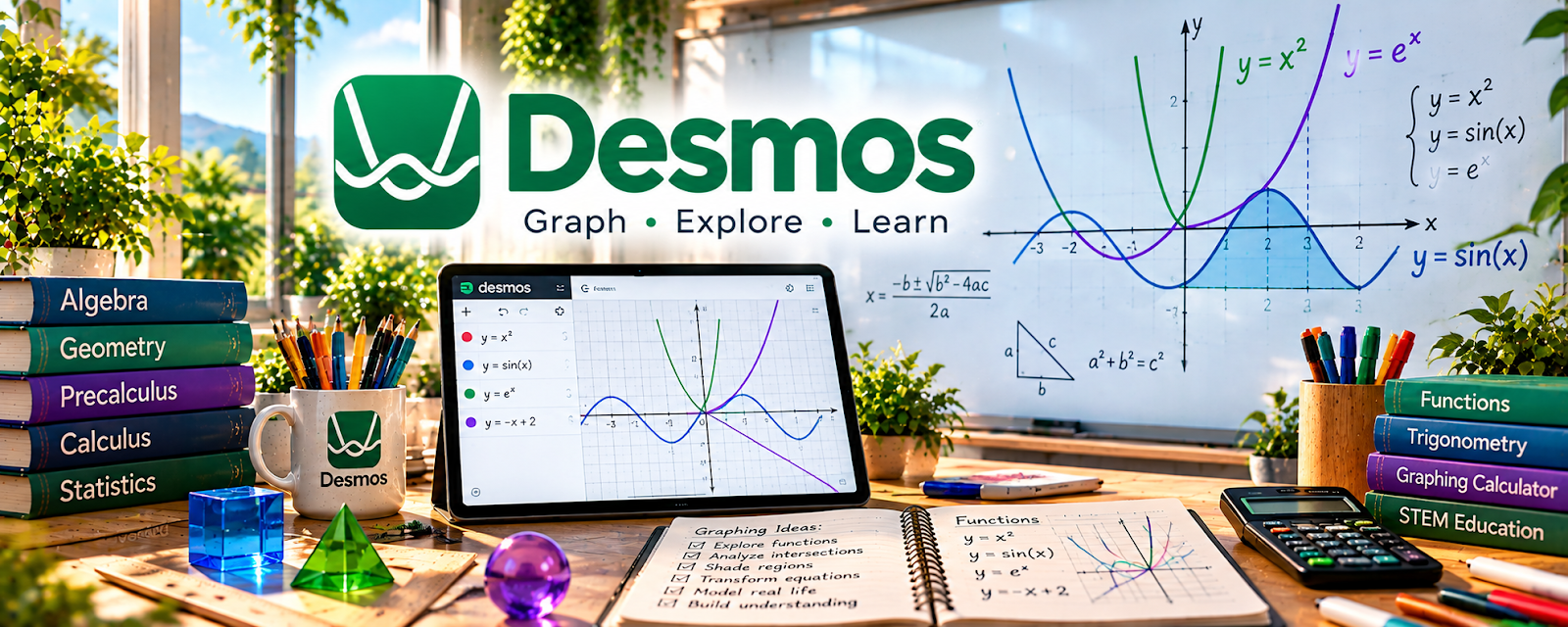
Desmos is a free interactive math platform with graphing calculators, classroom activities, and visual tools.
🔗 Visit Official Website — Desmos
Domain: www.desmos.com
What This Learning Resource Is
Desmos is a free interactive math platform with graphing calculators, classroom activities, and visual tools. For 🧑🏫 Online Tutoring, it helps make math concepts easier to explain during live sessions.
How to Use It for Online Tutoring
Use Desmos as a visual teaching tool, not just a calculator. Build tutoring examples where students can see equations, graphs, patterns, and changes in real time.
Step-by-Step Implementation:
- Pick one math topic your students struggle with.
- Create a graph, table, or activity that shows the concept visually.
- Use it during the session while asking the student to predict changes.
- Save useful examples for future students.
- Pair the visual explanation with practice questions.
- Track which visuals improve understanding.
Best Time to Use This
- During algebra, geometry, graphing, or functions tutoring.
- When a student needs visual explanations.
- When you want interactive examples instead of static worksheets.
Best Skills to Learn Here
- Visual math explanation
- Graphing
- Interactive examples
- Student engagement
- Concept checking
- Lesson support
Getting Started Steps
- Open the graphing calculator.
- Create examples for one tutoring topic.
- Practice explaining each step out loud.
- Save links to reusable activities.
- Use student mistakes to build future practice problems.
Good Beginner Search Terms
- Desmos graphing calculator
- Desmos classroom activities
- Desmos algebra activities
- online math tutoring tools
- graphing functions tutoring
- visual math examples
Monetization Angle
Desmos can make tutoring sessions feel more interactive and professional, which supports repeat clients and referrals. It helps students understand concepts faster, especially when the topic is easier to see than memorize.
Pros
- Free and easy to access.
- Strong for visual math tutoring.
- Works well in live online sessions.
- Activities can be reused with future students.
Cons
- Mostly useful for math.
- Requires lesson planning to use well.
- Does not provide tutoring clients.
- Students may still need separate practice and feedback.
Who Should Use This
Use this if you tutor math or STEM topics and want clearer visual explanations during online sessions.
Who Should Skip This
Skip this if your tutoring is not math-related or if you need a full tutoring classroom platform.
Practical Applications
- Graph a function to explain how changing a parameter changes its shape.
- Ask a learner to predict a result before testing it.
- Create an original visualization that supports a specific lesson objective.
Important Considerations
- Check mathematical inputs, domain assumptions, accessibility, and age suitability.
- Calculator results do not demonstrate understanding; follow safeguarding and assessment rules and do not use the tool for unauthorized exam assistance.
Related Resources
Khan Academy — Adds practice lessons and topic explanations.
IXL — Provides structured practice questions and skill tracking.
Lessonspace — Offers an online tutoring classroom.
Google for Education Teacher Center — Helps organize Google-based teaching workflows.
Quizlet — Creates quick review sets for definitions and formulas.
Related Side Hustles
 Online Tutoring: Get Paid to Teach What You Know — Desmos directly supports visual math explanations and student practice.
Online Course Creation: Turn Your Knowledge Into Income — Visual examples can become recorded math lessons.
 Freelance Writing: Get Paid to Write Online — Clear educational explanations can become worksheets, guides, and lesson scripts.