Official Website
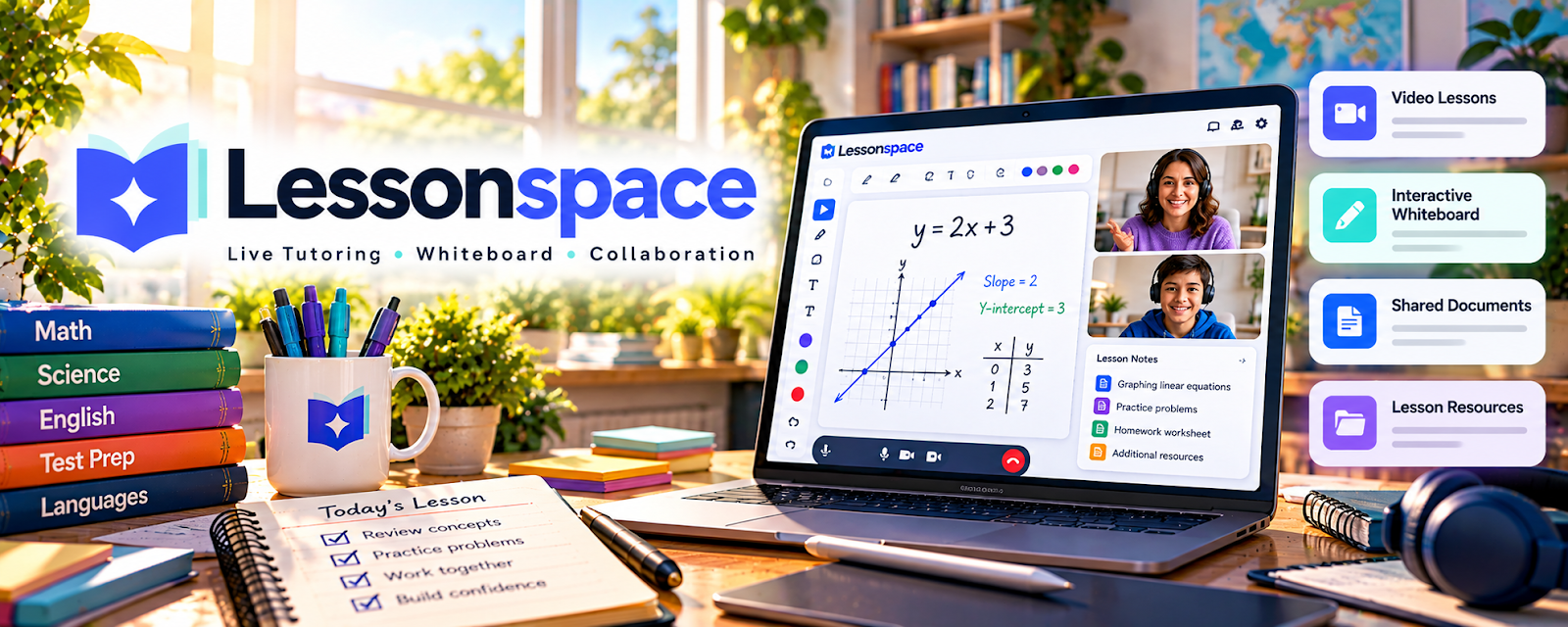
Lessonspace is an online classroom platform with video, whiteboard tools, and interactive features for tutoring.
🔗 Visit Official Website — Lessonspace
Domain: www.thelessonspace.com
What This Website Is
Lessonspace is an online classroom platform with video, whiteboard tools, and interactive features for tutoring. For 🧑🏫 Online Tutoring, it helps you run more structured sessions and provide a more professional “classroom” experience.
How to Apply It to 🧑🏫 Online Tutoring
Use Lessonspace as your “session delivery” platform: lesson plan → live tutoring → shared materials → notes → follow-up.
Step-by-Step Implementation:
- Build a standard session template (agenda + warmup + practice + recap).
- Upload or link the materials you reuse most often.
- Use whiteboard and screen share to teach live, then summarize next steps.
Common Use Cases for this Side Hustle:
- Scenario A: You tutor online and want better interactive tools than standard video calls.
- Scenario B: You want consistent session flow and smoother student experience.
When to Use This
- You tutor online regularly
- You need a whiteboard + interactive workspace
- You want a more professional tutoring experience
Best Tasks to Use It For
- Live tutoring sessions
- Interactive whiteboard practice
- Sharing and annotating materials
- Session summaries and next steps
Getting Started Steps
- Create an account.
- Build one tutoring “room” template.
- Add your top 3 reusable resources.
- Run your next session using the room.
- Collect student feedback and refine your setup.
Good Beginner Search Terms
- Lessonspace tutoring setup
- online tutoring whiteboard tools
- best tools for online tutoring sessions
- tutoring session structure template
Monetization Angle
A better session experience can justify higher hourly rates and improve retention through smoother delivery.
Pros
- Purpose-built for tutoring
- Interactive whiteboard and classroom tools
Cons
- Paid plan for full features
- Adds another tool to your workflow
Who Should Use This
Online tutors who want an interactive classroom experience.
Who Should Skip This
Tutors who already have a simple, reliable workflow in Zoom/Meet and don’t need extra classroom tools.
Practical Applications
- Test an interactive lesson with fictional learner information.
- Prepare a whiteboard exercise linked to a clear objective.
- Check audio, access, and a backup communication plan before a session.
Important Considerations
- Verify current features, costs, device compatibility, accessibility, and recording options.
- Obtain required guardian or institutional consent, restrict room access, and review privacy and retention; an online classroom does not replace safeguarding or teaching judgment.
Related Resources
Google Calendar — Schedules tutoring sessions and reminders around Lessonspace rooms.
Square Invoices — Collects payment for sessions or packages after lessons are booked.
Replit — Supports coding tutors who need browser-based practice environments for students.
Related Side Hustles
 Online Tutoring: Get Paid to Teach What You Know — Lessonspace is a purpose-built classroom platform for live online tutoring.
Online Course Creation: Turn Your Knowledge Into Income — Structured lesson delivery can evolve into recorded lessons or course materials.