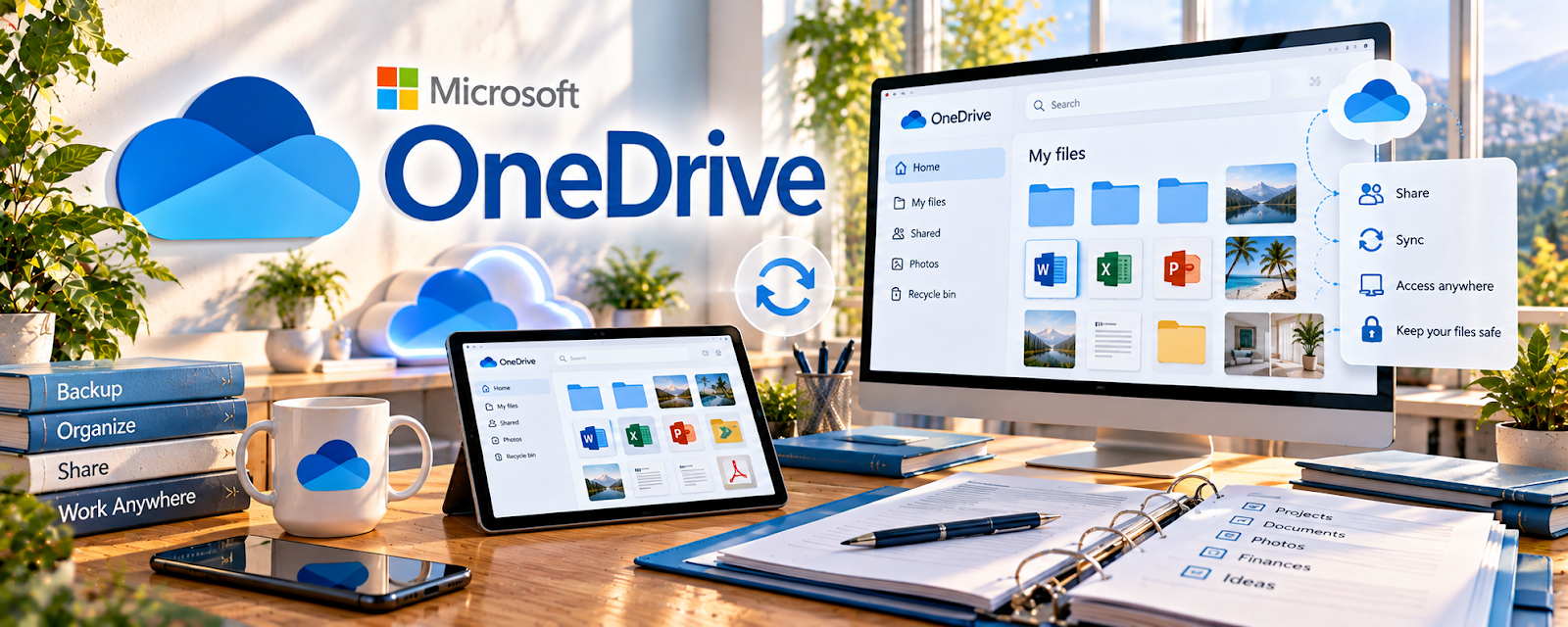
Official Website
OneDrive is a freemium Microsoft cloud storage platform for files, folders, sharing, and backups.
🔗 Visit Official Website — OneDrive
Domain: www.microsoft.com
What This Website Is
OneDrive is a freemium Microsoft cloud storage platform for files, folders, sharing, and backups. For 📊 Online Bookkeeping, it helps organize receipts, statements, client documents, monthly reports, onboarding files, and shared bookkeeping folders.
How to Apply It to 📊 Online Bookkeeping
Use OneDrive as a secure document hub for bookkeeping work, especially if clients already use Microsoft 365.
Step-by-Step Implementation:
- Phase 1: Create a separate folder for each client and month.
- Phase 2: Store receipts, bank statements, invoices, payroll files, and reports in consistent folders.
- Phase 3: Archive completed months and keep access permissions tight.
Common Use Cases for This Side Hustle:
- Scenario A: A client uploads monthly receipts.
- Scenario B: You organize bank statements and reports.
- Scenario C: You need a repeatable month-end folder system.
When to Use This
- For client document intake.
- For receipt storage.
- For monthly bookkeeping files.
- For Microsoft-based clients.
Best Tasks to Use It For
- Receipt folders
- Statement storage
- Client sharing
- Monthly reports
- Backup files
Getting Started Steps
- Create a Bookkeeping Clients folder.
- Add one folder per client.
- Create monthly subfolders.
- Add receipt and statement folders.
- Test permissions.
- Archive completed months.
Good Beginner Search Terms
- bookkeeping client folder structure
- OneDrive shared folder permissions
- receipt organization for bookkeeping
- monthly bookkeeping checklist
- bookkeeping document intake
Monetization Angle
OneDrive helps bookkeepers deliver clean, repeatable monthly service. Better document organization reduces chasing, errors, and unpaid admin time.
Pros
- Good for Microsoft users.
- Useful for client folders.
- Strong document storage.
Cons
- Not bookkeeping software.
- Requires careful permissions.
- Manual folder discipline needed.
Who Should Use This
Bookkeepers who need a secure shared document system for receipts, statements, reports, and monthly workflows.
Who Should Skip This
Skip this if your bookkeeping platform already handles secure client document intake and storage.
Practical Applications
- Organize authorized statements and receipts by client and period.
- Share a limited-access folder for requested bookkeeping records.
- Review document completeness before a monthly close.
Important Considerations
- Financial records require appropriate permissions, retention, security, and privacy arrangements.
- Synchronization is not a complete backup strategy; verify recovery, current storage limits, and the suitability of your client-sharing process.
Related Resources
Quickbooks — bookkeeping software workflow
Google Sheets — simple tracking and reconciliation support
HubSpot CRM — client pipeline reference
Related Side Hustles
 Online Bookkeeping: Earn Steady Income by Helping Businesses Stay Organized — direct fit for document management
 Virtual Assistance — similar client-file and admin systems
Consulting: Get Paid for What You Know — also uses secure client document folders