Official Website
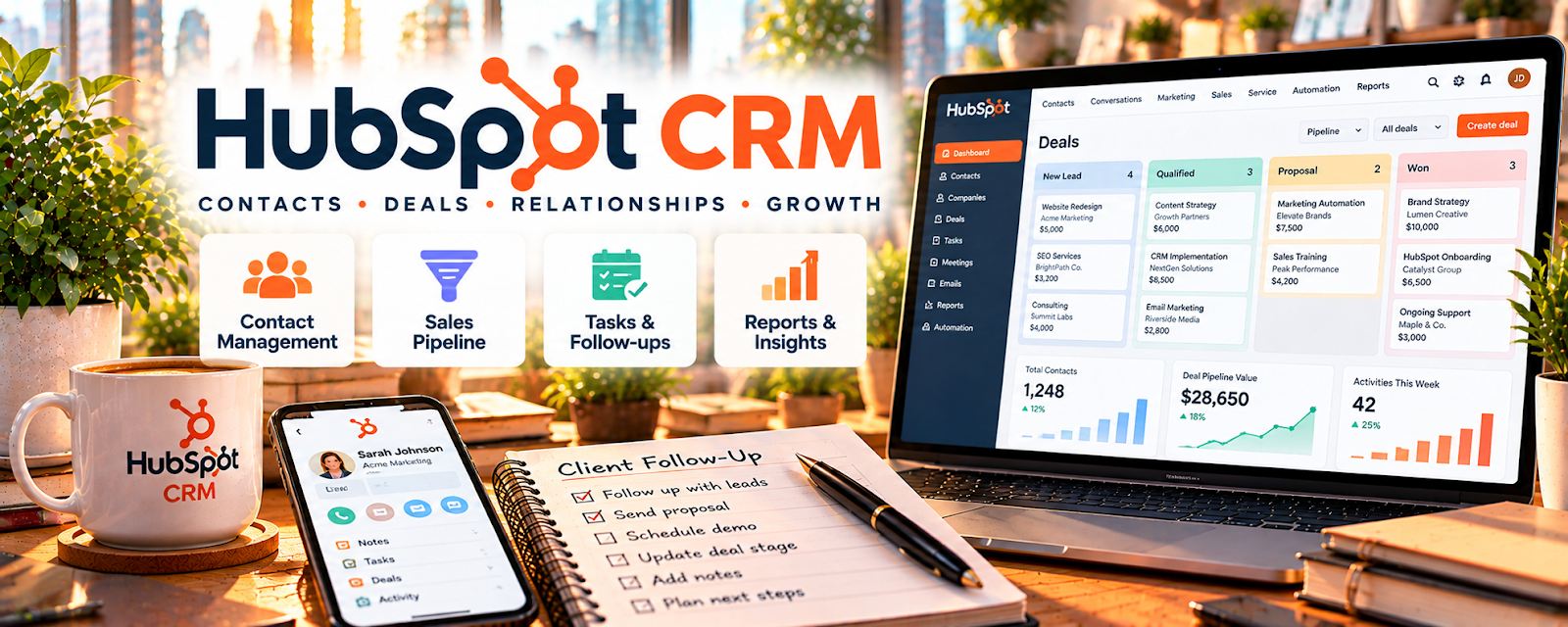
HubSpot CRM is a customer relationship management tool for tracking leads, deals, and follow-ups.
🔗 Visit Official Website — HubSpot CRM
Domain: www.hubspot.com
What This Website Is
HubSpot CRM is a customer relationship management tool for tracking leads, deals, and follow-ups. For 💼 Consulting, it helps you manage your pipeline so prospects don’t slip through the cracks.
How to Apply It to Consulting
Use HubSpot as your “pipeline + follow-up” system: capture inbound leads, track stages, and run a consistent follow-up cadence until a deal closes or is disqualified.
Step-by-Step Implementation:
- Define the stages and qualification criteria of your consulting sales process.
- Review current CRM features and create only the contact and deal fields you need.
- Record authorized prospect information and relevant notes without unnecessary sensitive details.
- Set appropriate follow-ups that respect consent, opt-outs, and your actual conversations.
- Review stalled deals and documented outcomes while keeping permissions and retention practices current.
When to Use This
- You have multiple leads in flight
- You rely on follow-ups to close deals
- You want visibility into your pipeline stages
Best Tasks to Use It For
- Lead tracking and notes
- Deal stage management
- Follow-up reminders
- Simple reporting on pipeline health
Getting Started Steps
- Create a CRM account and define your deal stages.
- Add lead sources (website, email, referrals).
- Create a simple “follow-up cadence” (Day 2, Day 7, Day 14).
- Log all calls/emails as notes.
- Move deals through stages weekly.
- Review stuck deals and decide next steps.
- Track close rate and average deal size monthly.
Good Beginner Search Terms
- consulting sales pipeline stages
- follow up cadence template
- hubspot crm basics tutorial
Monetization Angle
Better pipeline hygiene increases close rate and reduces time wasted on unqualified leads, raising revenue per hour.
Pros
- Clear pipeline visibility
- Strong follow-up support
- Scales as you add leads
Cons
- Requires consistent updating
- Some automation features are paid
Who Should Use This
Consultants who need a system to track prospects and follow-up consistently.
Who Should Skip This
Anyone with a tiny pipeline who closes everything via one-off referrals without follow-ups.
Practical Applications
- Track genuine consulting prospects and a clear agreed next action.
- Record discovery, proposal, approval, and follow-up stages.
- Review actual signed scope and payment records separately from pipeline estimates.
Important Considerations
- Verify current features, permissions, integrations, costs, security, and retention options.
- A CRM status is not consent, a signed contract, confirmed revenue, or evidence of likely success; protect confidential notes and follow applicable outreach and privacy rules.
Related Resources
Related Side Hustles
 Consulting: Get Paid for What You Know — HubSpot CRM tracks consulting leads, deal stages, notes, follow-ups, and close rates.
Virtual Assistance — VAs can manage CRM updates, follow-ups, and client pipelines for service businesses.
 Resume Writing & LinkedIn Optimization — Career-service leads also need follow-up tracking, notes, and pipeline management.