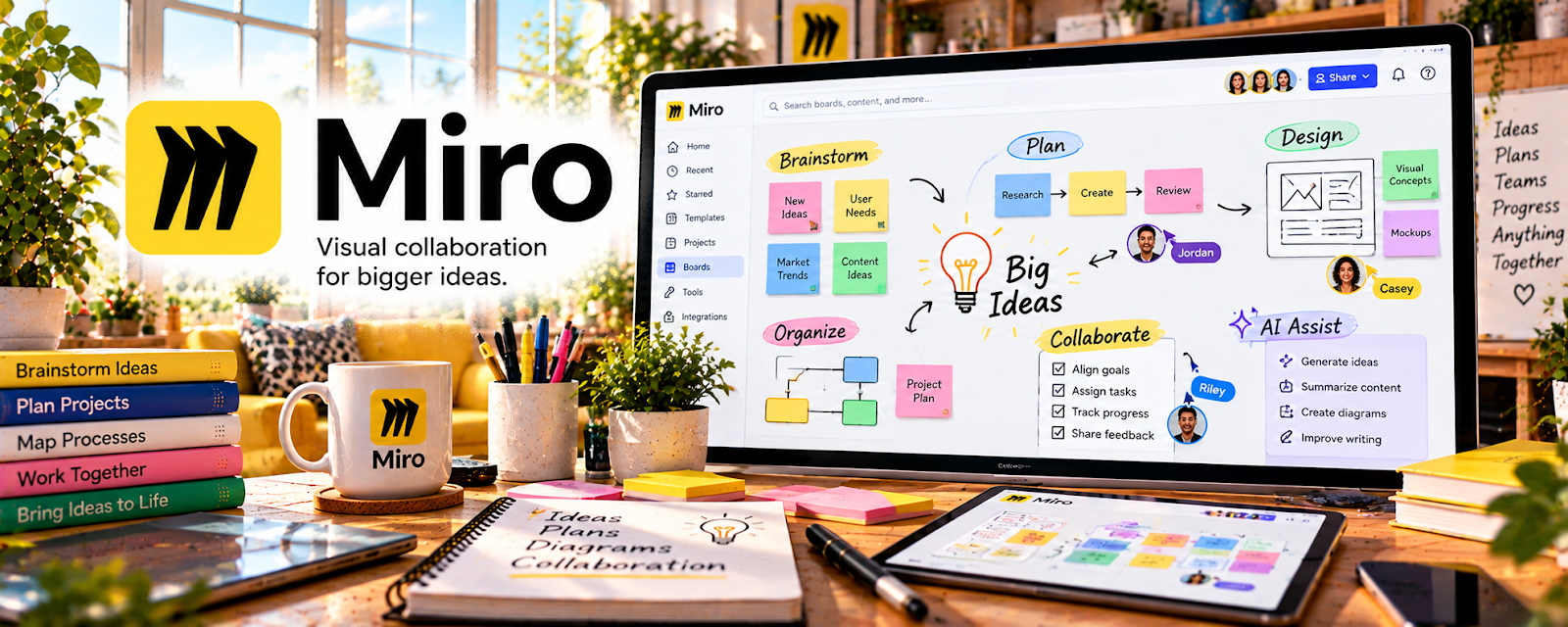
Official Website
Miro is a collaborative whiteboard tool for mapping ideas, lessons, diagrams, and learning experiences.
🔗 Visit Official Website — Miro
Domain: miro.com
What This Website Is
Miro is a collaborative whiteboard tool for mapping ideas, lessons, diagrams, and learning experiences. For 🎓 Online Course Creation, it helps you plan course structure, workshops, exercises, and student journeys visually before you build the final lessons.
How to Apply It to 🎓 Online Course Creation
Use Miro as your course-planning canvas: outcomes → modules → lessons → exercises → student wins.
Step-by-Step Implementation:
- Phase 1: Map the learner journey from beginner state to final outcome.
- Phase 2: Break that journey into modules, lessons, worksheets, and checkpoints.
- Phase 3: Turn the board into scripts, slide outlines, and student exercises.
Common Use Cases for this Side Hustle:
- Scenario A: You need to organize a messy course idea.
- Scenario B: You want to design workshops or cohort exercises.
- Scenario C: You want to explain frameworks visually to students.
When to Use This
- You are planning a new course or cohort.
- You teach frameworks, processes, or workflows.
- You want a visual outline before recording.
- You collaborate with editors, coaches, or assistants.
Best Tasks to Use It For
- Course roadmaps
- Lesson sequencing
- Workshop activities
- Student journey mapping
- Framework diagrams
Getting Started Steps
- Create a course planning board.
- Add the student’s starting point and final outcome.
- Create one frame per module.
- Add lesson ideas, examples, and exercises under each module.
- Highlight the “quick win” for each module.
- Convert the board into a recording or slide outline.
- Revisit after student feedback and refine the flow.
Good Beginner Search Terms
- Miro course planning template
- online course curriculum map
- student journey mapping course
- workshop whiteboard exercises
- course module outline template
- visual lesson planning
Monetization Angle
A clearer course structure improves student completion and outcomes, which supports testimonials, referrals, and higher-priced courses or cohorts.
Pros
- Great for visual planning
- Useful for workshops and cohorts
- Easy to collaborate on course structure
Cons
- Can become messy without naming rules
- Not a full course hosting platform
- May be overkill for simple courses
Who Should Use This
Course creators who think visually and want to design a better learning path before recording lessons.
Who Should Skip This
Skip this if your course is already fully outlined and you only need a video hosting or checkout tool.
Practical Applications
- Map course outcomes to modules and practical exercises.
- Lay out a learner journey from first lesson to final project.
- Use a review board to collect collaborator feedback before recording lessons.
Important Considerations
- A planning board is not a substitute for a course-hosting or student-assessment system.
- Control board access and keep student data or confidential client material out of publicly shared boards.
Related Resources
Mighty Networks — Hosts the student community and ongoing support after the course is planned.
Loom — Records quick lessons, walkthroughs, and feedback videos for students.
Google Slides — Turns course outlines into teachable presentation decks.
Notion — Organizes scripts, lesson assets, student trackers, and launch plans.
Related Side Hustles
 Selling Digital Products — Course worksheets and templates can become standalone digital products.
 Blogging: Build an Online Brand and Earn from Your Words — Blog content can validate topics and feed course lessons.
 Social Media Management — Course creators often need launch content and audience-building systems.