Official Website
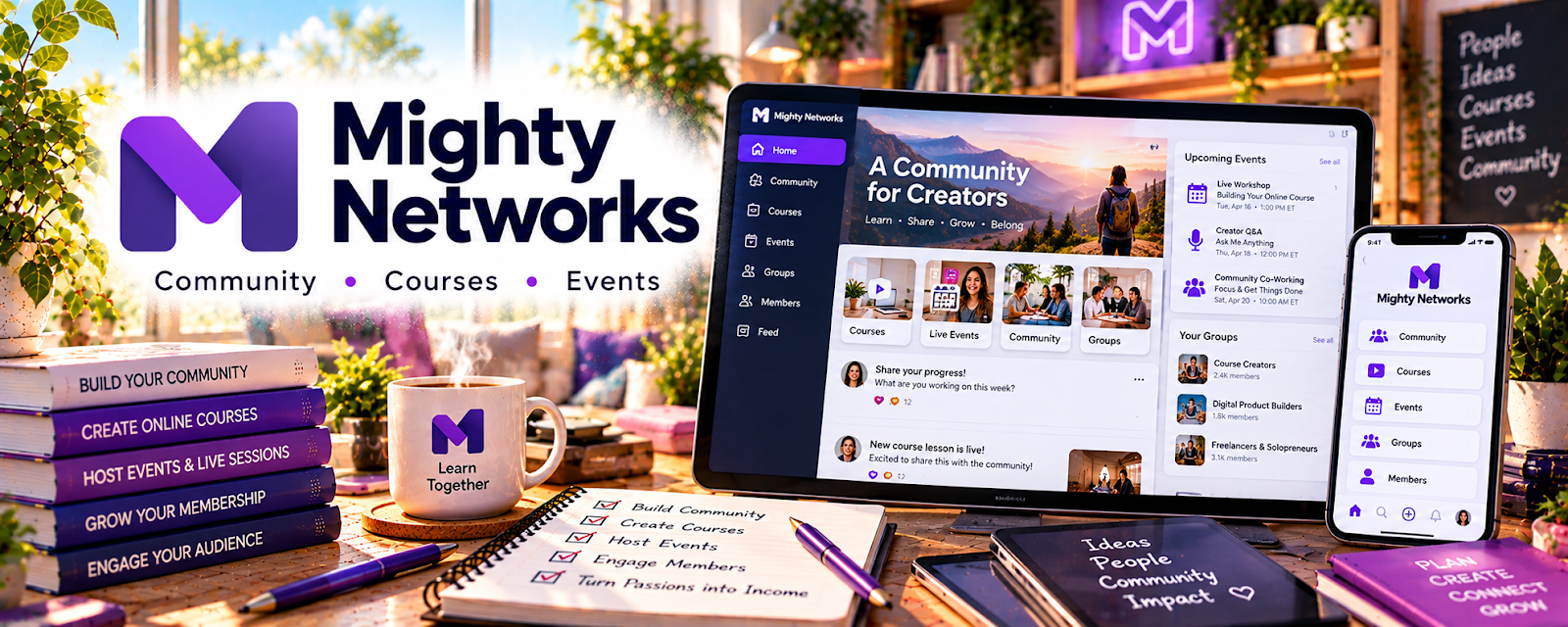
Mighty Networks is a platform for hosting paid (or free) communities, memberships, and course-style content in one place.
🔗 Visit Official Website — Mighty Networks
Domain: www.mightynetworks.com
What This Website Is
Mighty Networks is a platform for hosting paid (or free) communities, memberships, and course-style content in one place. For 🎓 Online Course Creation, it matters because it gives you a structured “home base” for students: discussions, updates, lessons, and accountability that can improve completion and retention.
How to Apply It to 🎓 Online Course Creation
Use Mighty Networks as your student experience layer: keep content organized, create consistent touchpoints, and make it easy for students to ask questions.
Step-by-Step Implementation:
- Phase 1: Design the community structure — spaces for announcements, Q&A, wins, feedback, and course modules.
- Phase 2: Build the onboarding flow — welcome post, “start here,” expectations, and a first-week quick win.
- Phase 3: Run a cadence — weekly prompts, office hours, and content drops tied to your course milestones.
Common Use Cases for this Side Hustle:
- Scenario A: You want a membership add-on to your course (ongoing support).
- Scenario B: Students don’t finish the course and you want accountability systems.
- Scenario C: You want a community that becomes a marketing flywheel (testimonials and referrals).
When to Use This
- You want students to interact (questions, feedback, accountability).
- You want to sell a membership or cohort-style support.
- You want to host content + community together.
- Your course benefits from ongoing discussion and progress tracking.
Best Tasks to Use It For
- Hosting a community around your course topic
- Running weekly check-ins and office hours
- Collecting student questions to improve lessons
- Creating accountability and completion systems
- Building testimonials and proof from student wins
Getting Started Steps
- Map your course into 4–8 milestones (what students should achieve).
- Create spaces: Announcements, Start Here, Q&A, Wins, Feedback.
- Write a simple onboarding checklist for new members (first 30 minutes).
- Post one weekly prompt tied to the current milestone.
- Host a recurring office hour or live Q&A (even monthly).
- Review top questions monthly and turn them into lessons or templates.
Good Beginner Search Terms
- Mighty Networks onboarding checklist
- community engagement prompts
- course community structure
- membership retention tactics
- cohort vs evergreen community
- office hours format online course
Monetization Angle
This can directly support monetization through memberships, upsells, and higher retention. A stronger student experience also increases referrals and testimonials, which lowers your future marketing cost.
Pros
- Combines community + content in one platform
- Strong for retention and accountability
- Helps you build a “home base” brand (not just scattered social)
Cons
- Paid platform; you need pricing that supports it
- Requires consistent moderation and prompts
- Can become quiet without a cadence and clear member outcomes
Who Should Use This
Course creators who want a community-driven student experience, plan to run ongoing support, and can commit to a basic weekly cadence.
Who Should Skip This
Skip this if you only want a simple video hosting solution or you don’t want to manage a community. It shines when interaction is part of the product.
Practical Applications
- Plan a course community with clear discussion spaces and onboarding steps.
- Run a small pilot lesson and collect structured learner feedback.
- Schedule office hours and prompts that help students apply the material.
Important Considerations
- Check current course, community, payment, and export features for the selected plan.
- Budget for moderation, accessibility, privacy, and ongoing support; a community platform does not guarantee student retention.
Related Resources
Loom — Records lessons, walkthroughs, updates, and feedback videos for course members.
Notion — Organizes curriculum notes, launch checklists, student trackers, and content plans.
Gillian Perkins — Online Business Resources — Online Course Creation — Provides course creation and online business strategy examples to model.
Google Analytics — Tracks audience, traffic, and funnel behavior around course launches.
Related Side Hustles
 Selling Digital Products — Courses, templates, and memberships share product packaging and launch skills.
 Blogging: Build an Online Brand and Earn from Your Words — Blog content can attract students and validate course topics.