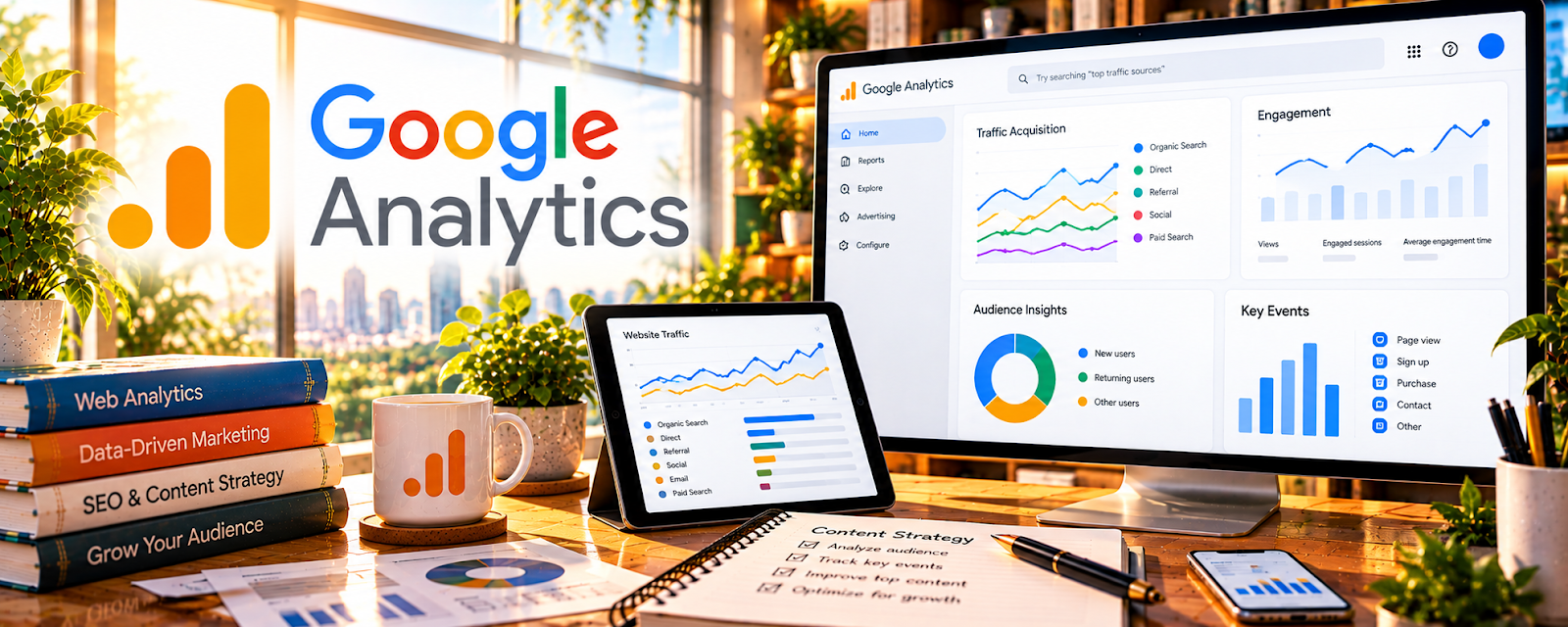
Official Website
Google Analytics (GA4) tracks landing page traffic sources, engagement, and conversions.
🔗 Visit Official Website — Google Analytics
Domain: analytics.google.com
What This Website Is
Google Analytics (GA4) tracks landing page traffic sources, engagement, and conversions. For 🎓 Online Course Creation, it helps you see what drives signups, webinar registrations, and purchases—so you can optimize your funnel.
How to Apply It to 🎓 Online Course Creation
Use an authorized analytics setup to investigate course-site traffic and verified conversion events. Establish consent, privacy, event definitions, and reconciliation with actual enrollment or payment records before interpreting results.
Step-by-Step Implementation:
- Install GA4 on your course site and landing pages.
- Track key events: lead magnet signup, webinar registration, checkout, purchase.
- Compare traffic sources by conversion rate.
- Identify top-performing landing pages and replicate what works.
- Use insights to improve copy, CTAs, and offer structure.
When to Use This
- After launching a course funnel.
- When testing webinars, lead magnets, or sales pages.
- When conversions vary by channel.
- During launch retrospectives and evergreen funnel reviews.
Best Research Tasks to Use It For
- Traffic source comparison
- Landing page conversion tracking
- Webinar and lead magnet performance analysis
- Checkout and purchase funnel measurement
- Campaign UTM reporting
Key Signals to Look For
- Sources that drive signups or purchases.
- Landing pages with high engagement but low conversion.
- Drop-off between opt-in, registration, checkout, and purchase.
- Campaigns that produce qualified leads.
- Pages that consistently generate course buyers.
Getting Started Steps
- Install GA4 and verify events.
- Track lead magnet, registration, checkout, and purchase events.
- Add UTMs to campaigns.
- Review top sources and pages weekly.
- Improve one CTA or page section at a time.
Good Beginner Search Terms
- GA4 online course funnel tracking
- track webinar registrations in Google Analytics
- course landing page conversion analytics
Monetization Angle
Course revenue improves when you know which sources, pages, and offers convert. GA4 helps identify the highest-leverage parts of the funnel to optimize.
Pros
- Free and flexible.
- Good source and landing-page reporting.
- Useful for launch and evergreen funnels.
Cons
- Event setup can be confusing.
- Attribution is imperfect.
- Behavior tools may be better for diagnosing page friction.
Who Should Use This
Course creators with traffic and funnels who want to measure signups, registrations, and purchases.
Who Should Skip This
Skip if you have not launched a landing page or funnel yet.
Practical Applications
- Validate course landing-page and signup events in an authorized analytics setup.
- Compare tagged promotion channels with confirmed enrollments.
- Review acquisition spending against actual revenue, refunds, and delivery costs.
Important Considerations
- Analytics attribution can be incomplete and reported revenue is not profit.
- Configure appropriate consent and privacy settings and avoid sending learner identities or sensitive course records into analytics events.
Related Resources
Hotjar — use heatmaps/recordings to diagnose landing-page friction and checkout drop-off.
Google Analytics — track funnel source→landing page→signup→purchase to see what drives course revenue.
Related Side Hustles
 Selling Digital Products — similar funnel tracking and landing pages
 Newsletter Monetization: Get Paid to Write About What You Love — measure list growth and upgrades
 Affiliate Marketing: Get Paid to Promote What You Love — track webinar/lead magnet conversion paths