Official Website
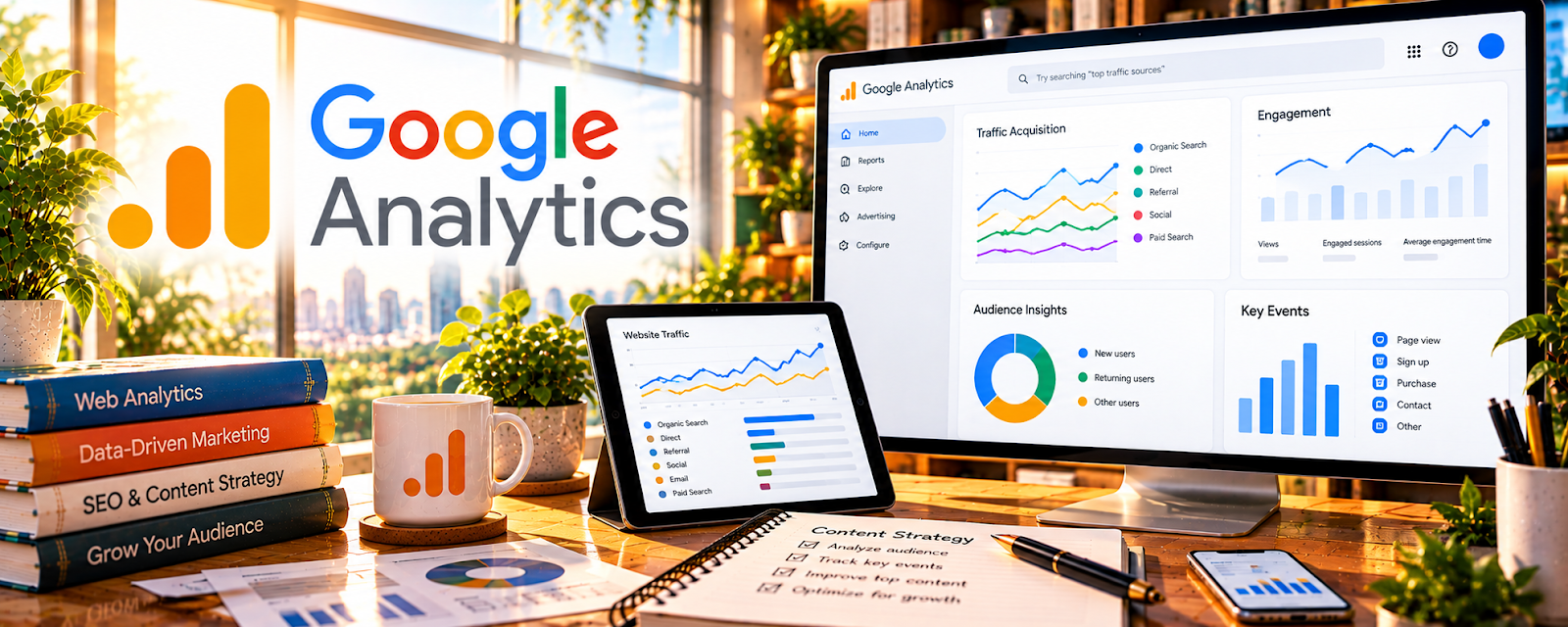
Google Analytics (GA4) is a free analytics platform that tracks how users find and interact with your website.
🔗 Visit Official Website — Google Analytics
Domain: analytics.google.com
What This Website Is
Google Analytics (GA4) is a free analytics platform that tracks how users find and interact with your website. It shows traffic sources, user behavior, and conversion events. For 💻 Selling Digital Products, it helps you understand which channels and pages drive signups and purchases—so you can decide what to build, what to promote, and what to improve on your sales funnel.
How to Apply It to 💻 Selling Digital Products
Use Google Analytics as your “funnel truth” tool.
Step-by-Step Implementation:
- Track acquisition: where traffic comes from (SEO, YouTube, social, email, ads).
- Track behavior: which pages users visit before they buy or sign up.
- Track conversions: purchases, email signups, checkout starts, and key clicks.
- Use findings to improve landing pages, pricing pages, and product pages.
Common use cases:
- Finding which content pieces lead to sales.
- Diagnosing why traffic doesn’t convert.
- Comparing performance across product categories.
When to Use This
- After launching a new product or landing page.
- During weekly funnel checks (traffic → conversion).
- After changing pricing, copy, or checkout.
- When running a promotion or email campaign.
Best Research Tasks to Use It For
- Funnel analysis (landing page → checkout → purchase)
- Channel ROI comparison (which sources convert)
- Content-to-purchase path discovery
- Conversion-rate optimization prioritization
- Audience segmentation (new vs returning, geo, device)
Key Signals to Look For
- Traffic sources: channels that bring qualified traffic (not just volume).
- Buyer intent: visitors landing on pricing pages, product pages, or comparison pages.
- Conversion indicators: checkout starts, purchase events, lead events (email signup).
- Performance patterns: pages with high traffic but poor conversion (optimize offer/CTA).
- Content gaps: content that attracts visitors but has no clear next step to product.
- Pricing signals: changes in conversion rate after price tests (directional, not perfect causation).
Getting Started Steps
- Create a GA4 property and add the tracking tag to your site.
- Define key events: purchase, lead, checkout start, outbound clicks.
- Verify data is flowing (real-time + event counts).
- Build a basic dashboard: top sources, top landing pages, conversion rate.
- Review weekly and choose 1 funnel improvement action.
Good Beginner Search Terms
- GA4 setup for digital products
- GA4 conversion events purchase lead
- GA4 funnel exploration tutorial
- landing page conversion analysis GA4
- UTM tracking for product launches
Monetization Angle
GA4 helps you monetize by showing what actually drives purchases. Instead of adding more traffic indiscriminately, you can double down on channels and pages that convert and fix the bottlenecks that lose customers.
Pros
- Free and powerful for funnel analysis.
- Works across traffic sources and campaigns.
- Supports event-based conversion tracking.
Cons
- Steeper learning curve (GA4 terminology and reports).
- Tracking setup matters (events/UTMs).
- Attribution is imperfect; interpret trends, not absolutes.
Who Should Use This
Digital product sellers with a website/checkout who want to measure which content and campaigns lead to sales, then improve conversion rates and customer acquisition efficiency.
Who Should Skip This
Skip this only if you don’t have a website funnel to measure. If you sell purely on marketplaces with no site control, focus on marketplace analytics instead.
Practical Applications
- Check which allowed traffic sources bring visitors to your own product website.
- Define and test events for key actions such as signup or purchase.
- Compare landing-page behavior with actual checkout records before making changes.
Important Considerations
- You can only measure sites or integrations you control or are authorized to configure; marketplace access may be limited.
- Use appropriate consent and privacy settings, avoid sending personal information, and treat attribution as incomplete rather than exact.
Related Resources
Google Search Console — SEO query and ranking insights
MonsterInsights — WordPress-friendly analytics surface
Hotjar — diagnose on-page conversion friction
Related Side Hustles
 Blogging: Build an Online Brand and Earn from Your Words — often the traffic engine for digital products
 Affiliate Marketing: Get Paid to Promote What You Love — funnels often monetize via affiliate offers too
 Print-on-Demand — similar “optimize traffic → conversion” loop when selling online