Official Website
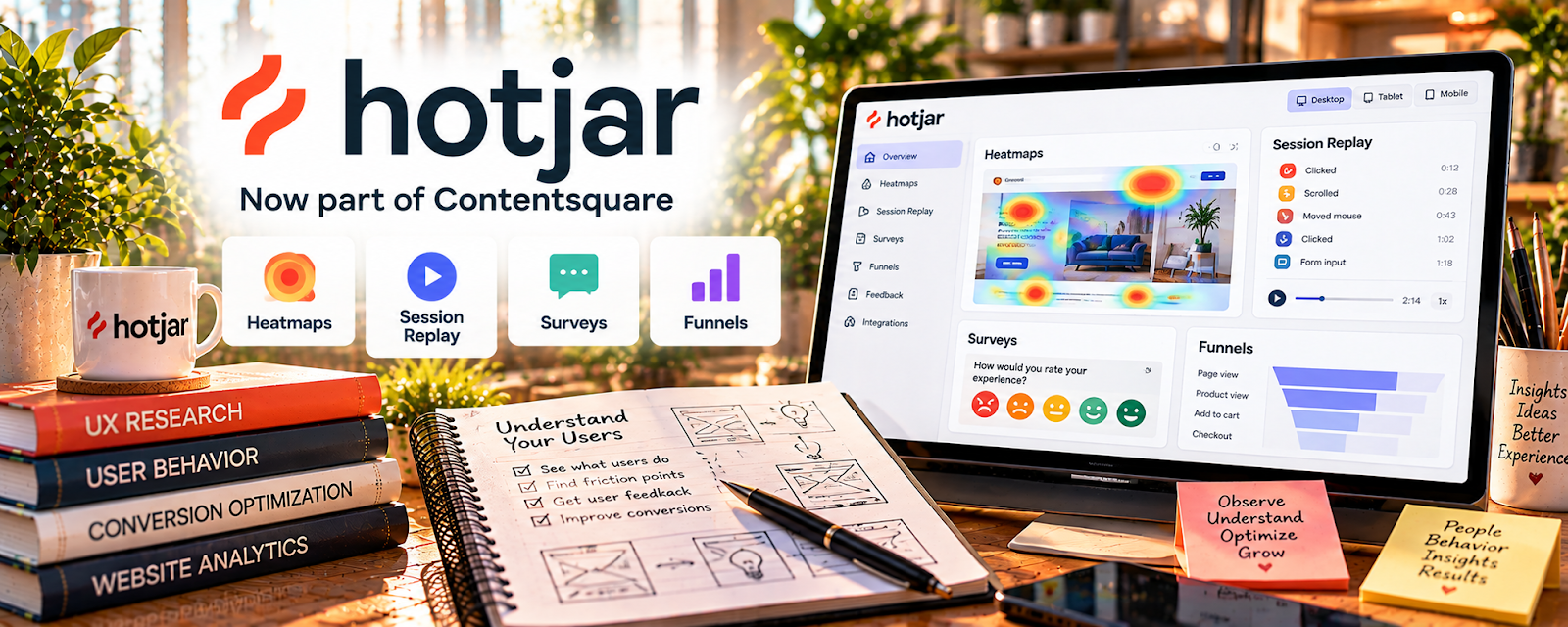
Hotjar is a user behavior analytics tool that provides heatmaps, session recordings, and on-site surveys.
🔗 Visit Official Website — Hotjar
Domain: www.hotjar.com
What This Website Is
Hotjar is a user behavior analytics tool that provides heatmaps, session recordings, and on-site surveys. For 💻 Selling Digital Products, it helps you understand why visitors don’t buy—where they hesitate, what they ignore, and which parts of your page confuse them—so you can improve landing pages and conversion rates.
How to Apply It to 💻 Selling Digital Products
Use Hotjar to diagnose conversion problems on your sales funnel pages.
Step-by-Step Implementation:
- Add heatmaps to your product landing page and checkout page.
- Watch recordings to see where users stall or rage-click.
- Run a short on-page survey: “What stopped you from buying today?”
- Turn findings into targeted fixes (copy, layout, proof, FAQs, pricing clarity).
Common use cases:
- Improving sales page structure and CTA placement
- Identifying confusing sections that cause drop-off
- Deciding what proof (testimonials, examples) is missing
When to Use This
- When traffic is steady but sales are low (conversion issue).
- After launching a new landing page.
- When you change pricing or offer structure.
- When you need evidence for “what to fix first.”
Best Research Tasks to Use It For
- Conversion friction analysis (where people drop off)
- Heatmap-based CTA and layout decisions
- Page clarity testing via recordings
- Objection discovery via on-page surveys
- Prioritizing CRO changes by observed behavior
Key Signals to Look For
- Conversion indicators: heavy scroll but no CTA clicks (weak offer/CTA).
- Audience engagement: users repeatedly hover or scroll around one section (confusion).
- Performance patterns: consistent drop-off at the same page segment (bottleneck).
- Pricing signals: users reach pricing but exit (mismatch or unclear value).
- Content gaps: users seek FAQ/refund info but can’t find it quickly.
Getting Started Steps
- Install Hotjar on your site.
- Add heatmaps to 2 pages: main sales page + checkout/thank-you path.
- Collect 200–500 sessions before making conclusions.
- Identify top 3 friction points and implement 1 change at a time.
- Measure impact in GA4 (conversion rate).
Good Beginner Search Terms
- Hotjar heatmaps for landing page optimization
- how to use session recordings for CRO
- on page surveys for conversion research
- improve digital product sales page using heatmaps
Monetization Angle
Hotjar increases digital product monetization by improving conversion rate. Even small CRO wins compound because the product is scalable and fulfillment is automated.
Pros
- Direct visibility into user behavior.
- Great for diagnosing “why not converting.”
- Helps prioritize CRO work realistically.
Cons
- Requires enough traffic to get useful patterns.
- Recordings can be time-consuming to review.
- Must handle privacy and sensitive data carefully.
Who Should Use This
Digital product sellers with steady traffic who want to improve conversion rate by diagnosing friction with heatmaps, recordings, and surveys.
Who Should Skip This
Skip this if you have very low traffic—fix acquisition first. Also skip if privacy requirements prevent behavior recording on your pages.
Practical Applications
- Use an authorized behavior tool to investigate a specific product-page question.
- Compare a heatmap observation with customer feedback and checkout records.
- Test one clear page improvement rather than guessing from isolated sessions.
Important Considerations
- Recordings and heatmaps suggest behavior, not a visitor’s actual motives or proof of causation.
- Review current product availability, consent, sensitive-field masking, privacy, retention, and plan limits before collecting data.
Related Resources
Google Analytics — quantify conversion rate changes
Fathom Analytics — lightweight funnel and campaign tracking
Related Side Hustles
 Affiliate Marketing: Get Paid to Promote What You Love — conversion friction research improves recommendation funnels
 Blogging: Build an Online Brand and Earn from Your Words — often the traffic engine that feeds the funnel