Official Website
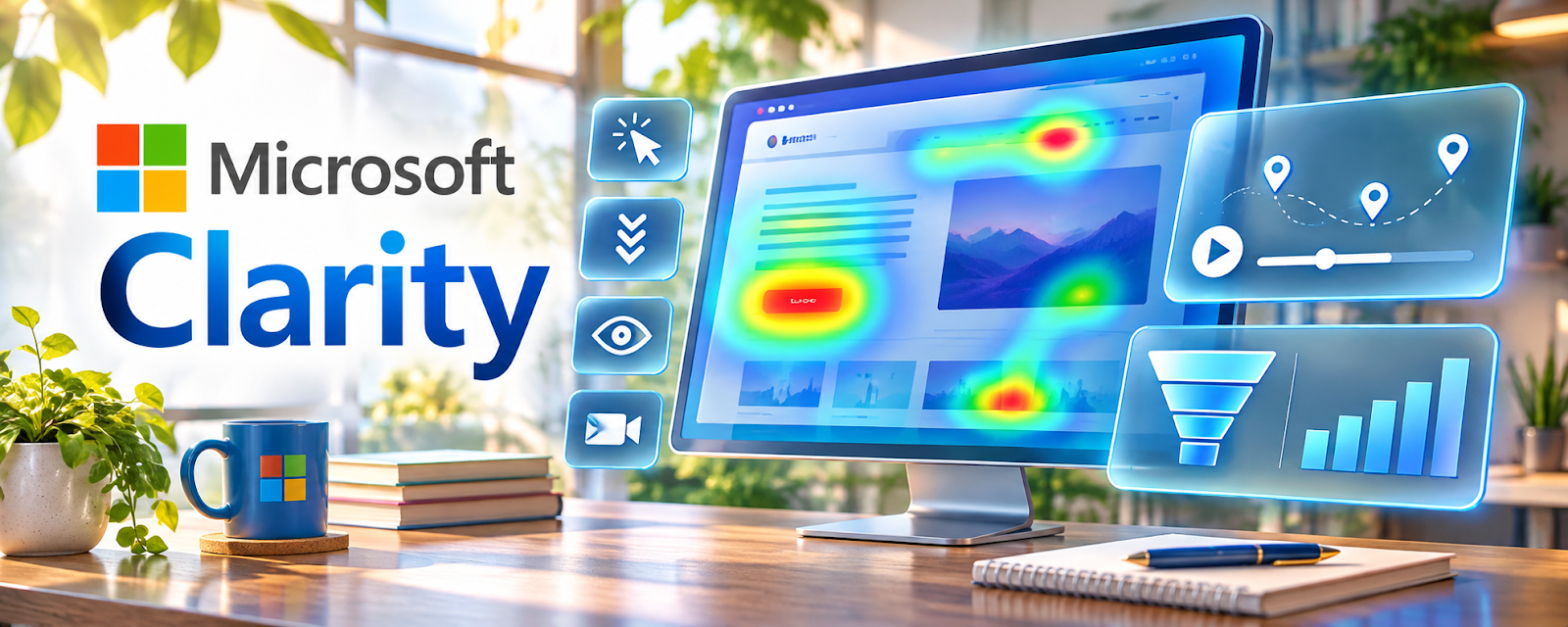
Microsoft Clarity is a free behavior analytics tool with heatmaps and session recordings.
🔗 Visit Official Website — Microsoft Clarity
Domain: clarity.microsoft.com
What This Website Is
Microsoft Clarity is a free behavior analytics tool with heatmaps and session recordings. For 💻 Selling Digital Products, it helps you see why visitors don’t buy—where they hesitate on your landing page and what causes checkout drop-off.
How to Apply It to 💻 Selling Digital Products
Use behavior observations to identify sales-page usability questions on a site you are authorized to manage. Establish appropriate privacy, consent, masking, and access controls before collecting data.
Step-by-Step Implementation:
- Install Clarity on your landing pages.
- Review heatmaps to see if visitors reach pricing and CTAs.
- Watch recordings to spot confusion and friction.
- Improve clarity: benefits, proof, FAQs, and CTA placement.
- Measure conversion changes after each update.
When to Use This
- When your landing pages get traffic but sales are weak.
- After changing offer copy, pricing, or checkout flow.
- When buyers hesitate around testimonials, FAQs, or pricing.
- During conversion-rate review cycles.
Best Research Tasks to Use It For
- Landing page heatmap review
- Session recording analysis
- CTA and pricing section optimization
- Checkout friction diagnosis
- Buyer objection discovery from behavior patterns
Key Signals to Look For
- Visitors not reaching the pricing or CTA section.
- Repeated clicks on non-clickable elements.
- Drop-offs near checkout, FAQs, or guarantee copy.
- Low scroll depth on sales pages.
- Confusion around what the product includes.
Getting Started Steps
- Install Clarity on one main sales page.
- Collect enough sessions to see patterns.
- Review heatmaps and recordings for the top page.
- List the top 3 friction points.
- Fix one issue and measure the impact.
Good Beginner Search Terms
- Microsoft Clarity digital product landing page
- heatmap analysis for sales pages
- session recordings conversion optimization
Monetization Angle
Better landing page clarity can raise conversion without needing more traffic. Clarity helps identify the exact page friction blocking digital product sales.
Pros
- Free behavior analytics.
- Great for spotting page friction visually.
- Useful for sales pages, opt-in pages, and checkout flows.
Cons
- Needs enough traffic to interpret.
- Recordings still require manual review.
- Does not replace revenue or funnel analytics.
Who Should Use This
Digital product sellers with landing page traffic who want to improve conversion and reduce buyer confusion.
Who Should Skip This
Skip if you have no traffic yet; validate the offer and build acquisition first.
Practical Applications
- Review appropriately consented recordings for obstacles on a product landing page.
- Use heatmaps to form a specific usability hypothesis.
- Test a suitable improvement and measure purchases separately.
Important Considerations
- Recorded behavior does not reveal intent or prove causation.
- Configure consent, masking, access, and retention carefully; do not capture payment details, credentials, or unnecessary personal data.
Related Resources
Google Analytics — connect behavior data (Clarity) to traffic sources and conversion events in one place.
Hotjar — alternative heatmaps/recordings if you want a broader behavior analytics toolkit.
Related Side Hustles
 Blogging: Build an Online Brand and Earn from Your Words — optimize CTAs and affiliate blocks
 Newsletter Monetization: Get Paid to Write About What You Love — improve opt-in conversion
 Affiliate Marketing: Get Paid to Promote What You Love — CRO improves click-through