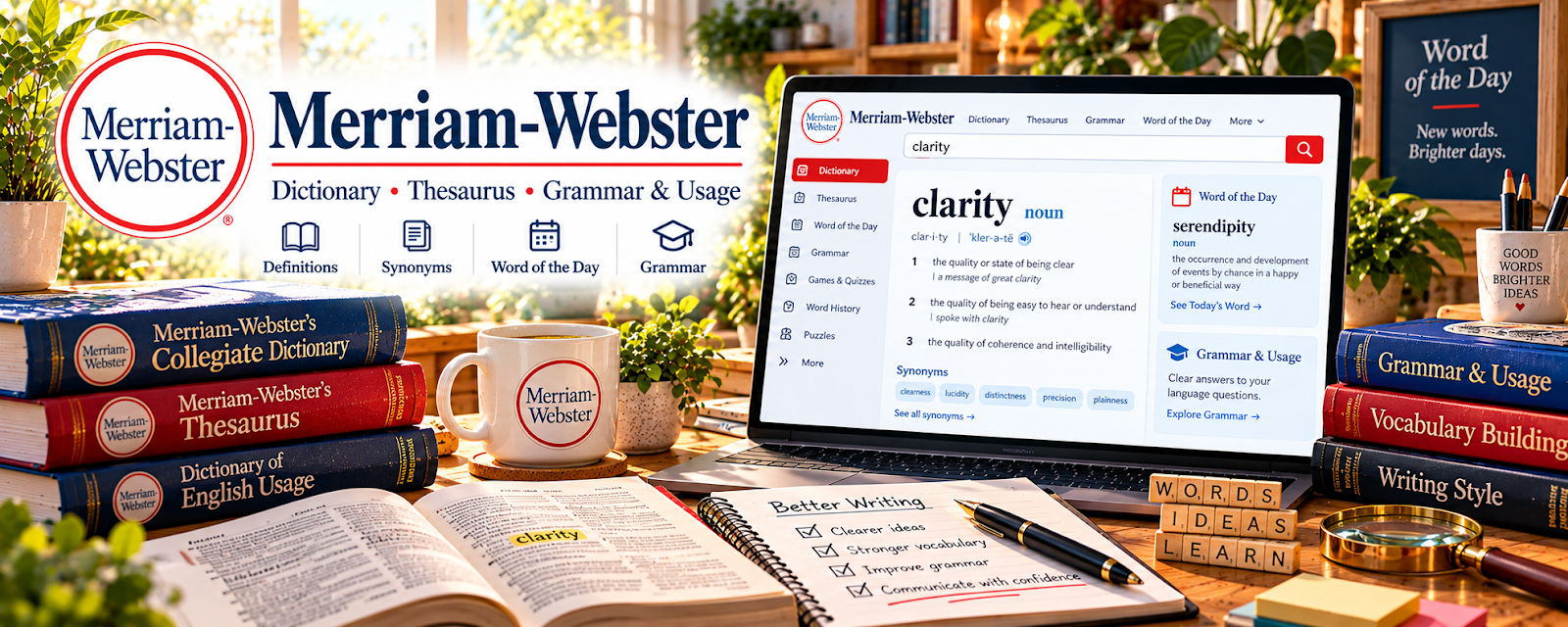
Official Website
Merriam-Webster is a dictionary and language reference with definitions, spellings, usage notes, word histories, and pronunciation support.
🔗 Visit Official Website — Merriam-Webster
Domain: www.merriam-webster.com
What This Website Is
Merriam-Webster is a dictionary and language reference with definitions, spellings, usage notes, word histories, and pronunciation support. For 🎙️ Transcription Jobs, it helps verify words, spelling, and pronunciation when cleaning up audio-to-text work.
How to Use It for Transcription Jobs
Use Merriam-Webster as a quick language reference while proofreading transcripts. Focus on spelling, word choice, homophones, hyphenation, capitalization, pronunciation, and unfamiliar terms that appear in audio.
Step-by-Step Implementation:
- Keep Merriam-Webster open during transcript review.
- Look up unclear words, proper spellings, and pronunciations.
- Check confusing pairs such as affect/effect or principal/principle.
- Add recurring terms to a personal transcription glossary.
- Verify words before marking audio as inaudible.
- Use the glossary to improve future speed and accuracy.
Best Time to Use This
- During transcript proofreading.
- When audio contains unfamiliar vocabulary.
- When checking homophones or spelling.
- Before submitting transcription tests or client files.
Best Skills to Learn Here
- Spelling verification
- Word usage
- Pronunciation checking
- Transcript proofreading
- Glossary building
- Language accuracy
Getting Started Steps
- Open Merriam-Webster.
- Review one transcript or practice clip.
- Look up uncertain words before finalizing.
- Save recurring terms in a glossary.
- Recheck the transcript for spelling consistency.
Good Beginner Search Terms
- Merriam-Webster dictionary
- transcription spelling check
- pronunciation dictionary
- homophones transcription
- transcript proofreading
- audio to text word accuracy
Monetization Angle
Accurate transcripts are more valuable than fast but sloppy ones. Merriam-Webster helps reduce word errors, improve test submissions, and create cleaner deliverables for transcription clients.
Pros
- Free language reference.
- Useful for spelling and pronunciation.
- Helps with transcript cleanup.
- Easy to use during proofreading.
Cons
- Not transcription software.
- Does not solve poor audio quality.
- Specialized terminology may need other references.
- Still requires careful listening and context judgment.
Who Should Use This
Use this if you transcribe audio, proofread transcripts, or need a fast spelling and pronunciation reference.
Who Should Skip This
Skip this if you only need recording, editing, or caption-timing software.
Practical Applications
- Check an uncertain word’s spelling and possible meanings.
- Compare pronunciation with the recorded context.
- Record unresolved ambiguity honestly for client clarification.
Important Considerations
- A plausible dictionary match does not prove what a speaker actually said.
- Verify names and specialist terms through appropriate authoritative sources and follow the client’s style; do not silently replace uncertain speech or expose confidential audio in public searches.
Related Resources
GoTranscript Freelance Guide — Supports beginner transcription preparation.
TranscribeMe Resources — Adds transcription industry context.
3Play Media Blog — Adds captioning and accessibility background.
Purdue OWL — Supports grammar and writing reference checks.
Related Side Hustles
 Transcription Jobs — Merriam-Webster supports transcript accuracy and cleanup.
Copyediting & Proofreading: Get Paid to Polish Words — Dictionary and usage checks transfer into editing work.
Freelance Writing: Get Paid to Write Online — Language reference skills support clearer writing.