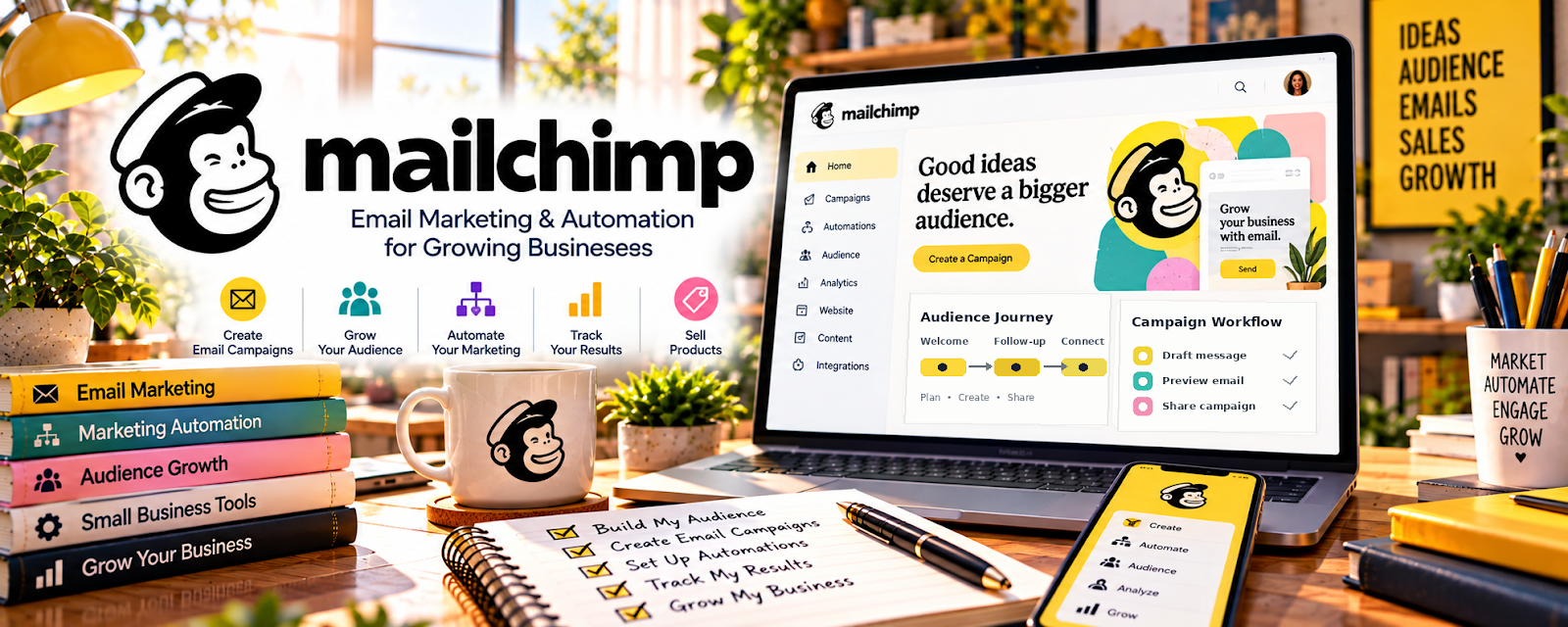
Official Website
Mailchimp is a freemium email marketing platform for collecting subscribers, sending campaigns, creating automations, and promoting offers.
🔗 Visit Official Website — Mailchimp
Domain: mailchimp.com
What This Website Is
Mailchimp is a freemium email marketing platform for collecting subscribers, sending campaigns, creating automations, and promoting offers. For 💻 Selling Digital Products, it helps turn visitors into an owned audience that can be nurtured toward templates, downloads, guides, presets, or other digital offers.
What You Can Do With This Tool
- Build an email list around a niche product category.
- Offer a free lead magnet related to your paid product.
- Send launch emails, discount campaigns, and follow-up sequences.
- Segment buyers, leads, and inactive subscribers.
- Track opens, clicks, and product interest signals.
How to Apply It to 💻 Selling Digital Products
Use Mailchimp to build demand before and after the sale. Digital products often perform better when you educate the audience, show use cases, and follow up with related offers.
Step-by-Step Implementation:
- Phase 1: Choose one buyer problem and create a free sample, checklist, mini-template, or preview.
- Phase 2: Build a signup form and a short welcome sequence that explains the problem and introduces the paid product.
- Phase 3: Send product updates, tutorials, case examples, and related offers to improve repeat sales.
Common Use Cases for This Side Hustle:
- Scenario A: You need to warm up leads before a product launch.
- Scenario B: You want to recover interest after someone downloads a freebie.
- Scenario C: You sell multiple products and need a repeat-buyer channel.
When to Use This
- Before launching a digital product.
- When offering a free lead magnet.
- When you want repeat buyers.
- When social media traffic is inconsistent.
Recommended Workflow
- Create free sample.
- Capture email.
- Send welcome sequence.
- Educate with examples.
- Present paid product.
- Follow up with related offers.
Getting Started Steps
- Create a Mailchimp account.
- Define one audience segment.
- Build a signup form.
- Connect a free resource or product preview.
- Write a three-email welcome sequence.
- Add your paid product link.
- Review clicks and improve the offer.
Recommended Searches
- Mailchimp lead magnet setup
- digital product email sequence
- product launch email template
- email marketing for digital downloads
- welcome sequence examples
Best Practices
- Make the freebie closely related to the paid product.
- Write emails around the buyer’s problem, not only the product features.
- Keep one clear call-to-action per email.
- Segment buyers so they do not receive the same basic pitch repeatedly.
- Track clicks more closely than opens.
Monetization Angle
Mailchimp can increase digital-product revenue by capturing leads who are not ready to buy immediately. A simple list plus a focused nurture sequence can turn one product into a repeatable sales funnel.
Pros
- Strong for lead capture.
- Useful automation features.
- Good fit for launches and follow-up.
- Freemium entry point.
Cons
- Requires consistent email content.
- Costs can grow with list size.
- Design options can distract beginners.
- Not a product-hosting platform by itself.
Who Should Use This
Digital product sellers who want an owned audience, better launches, and follow-up sequences instead of relying only on marketplace traffic.
Who Should Skip This
Skip this if you do not yet have a product idea, freebie, or clear audience problem to build around.
Practical Applications
- Create a consent-based signup for a useful product-related resource.
- Draft a welcome email explaining what subscribers will receive.
- Test a campaign promoting one relevant digital offer with a clear purchase link.
Important Considerations
- Check current plan limits, automation availability, commerce integrations, and pricing as the list grows.
- Use permission-based collection, unsubscribe handling, and appropriate privacy practices; email software does not create buyer demand automatically.
Related Resources
Kit — creator-focused email platform for digital product funnels
Stripe — payment collection for digital product checkout
LinkedIn Learning — Digital Products — training for product creation and digital offer strategy
Mailchimp — the email platform used for this audience-building workflow
Related Side Hustles
 Selling Digital Products — the direct side hustle this email workflow supports
 Newsletter Monetization: Get Paid to Write About What You Love — also depends on list growth, engagement, and email trust
 Self-Publishing on Amazon KDP — authors can use email to launch books and build readers