Official Website
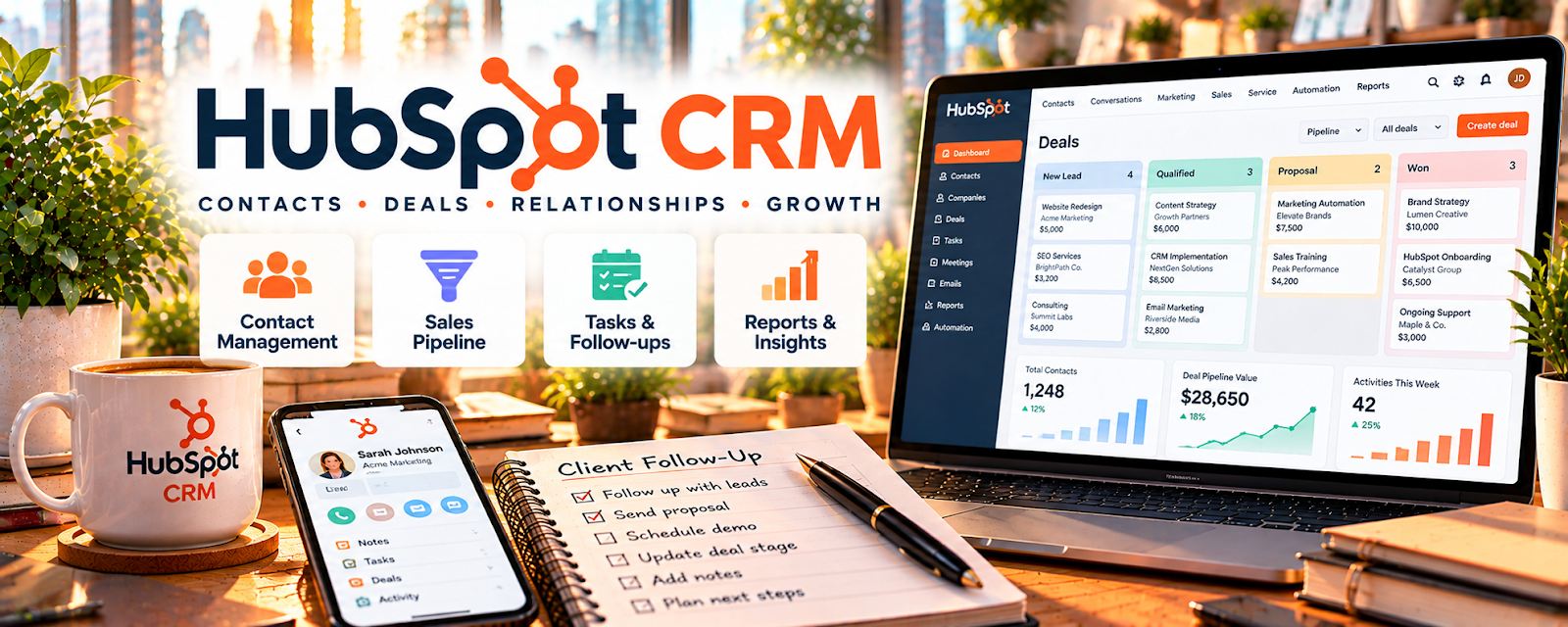
HubSpot CRM is a customer relationship management tool for tracking leads, follow-ups, and deals.
🔗 Visit Official Website — HubSpot CRM
Domain: www.hubspot.com
What This Website Is
HubSpot CRM is a customer relationship management tool for tracking leads, follow-ups, and deals. For 🗂️ Virtual Assistance, it helps you manage client lead pipelines and keep outreach organized.
How to Apply It to Virtual Assistance
Use HubSpot as your “lead ops” system: capture inquiries, track stages, and schedule consistent follow-ups so leads convert.
Step-by-Step Implementation:
- Confirm the client’s pipeline stages, qualification criteria, and your authorized actions.
- Review current CRM features and configure appropriate permissions and minimal contact fields.
- Record relevant interactions and next steps while respecting consent and opt-outs.
- Use reminders for agreed follow-ups and confirm handoff responsibilities rather than promising conversions.
- Review stale records, access, and retention needs with the client on a regular schedule.
When to Use This
- You’re supporting sales/admin for a client
- There are many inbound leads
- Follow-up consistency matters
Best Tasks to Use It For
- Lead tracking and notes
- Follow-up reminders
- Pipeline stage management
- Basic reporting
Getting Started Steps
- Define pipeline stages with your client.
- Set up lead sources (forms, email, calls).
- Create follow-up tasks/reminders per stage.
- Log interactions as notes.
- Review pipeline weekly and clean stale leads.
- Track conversion rate monthly.
- Standardize lead handoff + next steps.
Good Beginner Search Terms
- hubspot crm pipeline stages
- lead follow up cadence template
- how to qualify leads checklist
Monetization Angle
Better follow-up increases conversion and reduces lead leakage, raising revenue per lead.
Pros
- Strong pipeline visibility
- Solid reminders/tasks
- Scales with volume
Cons
- Requires consistent updates
- Some automation features are paid
Who Should Use This
Virtual assistants supporting lead management for coaches, consultants, or service businesses.
Who Should Skip This
Anyone who only handles a few leads a month and doesn’t need a CRM.
Practical Applications
- Create a client-approved lead pipeline with clear stages and owners.
- Log relevant contact history and schedule appropriate follow-ups.
- Prepare a status report identifying overdue actions and missing information.
Important Considerations
- Review current plan limits, permissions, integrations, and marketing features before committing to a workflow.
- Use lawful contact data and client authorization; a CRM record does not itself establish permission for promotional outreach.
Related Resources
Calendly — Books lead calls and consultations tied to HubSpot contact records.
Gmail — Handles outreach and follow-up emails that should be logged in the CRM.
Google Calendar — Keeps CRM follow-ups, calls, and client meetings on schedule.
Related Side Hustles
 Virtual Assistance — HubSpot CRM helps VAs manage leads, follow-ups, pipelines, notes, and client sales admin.
Consulting: Get Paid for What You Know — Consultants rely on CRM stages, follow-up reminders, and deal notes to close work.
 Resume Writing & LinkedIn Optimization — Career-service leads also benefit from organized intake, follow-ups, and pipeline tracking.