Official Website
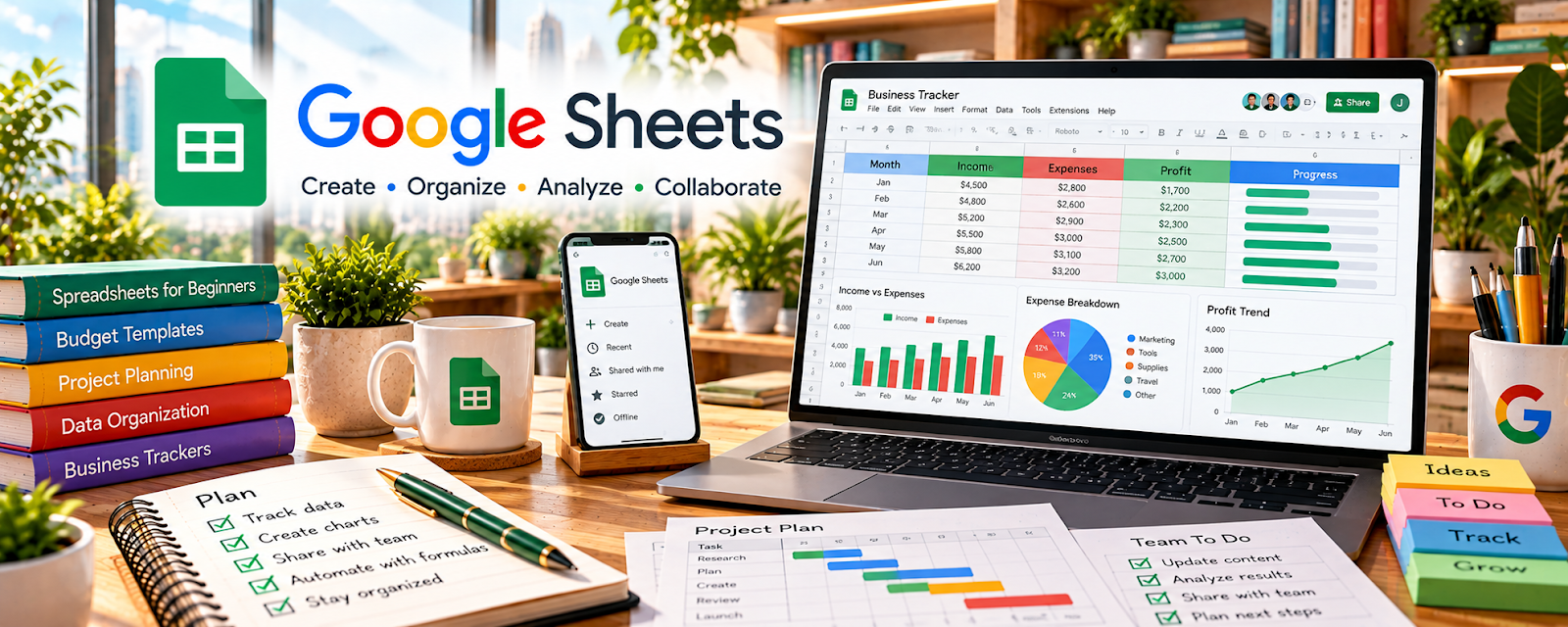
Google Sheets is a free spreadsheet tool for tracking numbers, workflows, and simple databases.
🔗 Visit Official Website — Google Sheets
Domain: www.google.com
What This Website Is
Google Sheets is a free spreadsheet tool for tracking numbers, workflows, and simple databases. For the 👕 Print-on-Demand side hustle, it can be used to track designs, keywords, listing status, ad spend, and profits in one place.
How to Apply It to 👕 Print-on-Demand
Use Google Sheets as your POD “scoreboard” so you know what’s working.
Step-by-Step Implementation:
- Phase 1: Create a tracker (Design, Niche, Platform, Status, Cost, Revenue, Notes).
- Phase 2: Update weekly (new listings, sales, refunds, ad spend).
- Phase 3: Review monthly to double down on top niches and cut losers.
Common Use Cases for this Side Hustle:
- Scenario A: If you forget what you posted where, track listings by platform.
- Scenario B: If profit is unclear, track costs vs revenue per design.
- Scenario C: If you’re scaling, track batches and outsource tasks with checklists.
When to Use This
- You have many listings/designs to manage.
- You want simple profit tracking.
- You need a lightweight workflow tracker.
- You want to make decisions based on data.
Best Tasks to Use It For
- Design and listing trackers
- Profit and ad spend tracking
- Batch workflow checklists
- Inventory/variant notes
- Reporting and weekly reviews
Getting Started Steps
- Create a “POD Tracker” sheet.
- Add columns for design + platform + status.
- Add columns for costs, revenue, profit.
- Log every new design/listing.
- Update sales weekly.
- Filter by top profit niches.
- Repeat monthly and iterate.
Good Beginner Search Terms
- print on demand profit tracker spreadsheet
- Google Sheets dashboard basics
- track ad spend and ROAS spreadsheet
- POD listing tracker template
- weekly business review checklist
- batch workflow in spreadsheets
Monetization Angle
Better tracking helps you scale what’s profitable. Sheets makes it easier to see winners, cut losing designs, and improve your effective hourly rate.
Pros
- Free and flexible
- Easy to share/collaborate
- Great for lightweight dashboards
Cons
- Manual updates unless automated
- Can get messy without standards
- Not a storefront/fulfillment tool
Who Should Use This
POD sellers who want a simple system to track listings and profitability.
Who Should Skip This
Skip this if you refuse to track numbers or already have a full analytics stack you trust.
Practical Applications
- Track design IDs, listing destinations, and launch status in one sheet.
- Estimate per-order margin using actual supplier and selling costs.
- Record advertising spend and refunds alongside product sales.
Important Considerations
- Validate formulas and reconcile estimates with actual payouts; gross sales are not profit.
- Protect access and maintain backups. A spreadsheet does not automatically synchronize every marketplace or supplier.
Related Resources
Wave — Tracks income and expenses once POD sales start becoming consistent.
Bonsai — Helps manage contracts or invoices if design, VA, or freelance help is involved.
Google Ads — Supports paid traffic testing once listings and margins are ready.
Notion — Organizes product ideas, design briefs, and launch checklists alongside the spreadsheet.
Related Side Hustles
 Dropshipping: Start an Online Store Without Holding Inventory — Uses similar product tracking, margins, and ecommerce testing.
 Blogging: Build an Online Brand and Earn from Your Words — Niche content can drive traffic to POD products and trackable offers.
 Affiliate Marketing: Get Paid to Promote What You Love — Relies on tracking links, campaigns, and revenue in a similar spreadsheet workflow.