Official Website
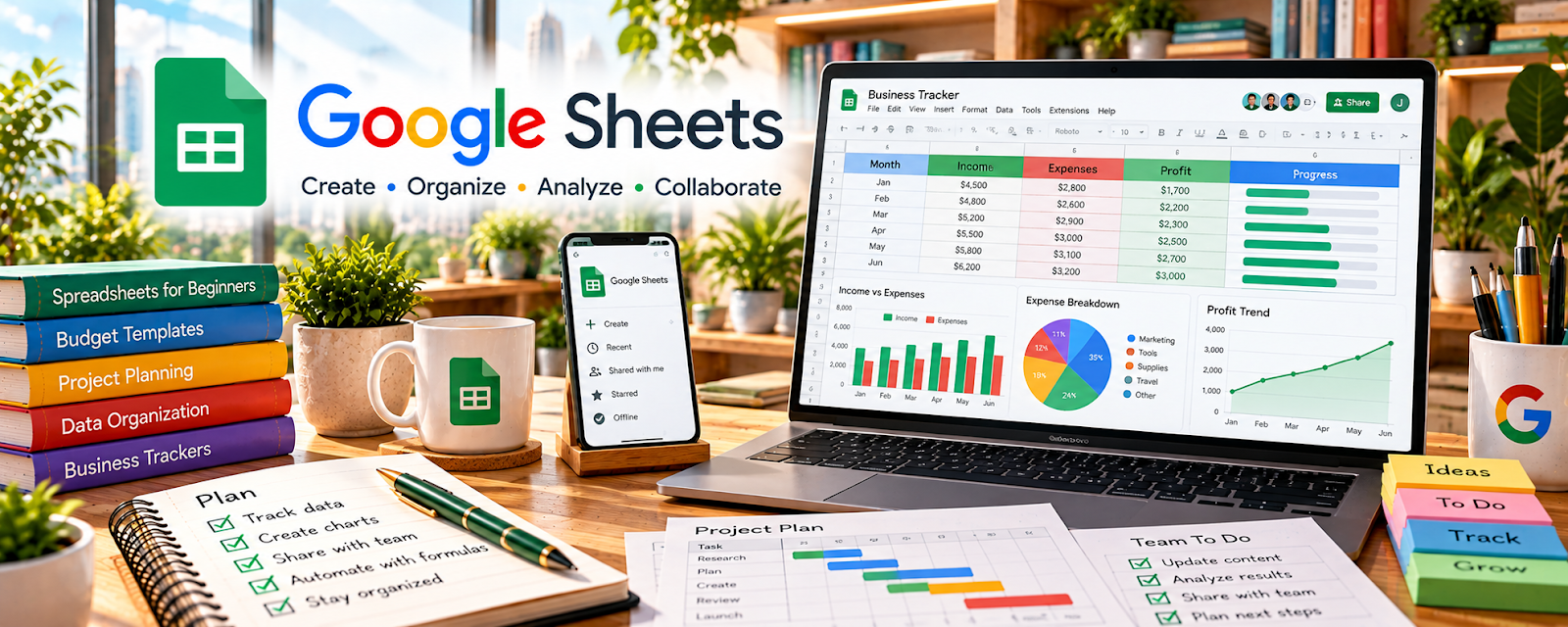
Google Sheets is a spreadsheet tool for tracking lists and simple systems.
🔗 Visit Official Website — Google Sheets
Domain: www.google.com
What This Website Is
Google Sheets is a spreadsheet tool for tracking lists and simple systems. For 🐶 Pet Sitting & Dog Walking, it can track clients, pets, schedules, payments, and recurring visits—especially for direct clients.
How to Apply It to Pet Sitting & Dog Walking
Use Sheets as your “client + schedule tracker”: one tab for clients/pets, one tab for bookings, and one tab for payments.
Step-by-Step Implementation:
- Define the minimum owner-approved information needed for each pet and booking.
- Build a restricted-access tracker for routines, visit times, emergency contacts, and payment status.
- Check each booking against the owner’s current instructions and confirm any changes directly rather than relying on an old note.
- Review upcoming visits and completed payments, protect household and access information, and retain records only as agreed or required.
When to Use This
- You manage multiple pet care clients
- You need a simple client, schedule, and payment tracker
- You want a free system before using paid pet-care software
Best Tasks to Use It For
- Client and pet records
- Visit schedules
- Payment tracking
- Recurring booking lists
Getting Started Steps
- Create tabs for Clients, Pets, Bookings, and Payments.
- Add key fields like routines, emergency contacts, and notes.
- Track visit dates, service type, price, and paid status.
- Use filters for upcoming visits and unpaid invoices.
- Review schedules weekly.
- Archive completed bookings monthly.
- Update client notes after each visit when needed.
Good Beginner Search Terms
- pet sitting client tracker spreadsheet
- dog walking schedule template
- Google Sheets payment tracker
Monetization Angle
Clean tracking reduces missed visits and payment confusion, supporting better client retention and more predictable income.
Pros
- Free and flexible
- Easy to customize for direct clients
- Helpful for schedules and payments
Cons
- Manual updates are required
- Not a full booking or payment platform
Who Should Use This
Pet sitters and dog walkers who need a simple spreadsheet-based operating system.
Who Should Skip This
High-volume pet businesses that need automated booking, payments, and client portals.
Practical Applications
- Track confirmed walks, visits, and payment status in a structured sheet.
- Keep a simple checklist of owner-approved routines and required follow-ups.
- Review schedule conflicts and travel time before accepting additional bookings.
Important Considerations
- Restrict access to owner and pet information and avoid storing door codes or unnecessary sensitive details.
- A spreadsheet does not replace a care agreement, secure emergency records, insurance review, or reliable backup arrangements.
Related Resources
Wave — Handles invoices, payment tracking, and income records beyond the spreadsheet.
Notion — Stores care notes, SOPs, and detailed client information alongside sheet trackers.
Google Calendar — Adds reminders and calendar visibility for visits and bookings.
Related Side Hustles
 Pet Sitting & Dog Walking: Earn Money Caring for Pets — Google Sheets tracks clients, pets, schedules, visits, payments, and recurring care details.
 Gig Economy Apps: Earn Money on Your Schedule Using Your Phone — Gig workers use similar income, mileage, and shift-tracking spreadsheets.
 Lawn Care & Yard Work: Earn Money Maintaining Outdoor Spaces — Local service providers also need route, job, client, and payment trackers.