Official Website
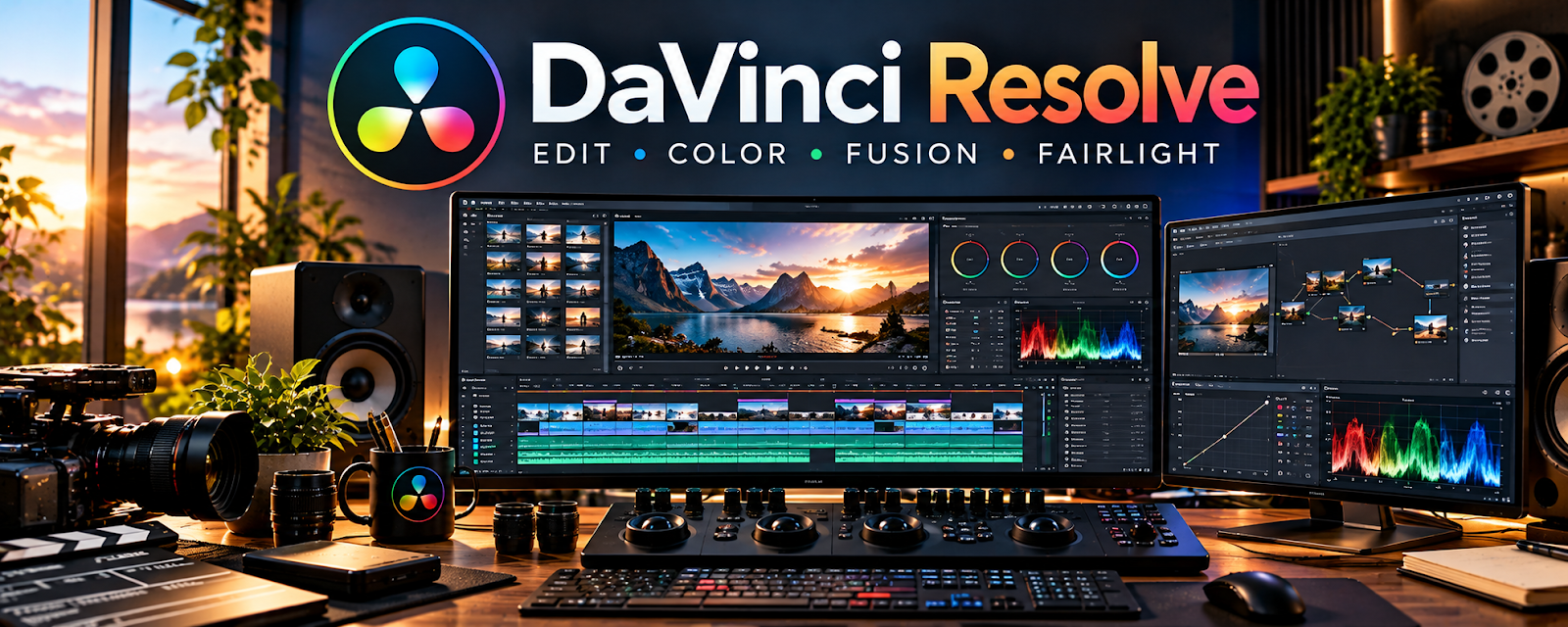
DaVinci Resolve is a video editing suite (editing, color, audio, delivery) with a powerful free tier.
🔗 Visit Official Website — DaVinci Resolve
Domain: www.blackmagicdesign.com
What This Website Is
DaVinci Resolve is a video editing suite (editing, color, audio, delivery) with a powerful free tier. For 🎬 Faceless Video Content Creation, it helps you edit videos, clean audio, and export professional-looking content without paying for expensive software.
How to Apply It to Faceless Video Content Creation
Use Resolve as your “edit + finish” workflow: build a simple editing template, batch-edit, and export consistent videos with repeatable presets.
Step-by-Step Implementation:
- Plan an original script and collect only footage, audio, and graphics you may use.
- Review current software and system requirements and organize source files and backups.
- Edit for clear meaning, sound, pacing, and captions and check automated or batch changes individually.
- Export to the required format and review the complete video for rights, factual accuracy, and platform requirements before publishing.
When to Use This
- You want a powerful editor on a budget
- You need decent audio + color tools
- You’re producing videos regularly
Best Tasks to Use It For
- Cutting and assembling videos
- Audio cleanup
- Simple motion graphics/titles
- Export presets and delivery
Getting Started Steps
- Install Resolve and create a project template.
- Set timeline settings for your channel format.
- Import footage/voiceover/music.
- Build a repeatable sequence (intro → body → outro).
- Clean audio (levels, noise reduction).
- Export using a preset for YouTube.
- Save templates for future videos.
Good Beginner Search Terms
- davinci resolve beginner workflow
- noise reduction fairlight tutorial
- youtube export settings davinci resolve
Monetization Angle
A free, capable editor reduces costs while improving quality and output, supporting growth and revenue.
Pros
- Very powerful free tier
- Strong audio and color tools
- Scales to professional workflows
Cons
- Learning curve
- Can be heavy on older hardware
Who Should Use This
Faceless creators who need a strong editor without paying for Adobe.
Who Should Skip This
Creators who want the simplest possible editor and won’t learn a new UI.
Practical Applications
- Create a repeatable edit for original narration, supporting visuals, and captions.
- Use audio and color tools to improve consistency across a series.
- Review a test export for readability, pacing, and technical quality.
Important Considerations
- Verify hardware requirements and which features need a paid edition.
- Editing software does not confer media rights; check footage, music, voice permissions, and platform originality requirements.
Related Resources
Descript — Provides faster transcript-based editing for simpler faceless video workflows.
Reaper — Handles more detailed voiceover cleanup and audio production before final video editing.
Canva / Canva Mockups — Creates thumbnails, graphics, and visual assets used inside edited videos.
Related Side Hustles
 Faceless Video Content Creation: Go Viral Without Showing Your Face — DaVinci Resolve edits footage, voiceover, music, captions, color, and export presets for repeatable videos.
YouTube Automation: Make Money Without Showing Your Face — YouTube automation relies on scalable editing workflows and consistent video delivery.
UGC Creation — UGC creators can use Resolve for polished client videos and ad-style edits.