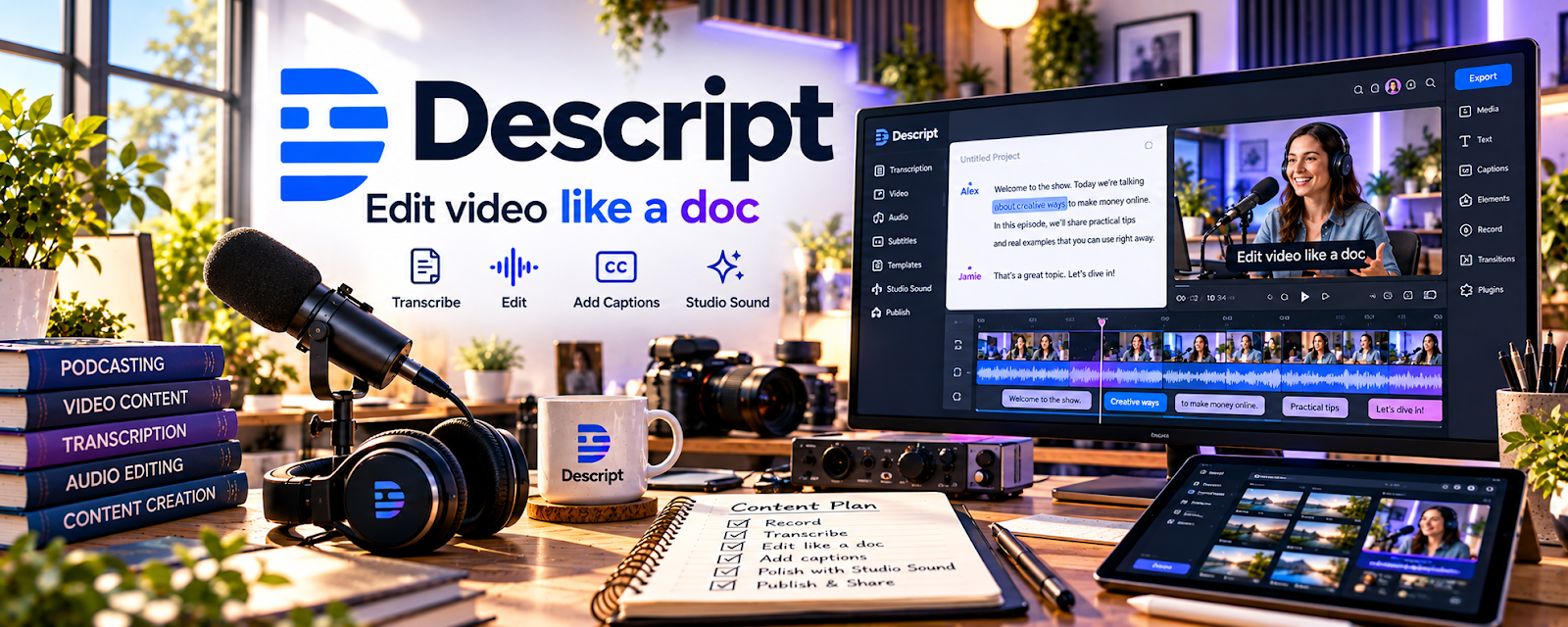
Official Website
Descript is an audio/video editor that lets you edit media by editing text (transcription-based editing) and includes tools for cleanup.
🔗 Visit Official Website — Descript
Domain: www.descript.com
What This Website Is
Descript is an audio/video editor that lets you edit media by editing text (transcription-based editing) and includes tools for cleanup. For 🎬 Faceless Video Content Creation, it helps you edit faster and produce cleaner voiceovers and videos.
How to Apply It to Faceless Video Content Creation
Use Descript as your “edit engine”: clean audio, tighten scripts, and export consistent clips quickly.
Step-by-Step Implementation:
- Plan an original video and confirm permission to process all media and voices involved.
- Review current account features, costs, and data-handling terms before uploading client or sensitive material.
- Import authorized media and check the transcript against the recording.
- Edit deliberately and review meaning, timing, captions, and audio after automated changes.
- Export to the required specifications and obtain any necessary approvals, keeping appropriate source and rights records.
When to Use This
- You edit lots of talking-head or voiceover content
- You want faster cuts and cleaner audio
- You need captions/transcripts for reuse
Best Tasks to Use It For
- Voiceover cleanup
- Cutting filler and pauses
- Caption/transcript generation
- Repurposing clips from longer recordings
Getting Started Steps
- Import audio/video into Descript.
- Review the transcript for accuracy.
- Delete filler words and long pauses by editing text.
- Apply audio cleanup (noise reduction/EQ as needed).
- Export clean audio and final video cuts.
- Create captions from the transcript.
- Save a repeatable export preset.
Good Beginner Search Terms
- descript remove filler words
- transcription based video editing workflow
- clean voiceover audio noise reduction
Monetization Angle
Faster editing increases output capacity, which supports more uploads and higher revenue over time.
Pros
- Fast editing via text
- Strong transcript/caption workflow
- Useful audio cleanup tools
Cons
- Learning curve for best results
- Some features are paid
Who Should Use This
Creators producing voiceover-heavy content who want faster editing and clean exports.
Who Should Skip This
Editors who already have a tight workflow in a full NLE and don’t need transcription-based editing.
Practical Applications
- Edit a test voiceover by correcting the transcript and checking the resulting audio cuts.
- Build a repeatable faceless-video workflow for narration, visuals, and captions.
- Review the final export for caption accuracy, pacing, and accidental omissions.
Important Considerations
- Get permission before uploading confidential media or using someone’s voice or likeness.
- Check current export limits and AI-feature terms; automated edits require manual review and do not establish rights to source material.
Related Resources
Airtable — Tracks scripts, assets, captions, edit status, and publishing steps around Descript edits.
Canva / Canva Mockups — Creates thumbnails and graphics that pair with Descript-edited videos.
DaVinci Resolve — Handles deeper video editing when Descript’s transcript workflow is not enough.
Related Side Hustles
 Faceless Video Content Creation: Go Viral Without Showing Your Face — Descript speeds up voiceover cleanup, text-based editing, captions, and clip repurposing.
YouTube Automation: Make Money Without Showing Your Face — Automated channels need faster editing and transcript workflows to increase output.
 Online Course Creation: Turn Your Knowledge Into Income — Course creators can edit lesson recordings, remove filler, and export cleaner modules.