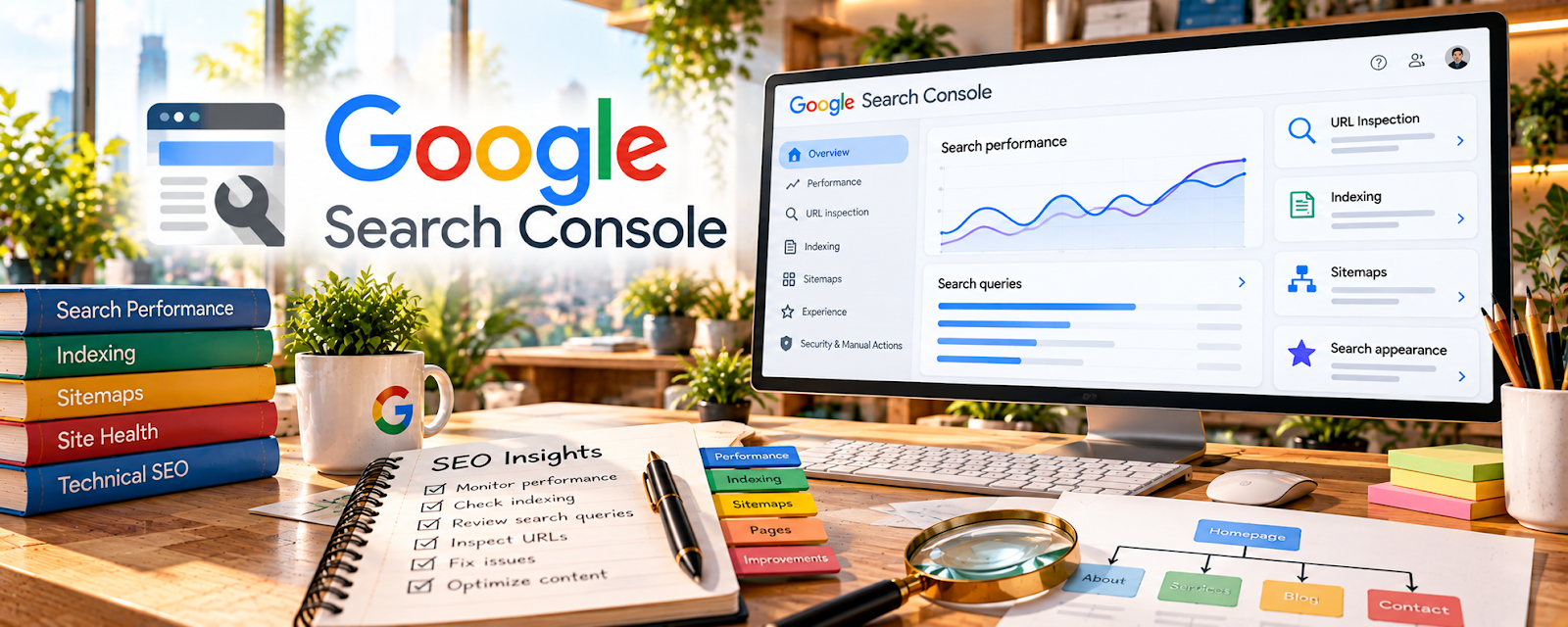
Official Website
Google Search Console (GSC) is Google’s free tool for monitoring how your site appears in Google Search: queries, clicks, impressions, average position, indexing, and technical issues.
🔗 Visit Official Website — Google Search Console
Domain: search.google.com
What This Website Is
Google Search Console (GSC) is Google’s free tool for monitoring how your site appears in Google Search: queries, clicks, impressions, average position, indexing, and technical issues. For ✍️ Blogging, it helps you see what you’re already ranking for and where quick content updates can drive more clicks and traffic.
How to Apply It to ✍️ Blogging
Use GSC as your “SEO decision dashboard.”
Step-by-Step Implementation:
- Find posts with high impressions but low clicks (improve titles, intros, snippet alignment).
- Find keywords where you rank 5–20 (quick-win updates).
- Identify cannibalization (multiple posts competing for the same query).
- Diagnose indexing issues that block visibility.
Common use cases:
- Choosing which posts to update this month
- Mining real queries for new content ideas
- Monitoring performance after content changes
When to Use This
- Weekly: scan performance and indexing.
- After publishing: confirm indexing and early impressions.
- Monthly: pick 3–10 posts to refresh.
- When traffic drops: diagnose which queries/pages fell.
Best Research Tasks to Use It For
- Query mining (new post ideas from real searches)
- CTR optimization (turn impressions into clicks)
- Quick-win ranking improvements (positions 5–20)
- Indexing diagnostics and sitemap checks
- Content consolidation planning (cannibalization)
Key Signals to Look For
- Search demand: impressions trending up for a topic cluster.
- Buyer intent: “best”, “review”, “vs”, “alternatives” (affiliate-friendly).
- Competition level: stuck beyond position 20 even after updates (harder niche).
- Content gaps: queries with impressions but no dedicated post.
- Performance patterns: low CTR at decent positions (snippet mismatch).
Getting Started Steps
- Verify your site and submit a sitemap.
- Review Performance for the last 28 days.
- Export queries for your top pages.
- Pick 5 quick wins and update posts.
- Recheck results after 2–4 weeks.
Good Beginner Search Terms
- Google Search Console performance report tutorial
- improve CTR in Search Console
- why page not indexed GSC
- content refresh using GSC queries
Monetization Angle
GSC helps bloggers monetize by increasing qualified organic traffic. Updating posts that already get impressions can lift clicks without creating brand-new content, improving affiliate revenue and email growth.
Pros
- Free, direct Google data.
- Best for queries and indexing insights.
- Great for quick-win updates.
Cons
- Limited competitor context.
- Aggregated metrics (not perfect).
- Requires consistent action to matter.
Who Should Use This
Bloggers who want to grow organic traffic and make better decisions about what to write and update based on real search queries.
Who Should Skip This
Skip this only if you don’t care about Google traffic. Otherwise, every blogger should use it—just keep the workflow simple.
Practical Applications
- Verify authorized access to your blog’s search property.
- Investigate indexing or search-query questions for a specific article.
- Record dated observations before testing a modest content or technical improvement.
Important Considerations
- Search data can be delayed or limited and does not provide complete sales attribution.
- Property access does not guarantee indexing or rankings; protect permissions and verify important technical changes against current official guidance.
Related Resources
Google Analytics — measure behavior and conversions
Ubersuggest — keyword ideation and prioritization
Related Side Hustles
 Affiliate Marketing: Get Paid to Promote What You Love — common monetization path for blogs
 Freelance Writing: Get Paid to Write Online — use GSC insights to plan client content
 Selling Digital Products — use organic search data to refine offers and funnels